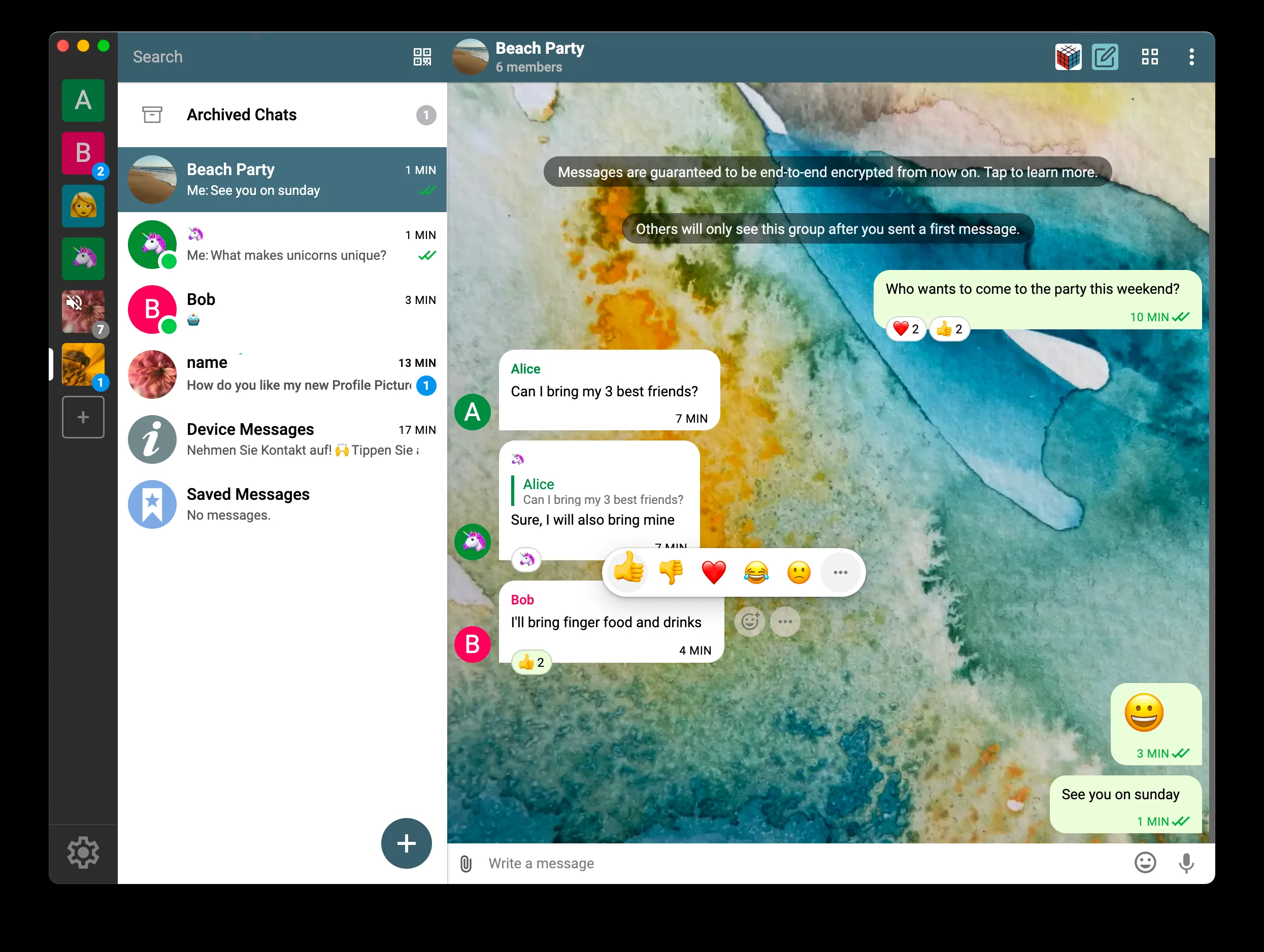
SimpleX Chat - 7.0.1
A privacy-focused, open-source messenger without phone numbers, email addresses, or fixed user IDs.

An open-source communication app for encrypted chat, calls, and file sharing without a phone number.
171.73 MiB0 Already downloaded Mobile view
Jami is a free and open source cross-platform communication software that can be used to send messages, transfer files, make audio and video calls and screen sharing. There is no need to fill in your mobile phone number or email address when creating a Jami account, and the account key is saved on your device. Contacts are connected via Jami ID, optional username or QR code, and the chat cannot begin until both parties confirm.
It is suitable for people who do not want to bind their communication accounts to a single platform, but are willing to save account backups themselves. Jami uses a distributed network to find devices, and messages and calls use end-to-end encryption. Ordinary chat does not require users to set up a server, and it can also be configured as an independent communication tool within the local area network. However, the other party needs to install Jami, and the network environment will also affect the connection speed and call stability.
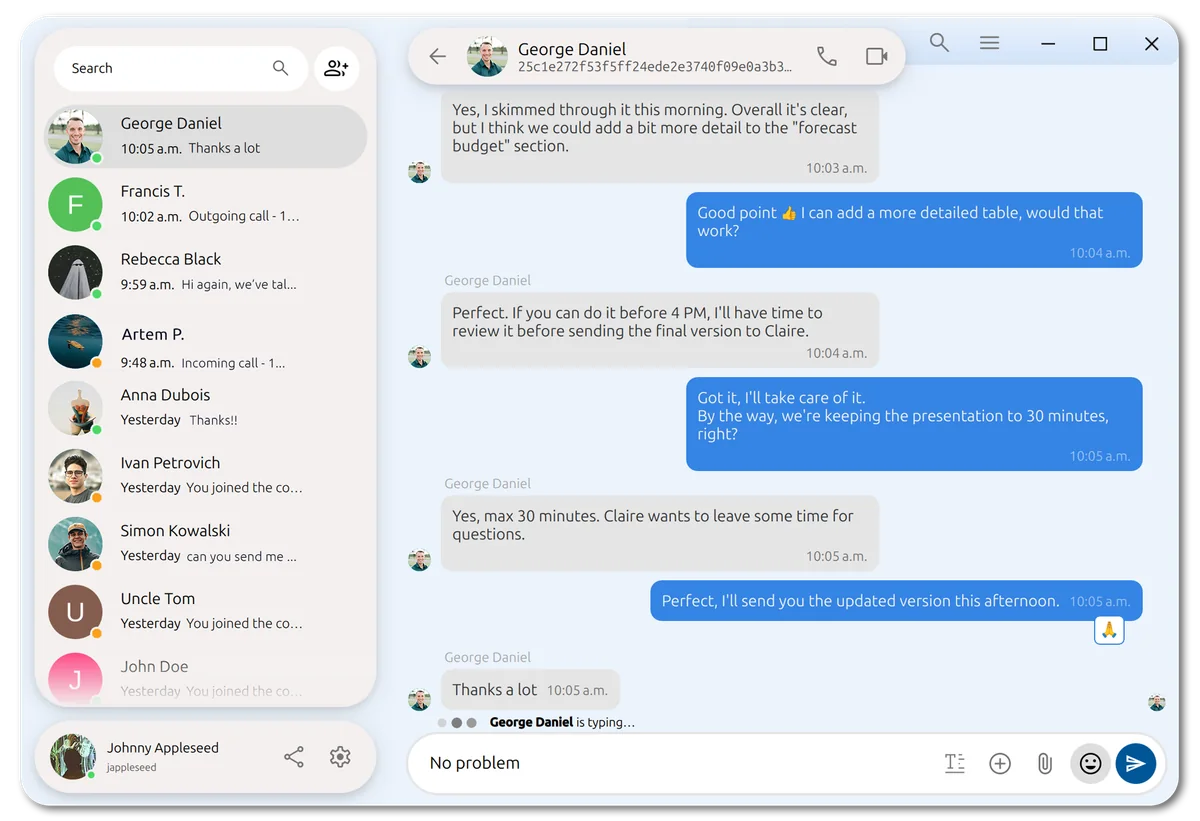
Jami supports one-on-one and group text chats, and has corresponding entrances for commonly used replies, editing, emoticon responses, read status, message search and file sending. Desktop, Android and iOS can synchronize contacts and conversations of the same account. When adding a new device, it must be authorized by the existing device.
The audio and video part includes individual calls, group calls, conferences, voice messages and video messages. The desktop can share the entire screen, and Linux also supports partial window sharing. The functions of each platform are not completely consistent. The web version is still under development and currently does not have the ability to make audio and video calls. It is best to read the official function comparison table before choosing a device.
Jami can also serve as a SIP client to connect to corporate phone systems. The extension store provides features such as audio filtering, auto-answer, green screen, segmentation, watermarking and speech transcription. Ordinary users can ignore SIP, JAMS and self-built nodes for now. These contents are more suitable for enterprise deployment or people who are familiar with network configuration.
Jami’s account consists of keys and certificates generated by the device, and the development team does not have a centrally managed user account library. Users can skip the human-readable username and share the 40-digit Jami ID or QR code directly. Registering a username will associate it with the Jami ID, which cannot be transferred, deleted or modified later. Do not use it when setting it up for the first time.
Distributed communication also has practical limitations. When direct connections, calls, or file transfers occur between contacts, the network address may be visible to the other party. A DHT proxy on your phone reduces battery and data consumption without hiding addresses from directly connected contacts. Those with higher requirements for anonymity will need to additionally use a trusted VPN and understand the metadata boundaries of such peer-to-peer networks.
Account recovery is also the responsibility of the user. After the account is deleted from all associated devices, Jami cannot retrieve it on your behalf. When preparing to change devices or reinstall the system, you should first export the account backup with password in the account settings, or complete the association with a device that is still online. Chat history and received files should also be backed up separately according to your own needs.
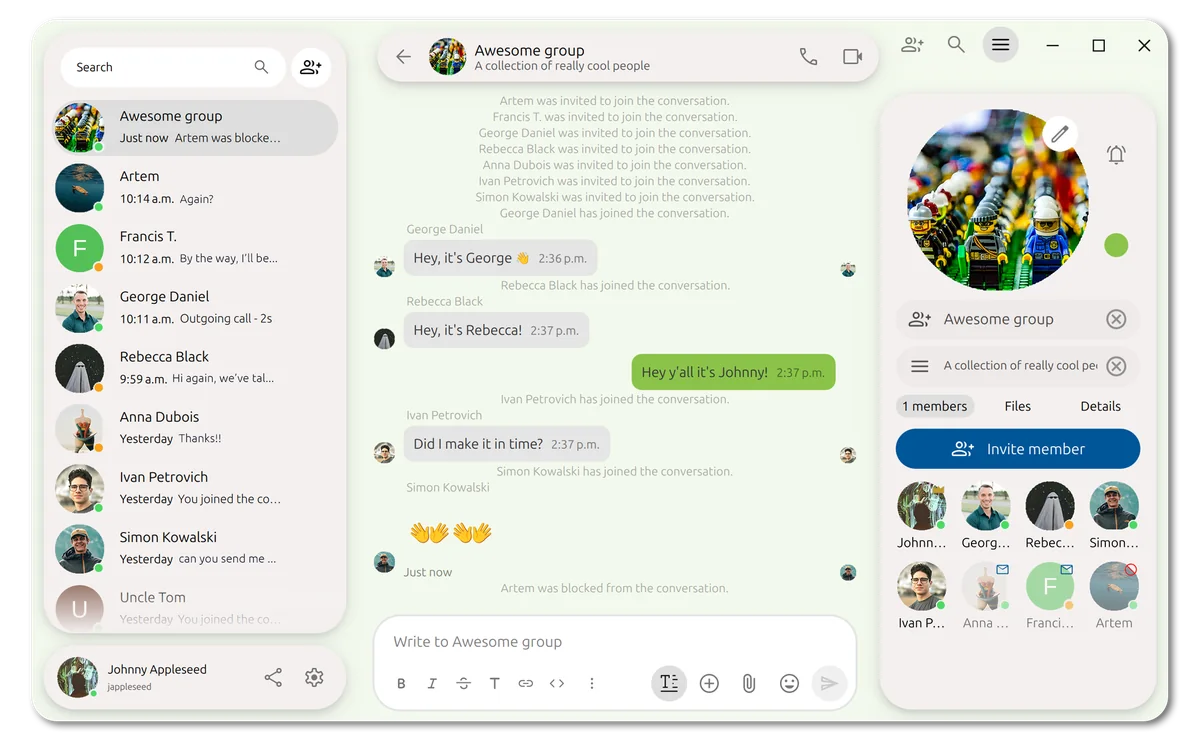
When family and friends are willing to jointly install the client, they can use Jami for daily chat and video calls. Small teams can create groups, send files and share screens without handing over their phone numbers. Classrooms, exhibitions, and intranet environments can also leverage LAN discovery for inter-device communication. Users who already have SIP phone services can also use Jami as a unified client for desktop and mobile.
It is not suitable for people who just want to contact all their acquaintances immediately after downloading. Jami’s user scale and contact discovery capabilities are limited compared to mainstream social software. Teams that have high requirements for call stability should also try it out in their own network environment first. Firewalls, NAT, and the online status of the other party’s device will all affect the experience.
The Jami client is free to use, with no minutes, accounts, or subscriptions to core features, and no ads. The project is an official GNU software package, and the code uses GPLv3 or higher. There is no service fee for personal use of the preset network. The server, bandwidth and maintenance costs incurred when building a self-built DHT, TURN or enterprise JAMS are borne by the deployer.
Jami puts account control and cross-platform communication together, the free scope is clear, and both desktop and mobile terminals are continuously maintained. The Euclid version has reorganized the contact, conversation and group panels. Ordinary users can complete everything from installation to adding contacts in the graphical interface.
Its threshold falls on contact migration, account backup and peer-to-peer networking. Users need to ask the communication partner to install the software together, and remember to save the account before switching phones. Recent reviews on the official app store still report that mobile notifications and video calls are unstable, and it is not advisable to prepare only this communication line for important meetings.
Jami’s current desktop stable build is Euclid 20260811.0, the official Windows 64-bit MSI updated on August 12, 2026, with a size of 171.73 MiB. The Euclid series enables a new rounded corner interface, adjusts the account management, session and group member panels, enhances keyboard operation and screen reading support, and fixes issues such as premature disconnection of large file transfers. The official desktop and Android repositories still have submissions on August 14th.