KDE Connect - Desktop 26.08.0 / Android 1.35.13
An open-source tool for file sharing, clipboard sharing, notifications, and remote control across devices.
A decentralized, encrypted messenger for desktop and mobile devices that works over email infrastructure.
133.47 MiB0 Already downloaded Mobile view
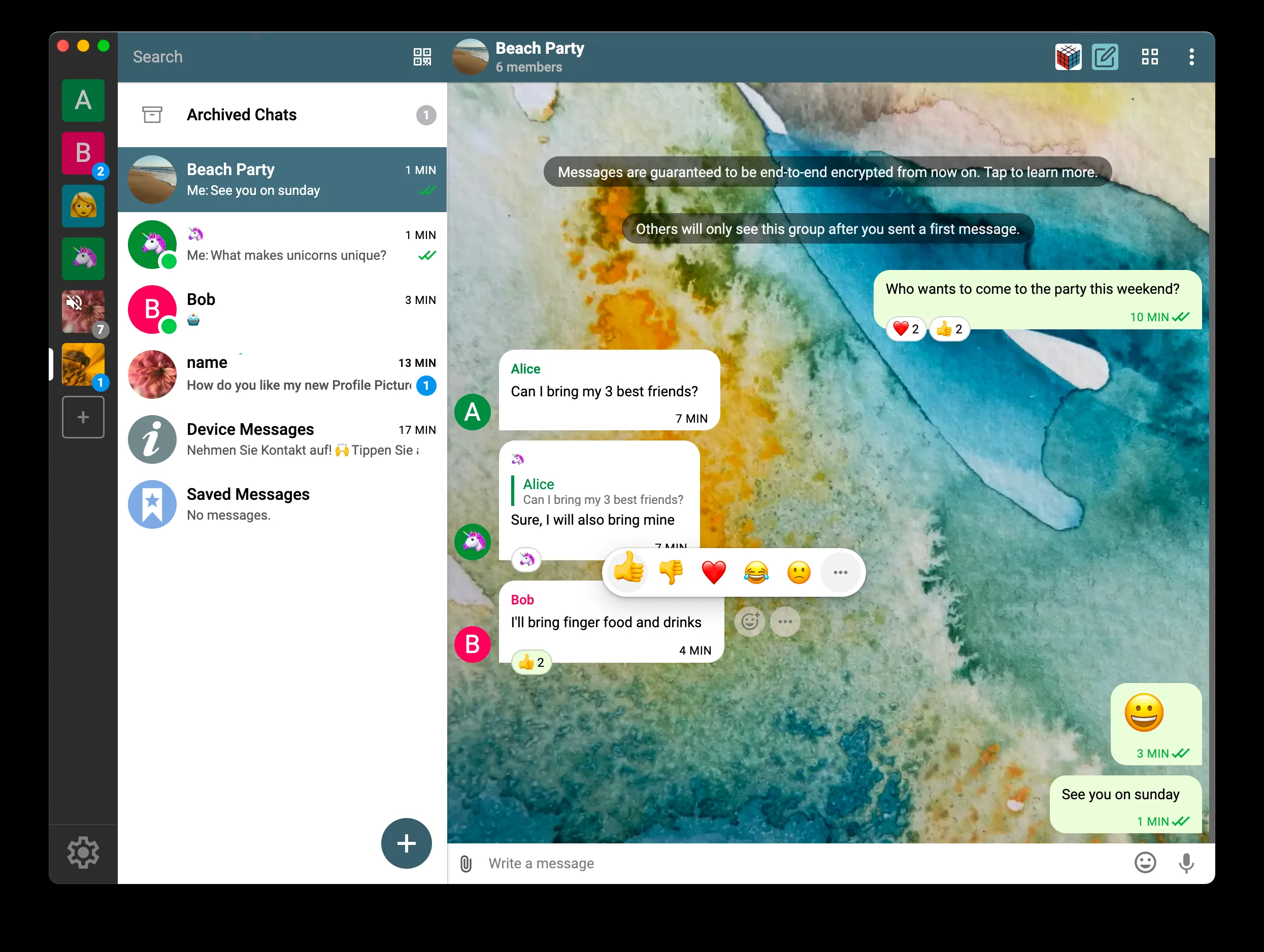
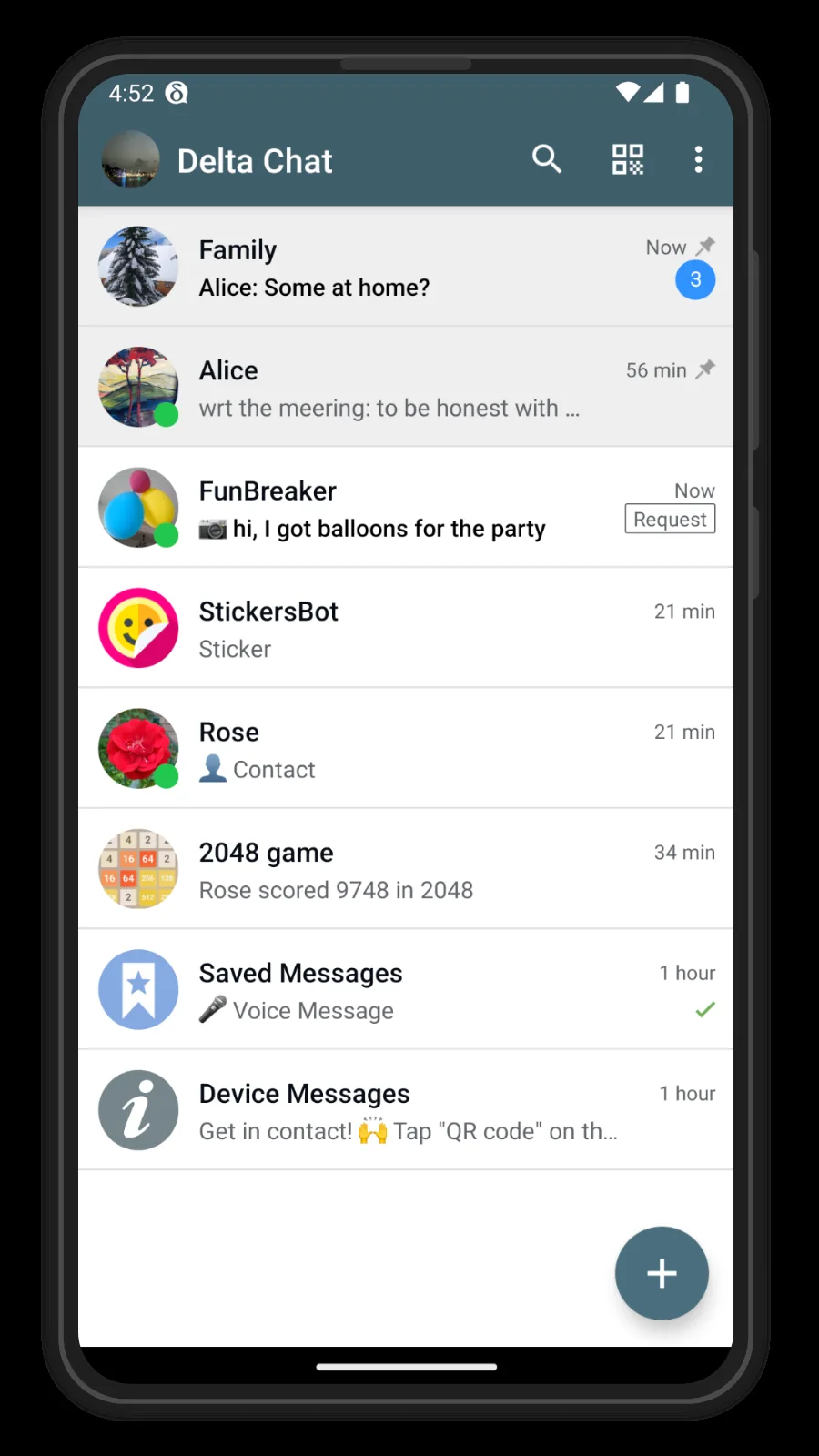
Delta Chat is a free and open source decentralized instant messaging software available on Windows, macOS, Linux, Android and iOS. It creates chat data through chatmail relay by default and does not require binding a mobile phone number; it also supports connecting to compatible traditional email servers. Contacts and groups are mainly established through QR codes or invitation links, and messages are end-to-end encrypted by default.
It is suitable for individuals, small teams and communities who want to reduce dependence on platform accounts and need collaborative chat on desktop and mobile phones. The interface is close to common chat tools, but it does not provide a public user directory, and the first contact usually requires both parties to exchange invitations first. This is a plus for those who value private connections, but it also means migrating contacts requires an extra step.
The idea of Delta Chat is not to build another closed account platform, but to put the chat experience on open standards and optional relays. The default chatmail service simplifies registration, while traditional mail servers leave some room for interoperability. The client and core components are free and open source software. The desktop version adopts GPL-3.0-or-later license. The official simplified Chinese interface is provided and there are no in-app advertisements.
Its limitations also need to be understood in advance: there is no public directory for searching strangers by user name, and contacts usually have to exchange QR codes or links first; the official has not yet provided a formal Web client, and an application needs to be installed on the device. If you switch to a traditional email server, delivery speed, push and unencrypted email compatibility will be affected by the service provider’s configuration. Chat data is mainly saved locally. You should add a second device or export a backup before changing devices.
Delta Chat client is free to download and use. The desktop version adopts GPL-3.0-or-later license. Major clients such as Android and the chat core are also maintained in a free and open source manner. There are no ads within the app. The default public services can be used directly; if you choose paid email services, hosted chatmail or self-built relays, domain name, server, storage and operation and maintenance costs need to be borne separately.
Delta Chat has made the common chat interface, default encryption, multi-data and multi-device more complete, and is very friendly to users who do not want to bind their mobile phone numbers and do not want to start with the command line tool. The official documentation covers installation, invitations, device migration, backup and privacy settings, and the cross-platform installation package is also complete enough.
The threshold for getting started mainly comes from contact invitations and service concepts, rather than the chat operation itself. The lack of public account search and official web version will make recruiting new members and temporary logins for some teams less convenient than mainstream business chat software. It is more suitable for acquaintances, small teams and people who are willing to manage their own communication materials. It is not suitable as a large public community tool that can be joined by clicking on a web page without installation.
The current desktop stable version is 2.57.0, released on July 26, 2026. This version removes the outdated email service provider prompt on the login page, updates the first-time use help, and fixes the problem that the relay list cannot be synchronized to devices of older versions before 2.55.0. When encountering a newly added device that cannot send and receive messages, the official recommendation is to upgrade the main device to 2.57.0 first, and then re-add the second device. The Windows x64 installer is ~133.47 MiB, the macOS universal DMG is ~248.37 MiB, and the Linux x86_64 AppImage is ~142.66 MiB.