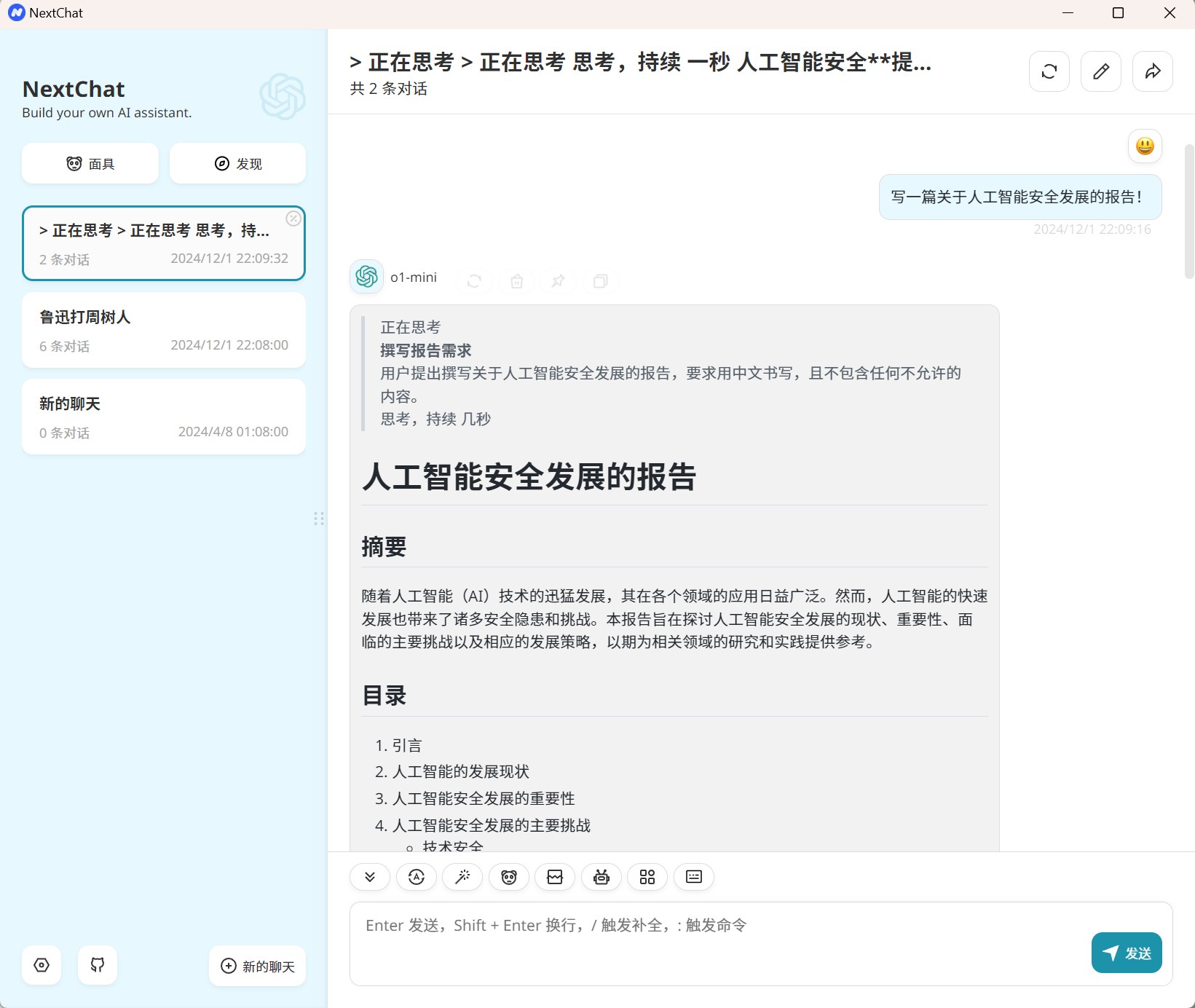
NextChat is an open-source AI chat program that enables you to deploy your private ChatGPT web application for free with one click, supporting GPT3.5, GPT4 & Gemini Pro & Claude 3.5 & Baidu & Alibaba & Tencent and other common large models Allowing you to experience the convenience and efficiency of multiple large models in just one tool. As shown below, I have integrated OpenAI‘s o1-mini large model, so you can directly chat with o1-mini here. This tool supports a web version and a PC client. Of course, you can also deploy the tool on your own server to enjoy a private AI large model. In the image below, I am using the official web version and the client, which are identical.
Open the NextChat settings page, select the model provider (I chose OpenAI, i.e., ChatGPT), then enter the API address and API key, and select a model you have access to. After filling these in, you can happily chat with ChatGPT. For the web version, you need to check the custom interface option~ OpenAI API key application address:https://platform.openai.com/api-keys If you don’t know how to apply, you can also join my knowledge planet. By joining my planet, I will give you a free $5 worth of API key. With $5, for personal use of the 4omini model, it can last a long time, cheap and good! Much better than many domestic models~ Details of my knowledge planet (many benefits~):https://www.tudingai.com/sites/369.html