NWatt Toolkit - v3.0.0-rc.13
Multi-functional Steam toolbox supporting acceleration for GitHub, Steam, Microsoft Store, and other foreign platforms!

Password safe, free and open-source password manager
3.07MB0 Already downloaded Mobile view
KeePass is a free and open-source password manager. If you have many passwords—website passwords, email passwords—and you don’t want to use the same password for everything to improve security, then using a password management tool is essential.
KeePass stores all your passwords in a highly encrypted database, locked with a master key or a key file. So you only need to remember one master password or select a key file to unlock the entire database. The database is encrypted using the best and most secure encryption algorithms currently known: AES and Twofish.
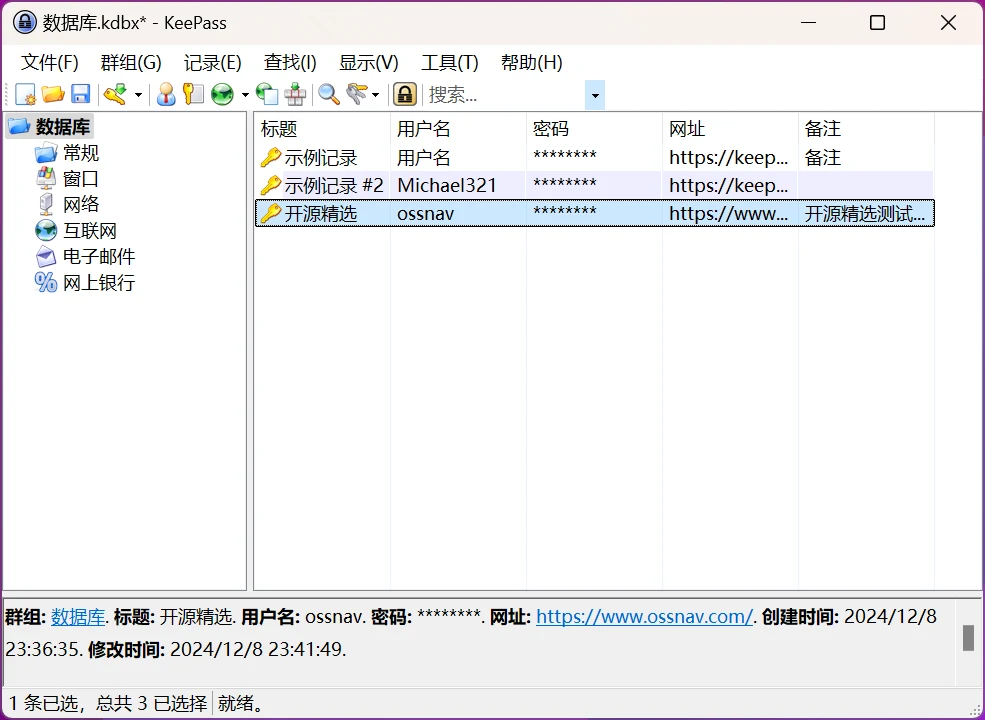
It is not recommended to use the installed version of KeePass. The portable version is recommended.Portable version, which can be used directly after extracting.
KeePass does not support Chinese by default. The official website provides Chinese language files that need to be manually installed.
Download the Chinese language file corresponding to your version from the official website, then copy it to the ‘Languages’ folder in the KeePass root directory.

Then click ‘View’ → ‘Change Language’ in the top menu bar, and select Simplified Chinese.

We first need to create a database, which will be used to store our passwords.
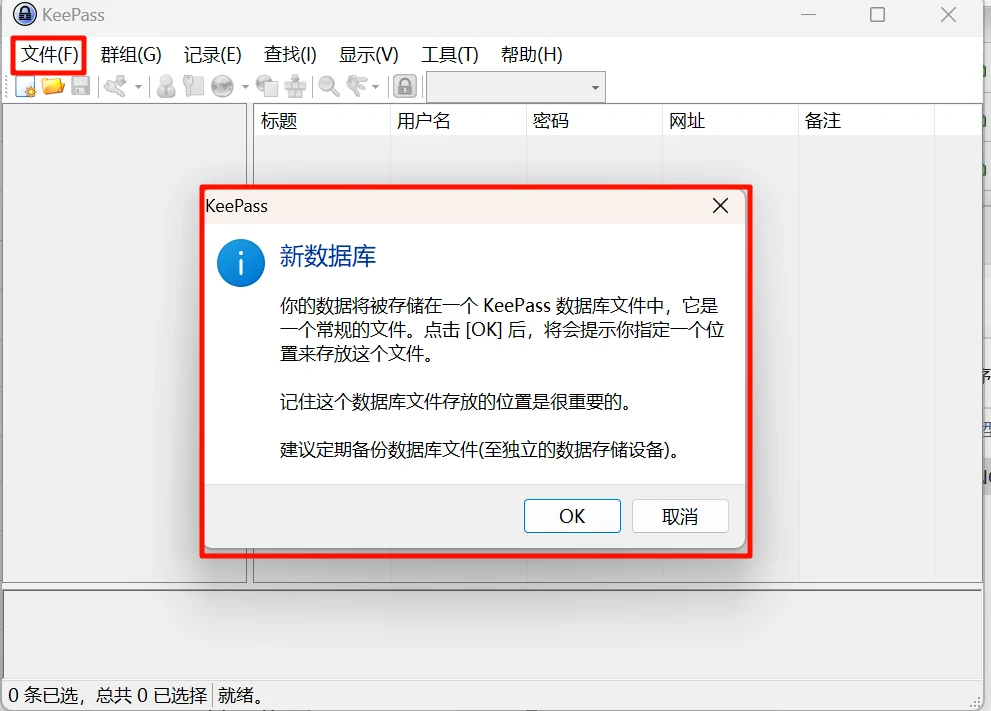
Then set a password for this database
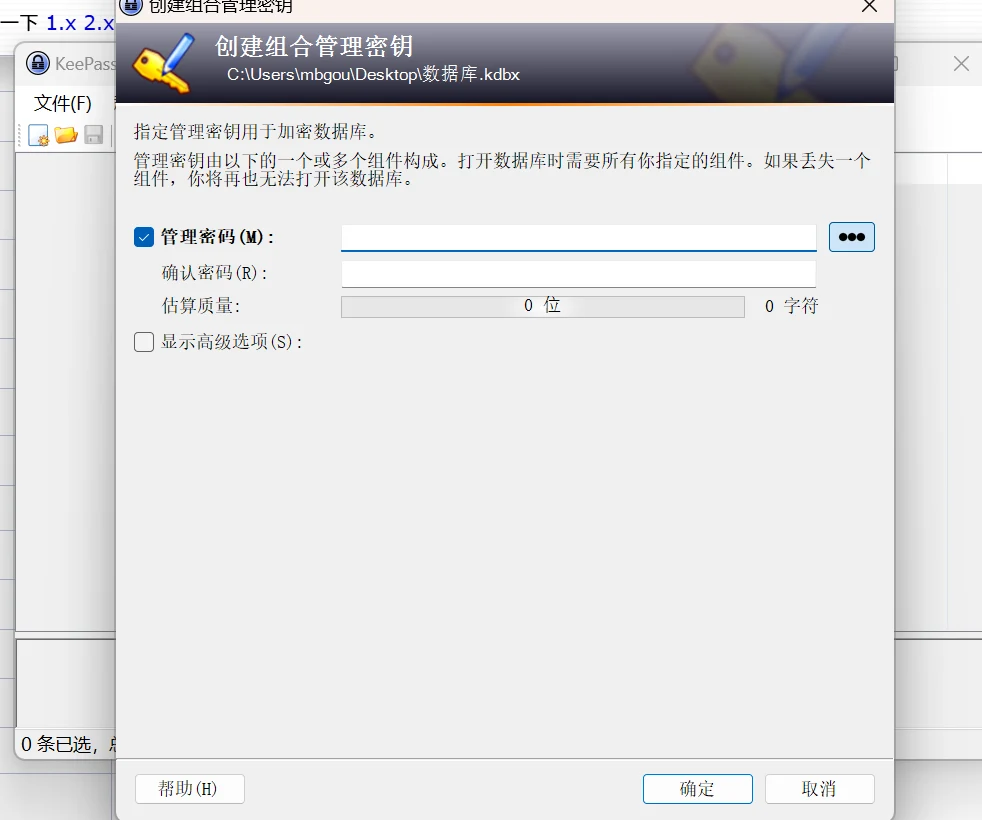
Next, add your passwords to this database.
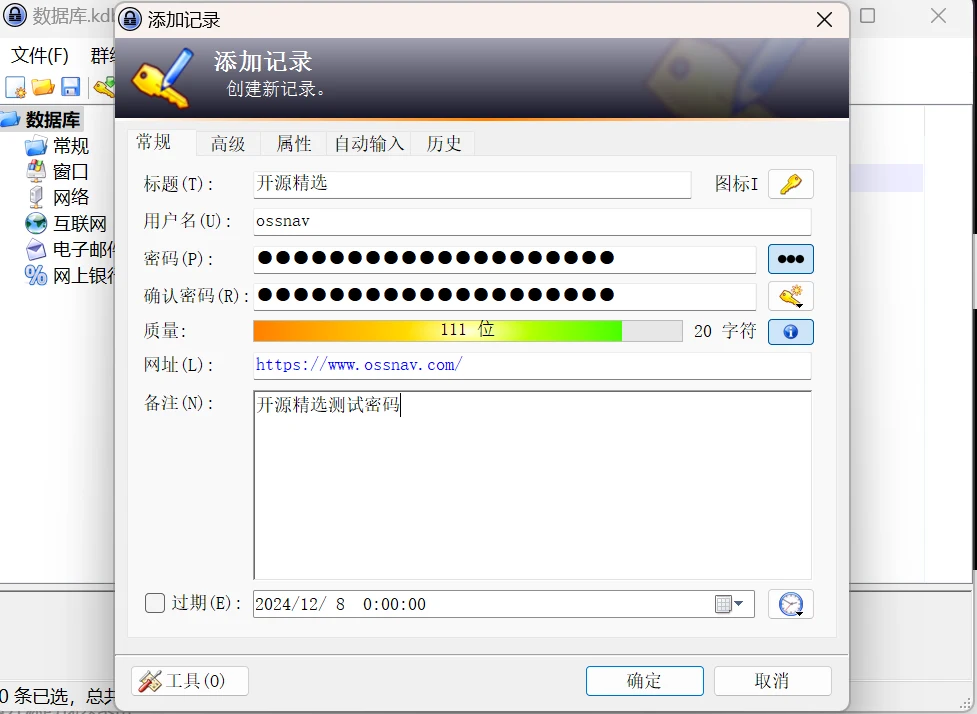
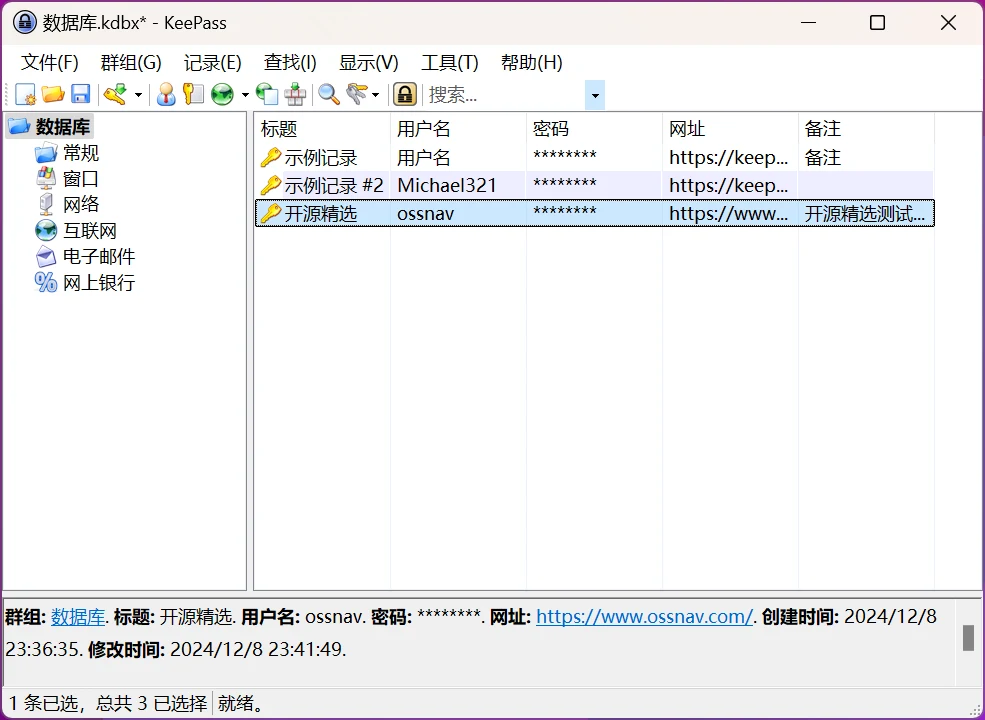
The above is the most basic usage of KeePass. Here is a comprehensive guide to KeePass:
https://zhuanlan.zhihu.com/p/39645975
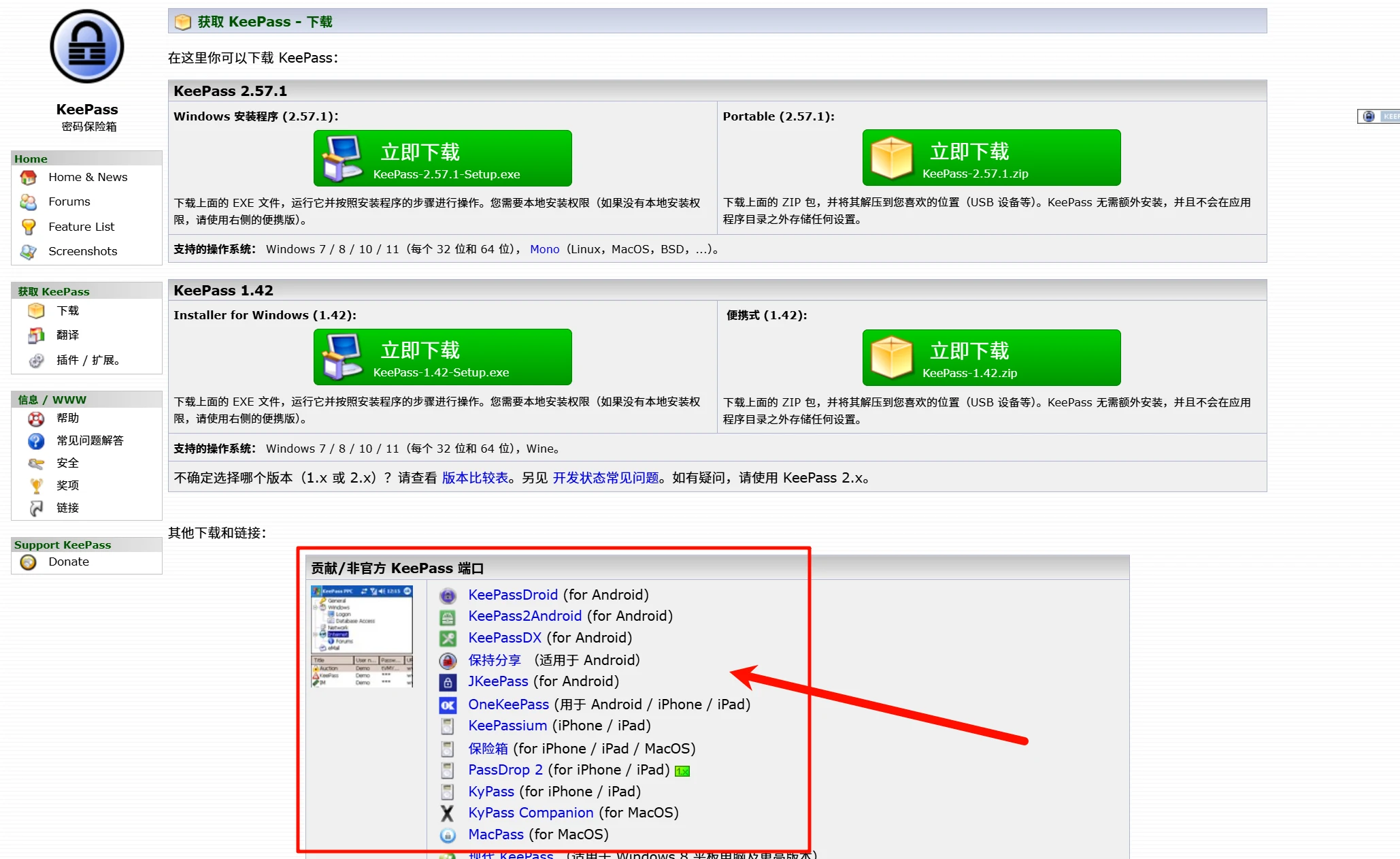
Available for Windows, Linux, and Mac OS X, with ports for Android, iPhone/iPad, and other mobile devices.
The official version only provides Windows download. Unofficial ports support Android, iPhone, macOS, and iPad.