NPot Translator - v3.0.7
Cross-platform word selection translation and OCR

Windows Clipboard Manager
10.8 MB0 Already downloaded Mobile view
Ditto is a free and open-source Windows clipboard manager that records everything you copy (Ctrl + C), including text, images, HTML, custom formats, and more.
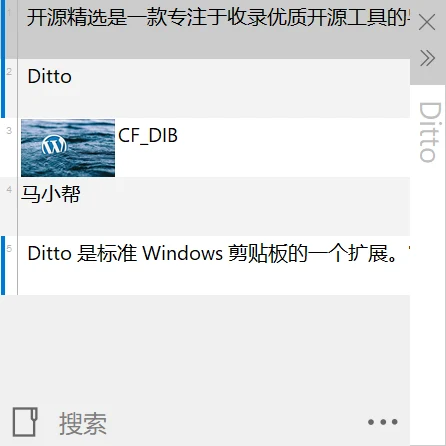
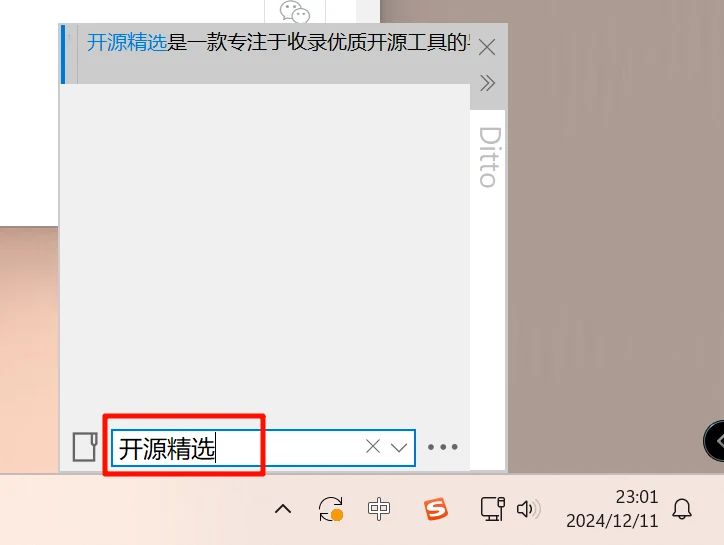
Supports search functionality. When you have been using the software for a long time and want to find previous copied content, just search within the window!
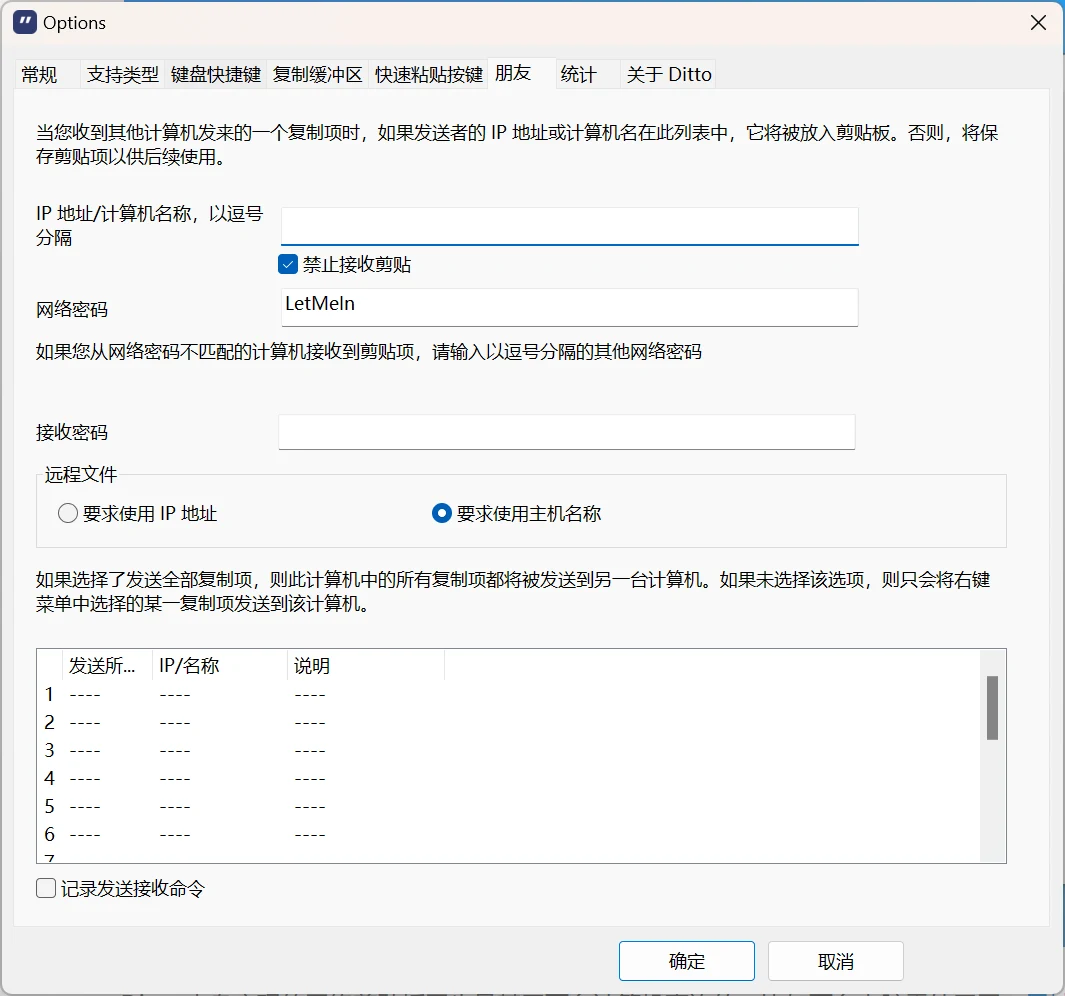
Supports multi-computer synchronization. Install the software on two computers on the same LAN, configure it, and they can share clipboard data. If not on the same LAN, you can use intranet penetration tools to achieve internet synchronization between different computers.