FreeFileSync - v13.9
File synchronization and backup software

Cross-platform LAN file transfer tool
14MB5 Already downloaded Mobile view
LocalSend is an open-source, free, cross-platform LAN file transfer tool. It supports lossless file transfer between Windows, macOS, Linux, Android, and iOS. No central server needed; file sharing is completely peer-to-peer.
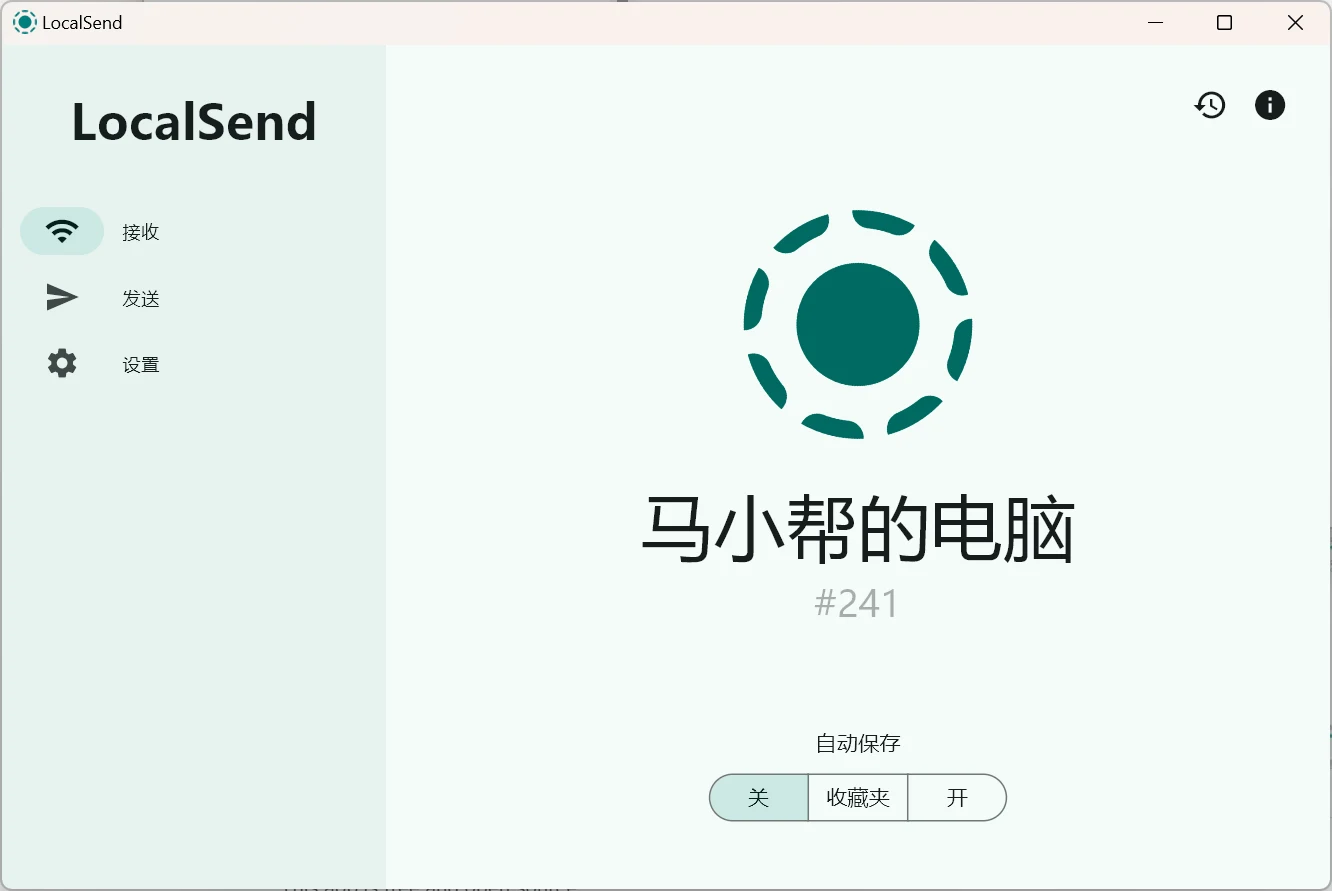
Below, we demonstrate cross-platform file transfer with LocalSend using a Windows system and an iPhone as examples.
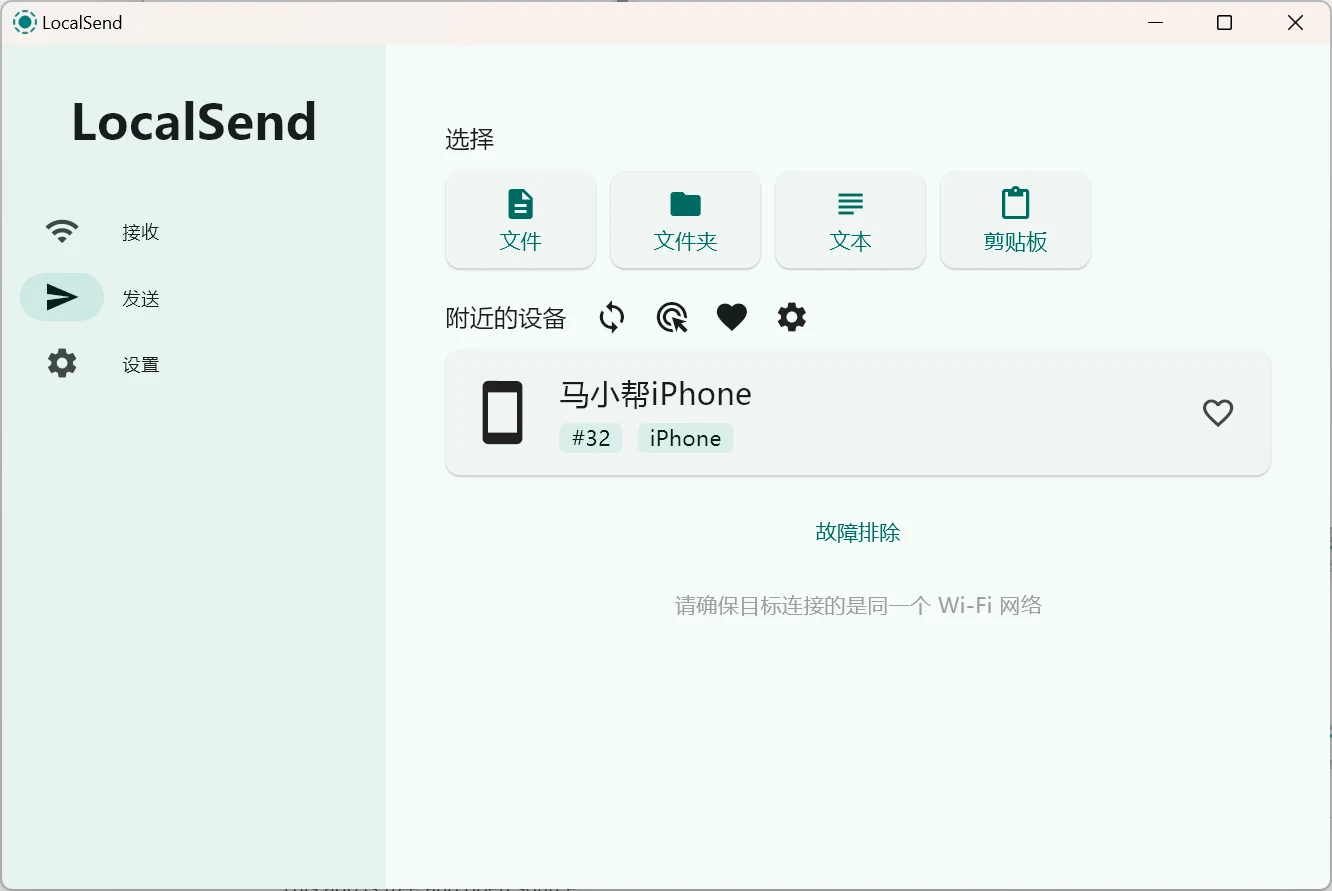
Install and open the LocalSend client on both your computer and phone, ensuring they are on the same local network (connected to the same WiFi). LocalSend will automatically detect nearby devices.
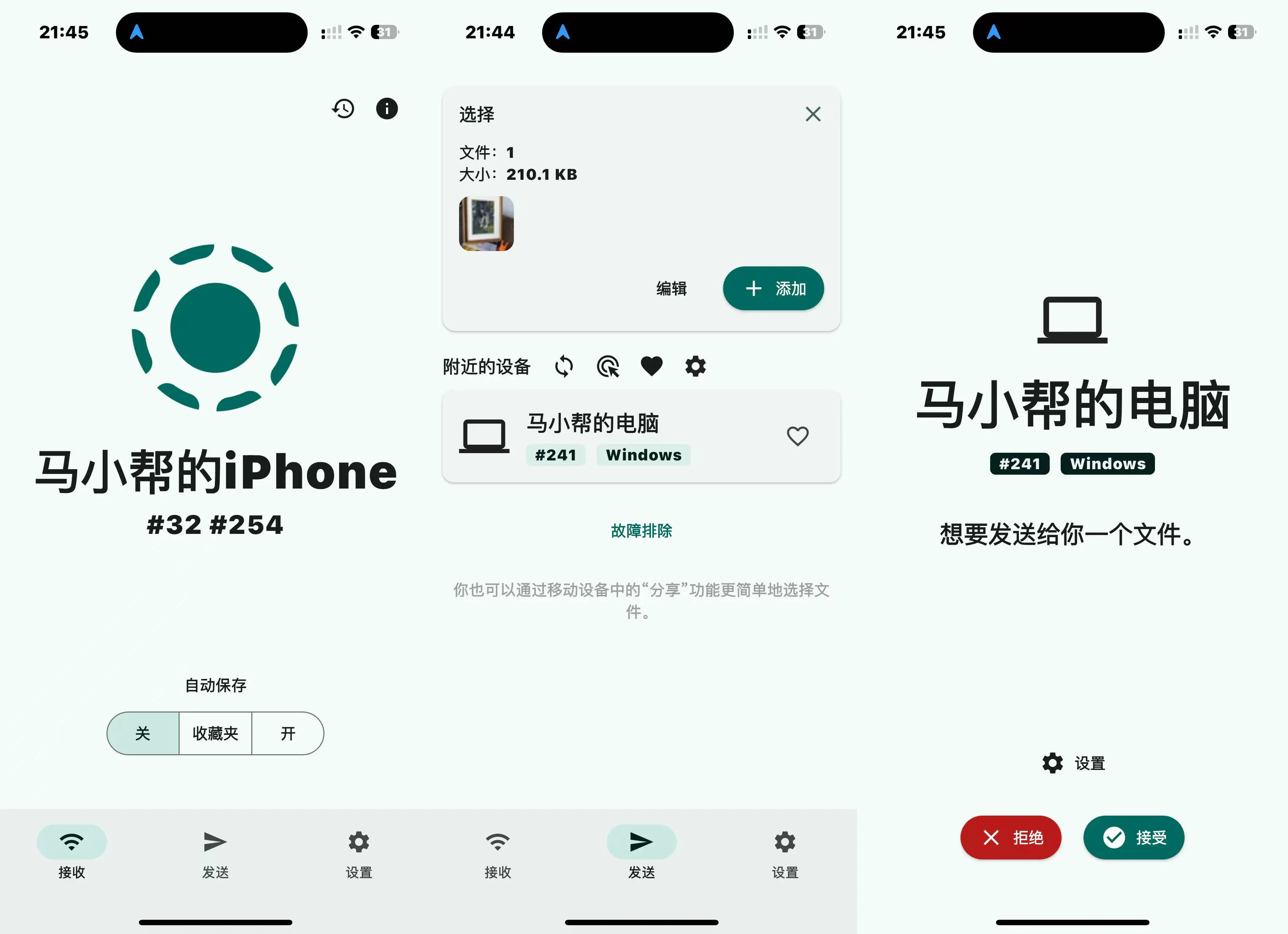
Supports transferring files, folders, text, and clipboard.
First select the file to transfer, then click on the device to send it. End-to-end encryption ensures that only you and the recipient can access your files.
Compared to social apps like WeChat and QQ for file transfer, LocalSend is not only faster but also supports lossless original images.