NKaka Subtitle Assistant - v1.33
A video subtitle processing assistant based on large language models (LLM), supporting full workflow: speech recognition, subtitle segmentation, optimization, and AI subtitle translation
Web-based Screen Sharing Tool
0 Already downloaded Mobile view
ScreeGo is an open-source web-based screen sharing tool that uses WebRTC technology. No client download is required; simply open a webpage to share your computer screen with multiple people.
It features low latency, high resolution, no registration, and is completely free! Supports deployment via Docker and binary.
The author also provides a demo that you can use directly by opening it:https://app.screego.net/
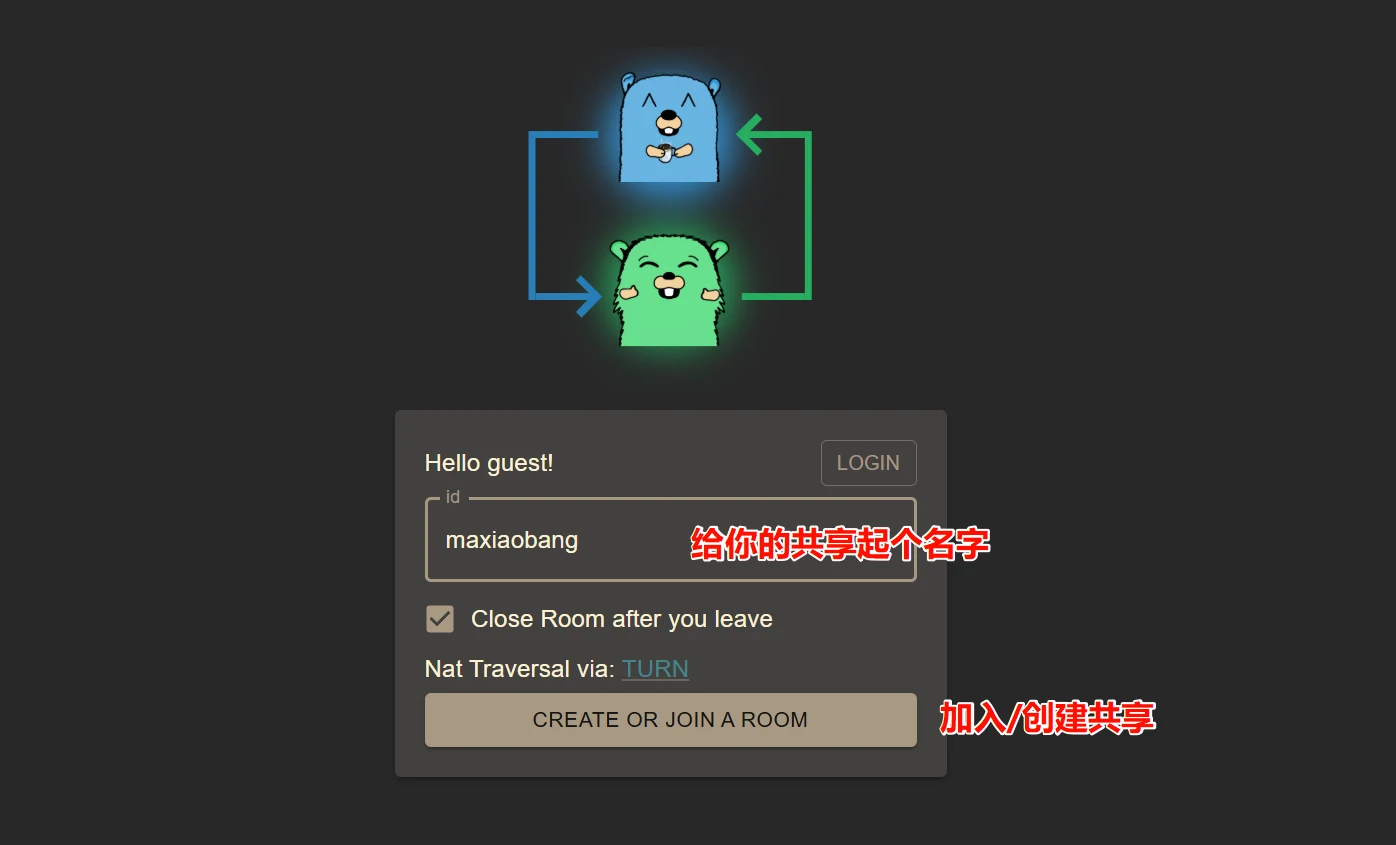
Open the demo above; it will randomly create an ID. You can also create your own name. Then click ‘Create Or Join a Room’ to create a room. You can also enter someone else’s room name to join.
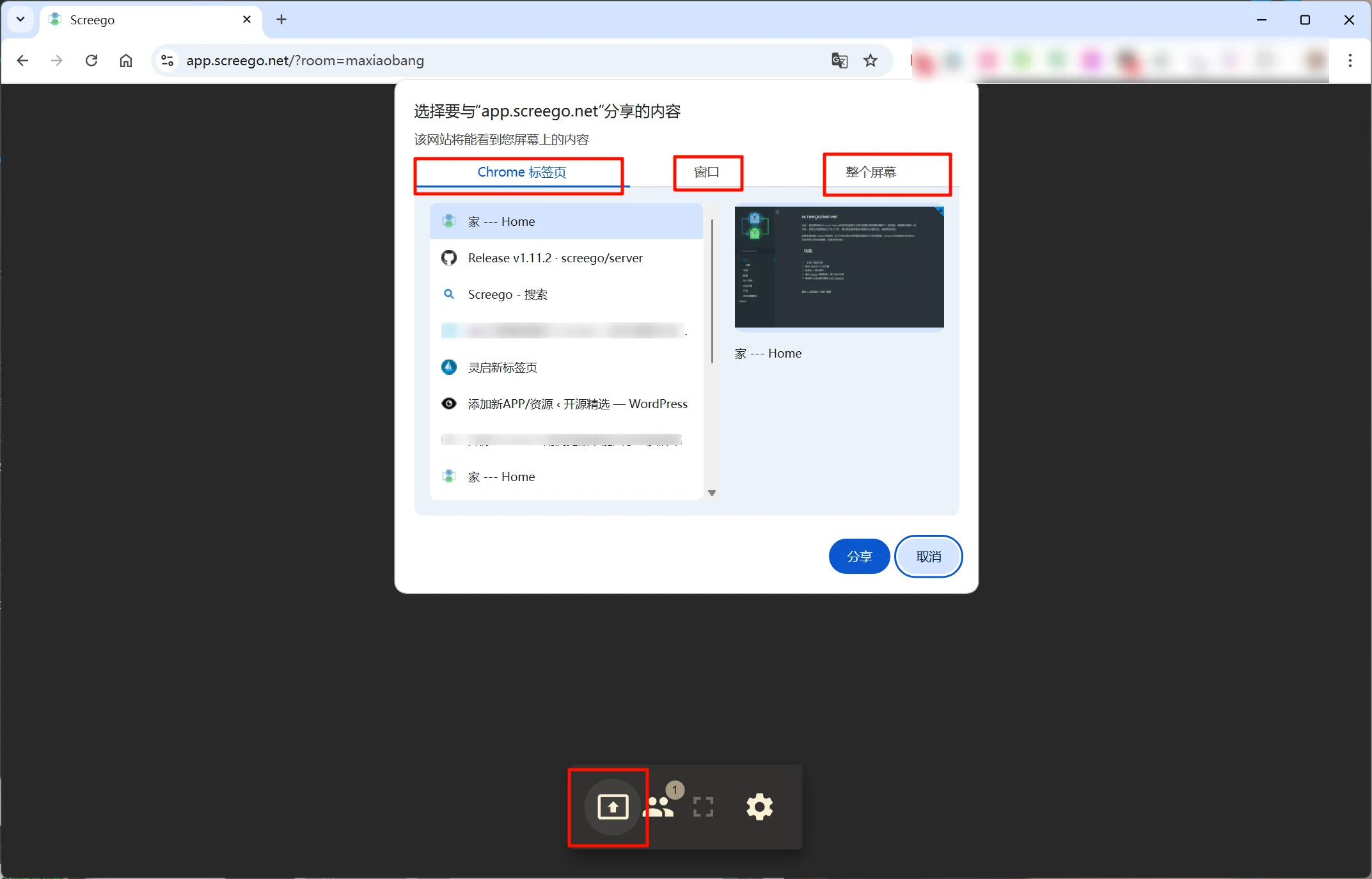
Click the first button on the bottom menu bar to choose to share any browser tab, a window, or your entire screen.
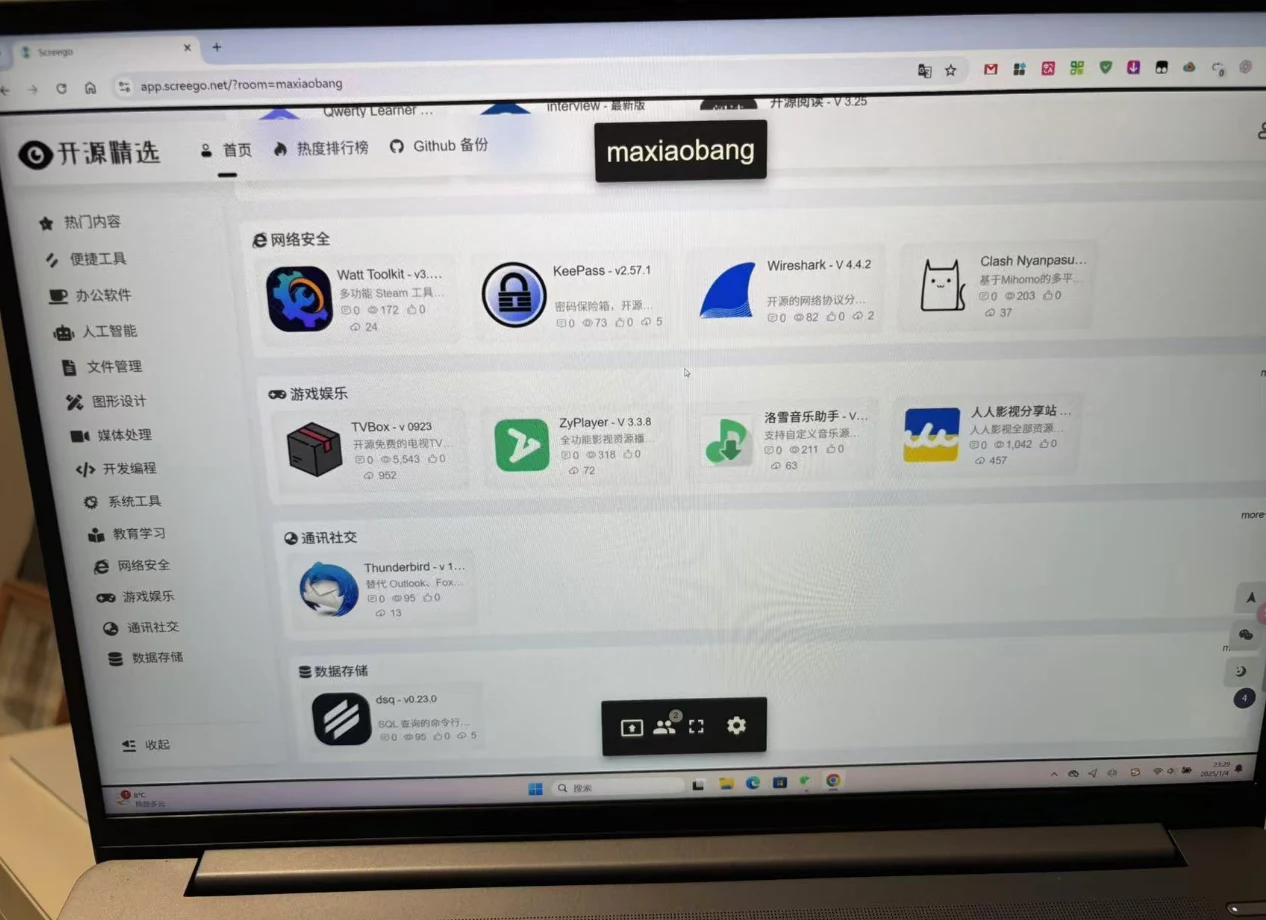
Here I shared a browser tab; it generates a sharing link. You can send this link to others, and when they open it, they can see what you shared.
Alternatively, other users can enter your room name in ScreeGo and join your room to see your shared content. Supports multiple people joining the same room to view your screen.
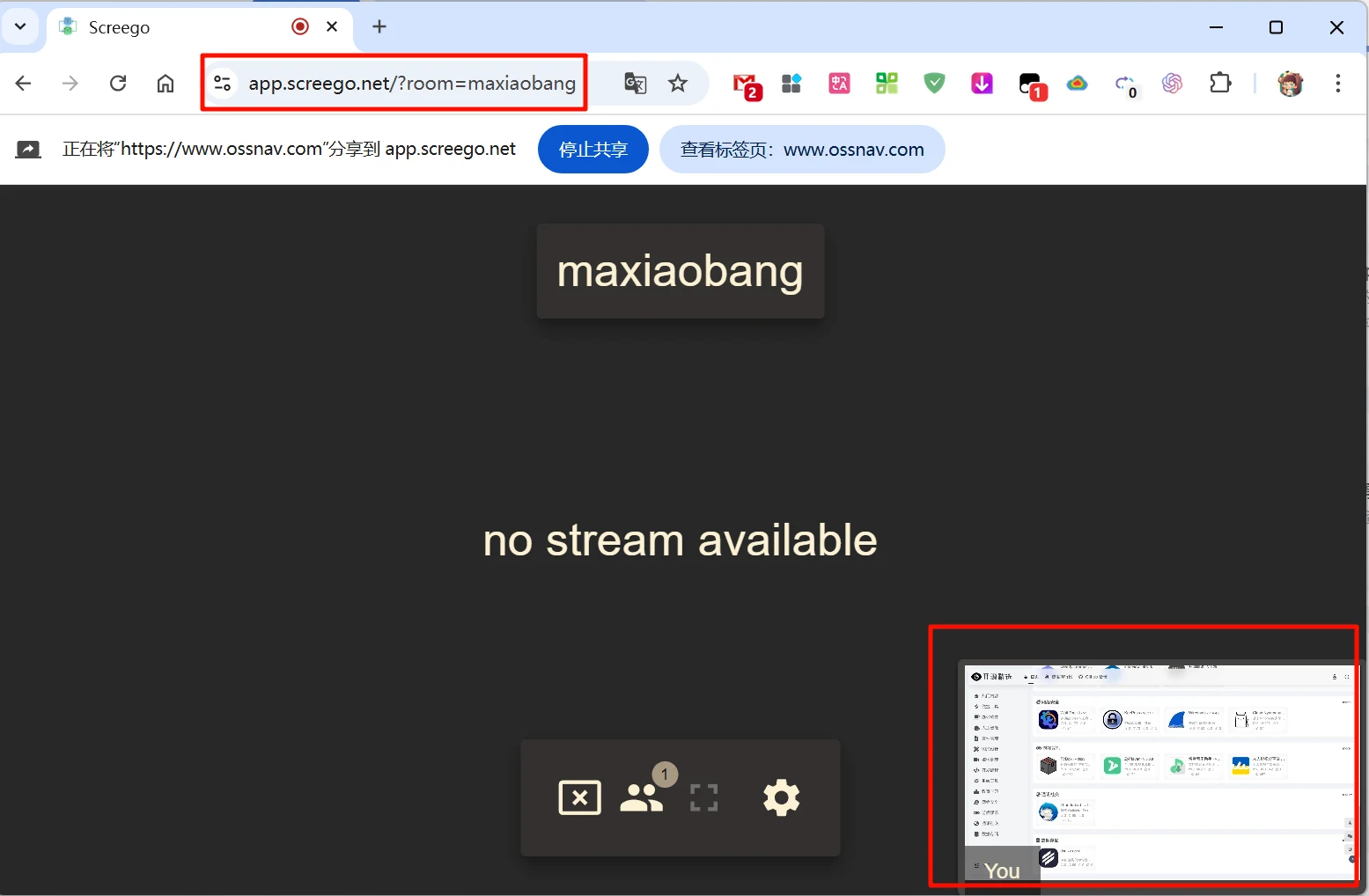
Tested with very low latency and smooth performance. You can set the frame rate in settings.