
DouyinLiveRecorder is a live streaming recording software that supports cyclic monitoring and multi-person recording. It is based on FFmpeg for multi-platform live source recording, and supports custom configuration recording and live status push.
Supported recording platforms:
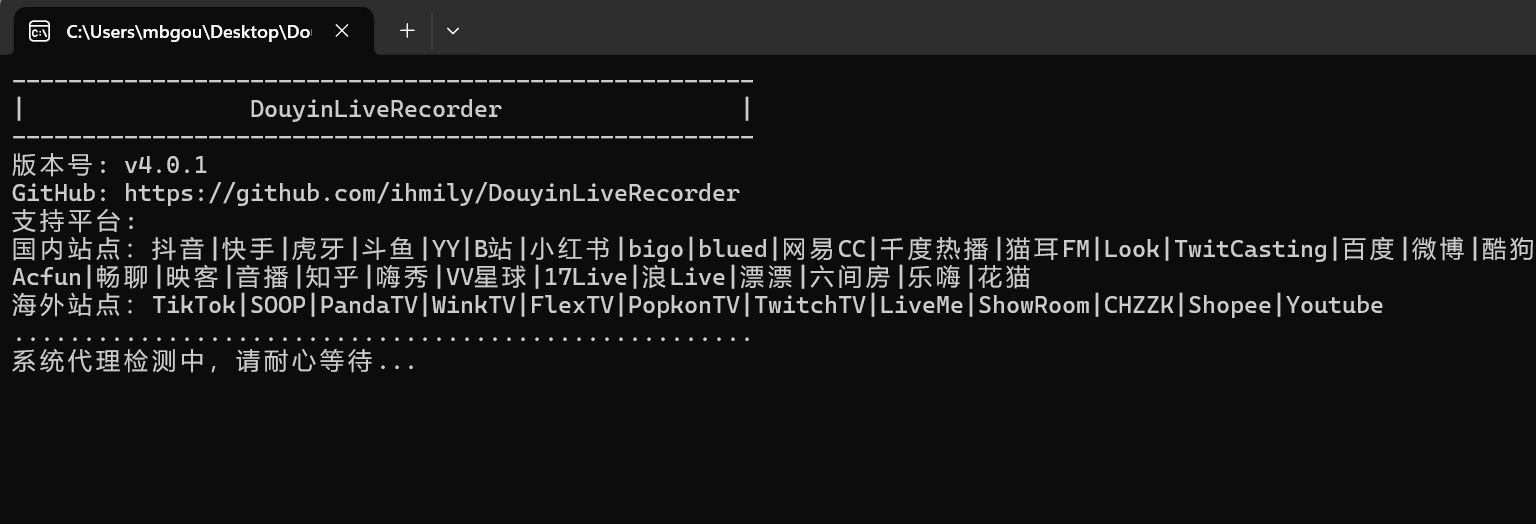
Douyin, TikTok, Kuaishou, Huya, Douyu, YY, Bilibili, Xiaohongshu,
bigo, blued, AfreecaTV, NetEase CC, Qiandu Rebo, PandaTV,
winktv, flextv, look, popkontv, twitcasting, Baidu
Weibo, Kugou, Twitch, LiveMe, Huajiao, Liuxing, ShowRoom,
Acfun, Shiguang, Inke, Yinbo, CHZZK, Zhihu Live,
Hixiu, VV Planet, 17Live, Lang Live, SOOP (formerly afreecatv),
Changliao (formerly Shiguang), Piaopiao, 6.cn, Lehai, Huamao,
shopee, youtube
Usage:
The author has already built the Windows version. Users can download and extract it for direct use.
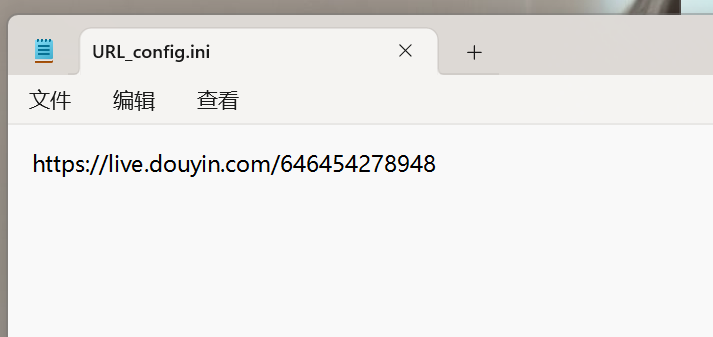
1. After downloading and extracting the software, add the live room addresses in the config folder’s URL_config.ini file, one address per line.
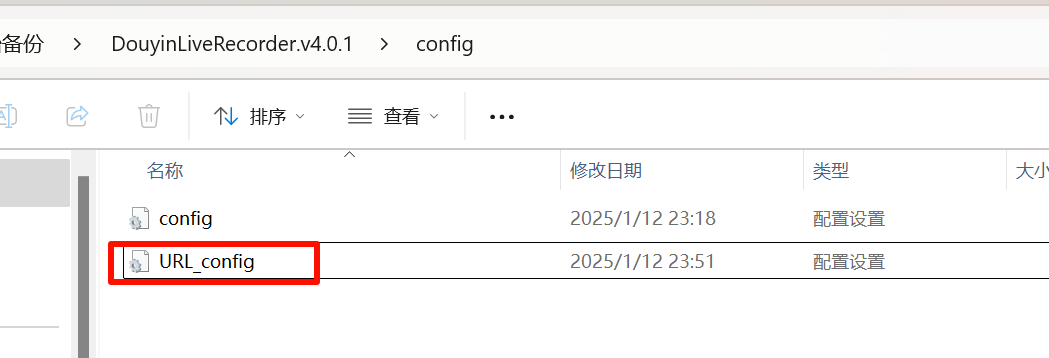
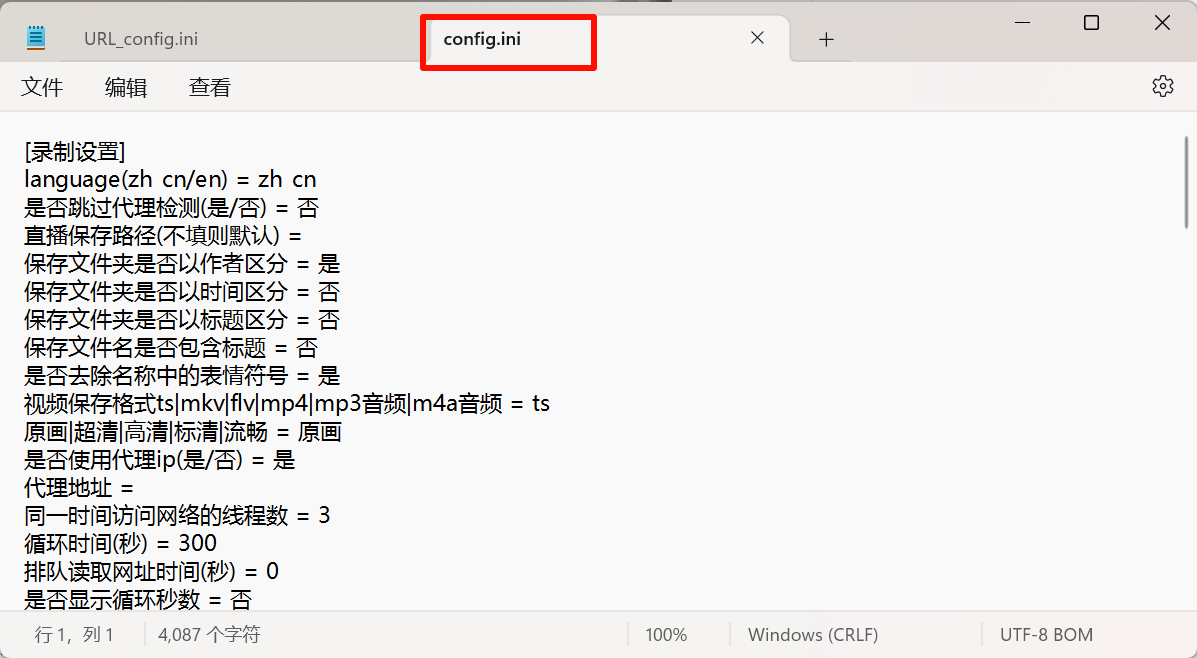
2. To customize recording settings, modify the config.ini file. It is recommended to change the recording format to ts
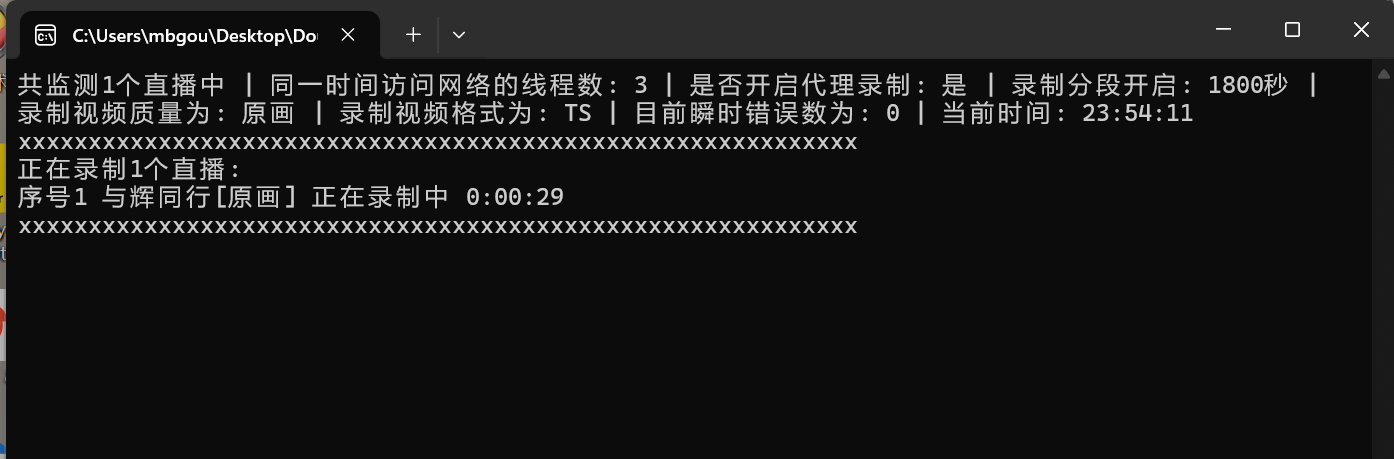
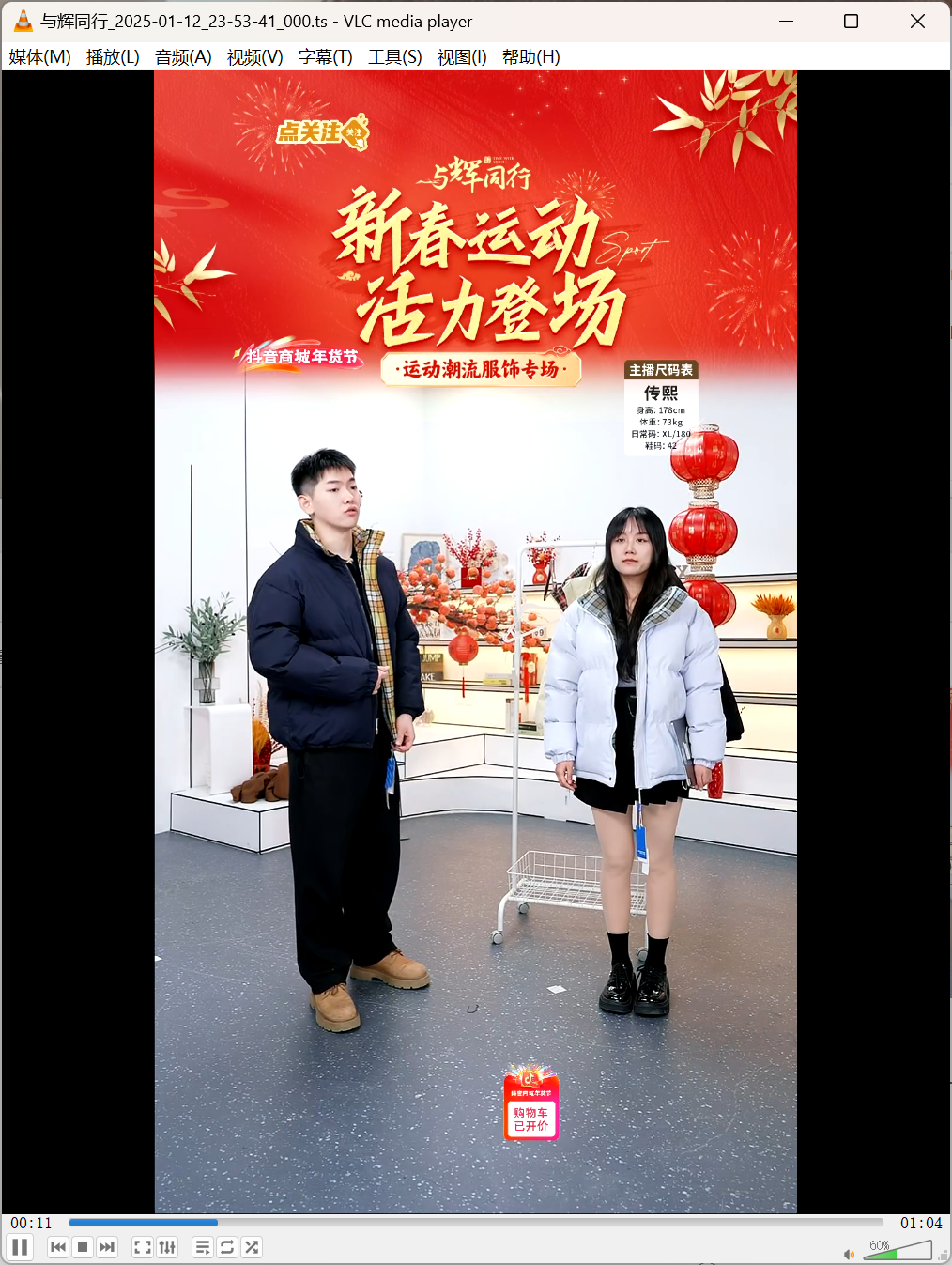
3. Double-click the DouyinLiveRecorder.exe program to start recording. Recorded videos are saved in the downloads folder in the same directory.
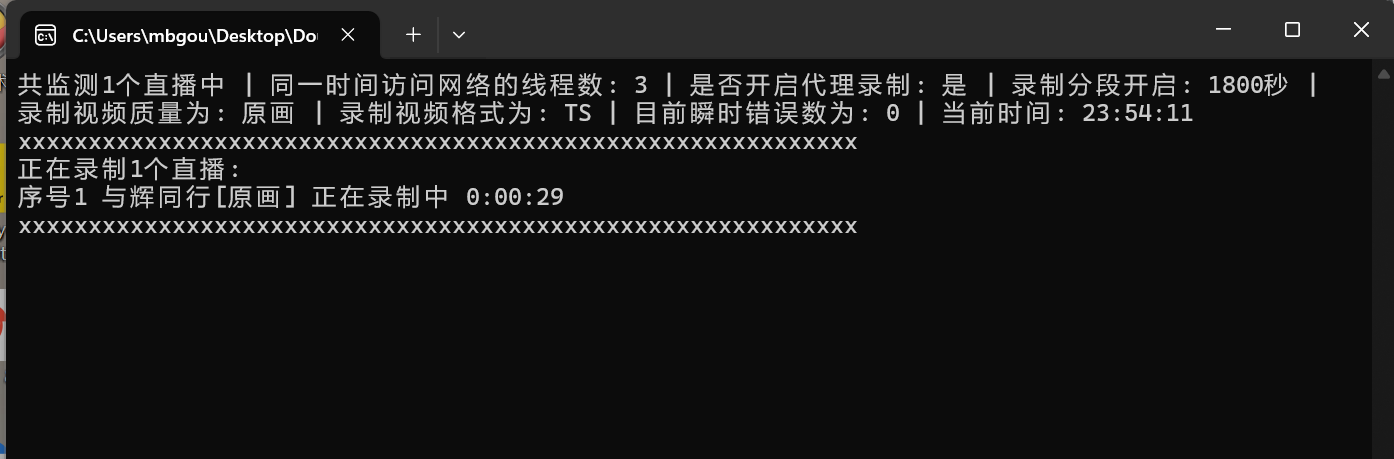
4. The default recording quality is original, clean without danmaku or gift effects.
To set a specific recording quality for a live room, prepend the quality before the address, e.g.,高清,https://live.douyin.com/745964462470 remember to include a, separator.
- If you plan to keep the software running for long periods to monitor live streams, set the loop interval a bit longer (missing a few minutes is not a big deal) to avoid IP bans due to frequent requests.
- To stop live recording, on Windows you can run the StopRecording.vbs script or press
Ctrl+Cin the recording interface. To stop recording a specific live room, add a # before its address in theURL_config.inifile, which will stop that recording while saving the already recorded video.
Related Software

NFile Converter - v2.0.2

NOpen Source Reading - V 3.25

NTVBox - v 0923

NUiverse - 1.0

NWatt Toolkit - v3.0.0-rc.13
NPowerToys - V 0.86.0

NLX Music Assistant - V 2.9.0
Nyt-dlp - v 2024.12.13