NOpen Source Reading - V 3.25
Open source e-book reading app that supports custom book sources.

Open source e-book download tool, free download of Z-Library e-books
0 Already downloaded Mobile view
Olib Open Source Books is an e-book download tool that helps you search and download all e-books from Z-Library directly.No registration or login required; download upon opening. PC only.
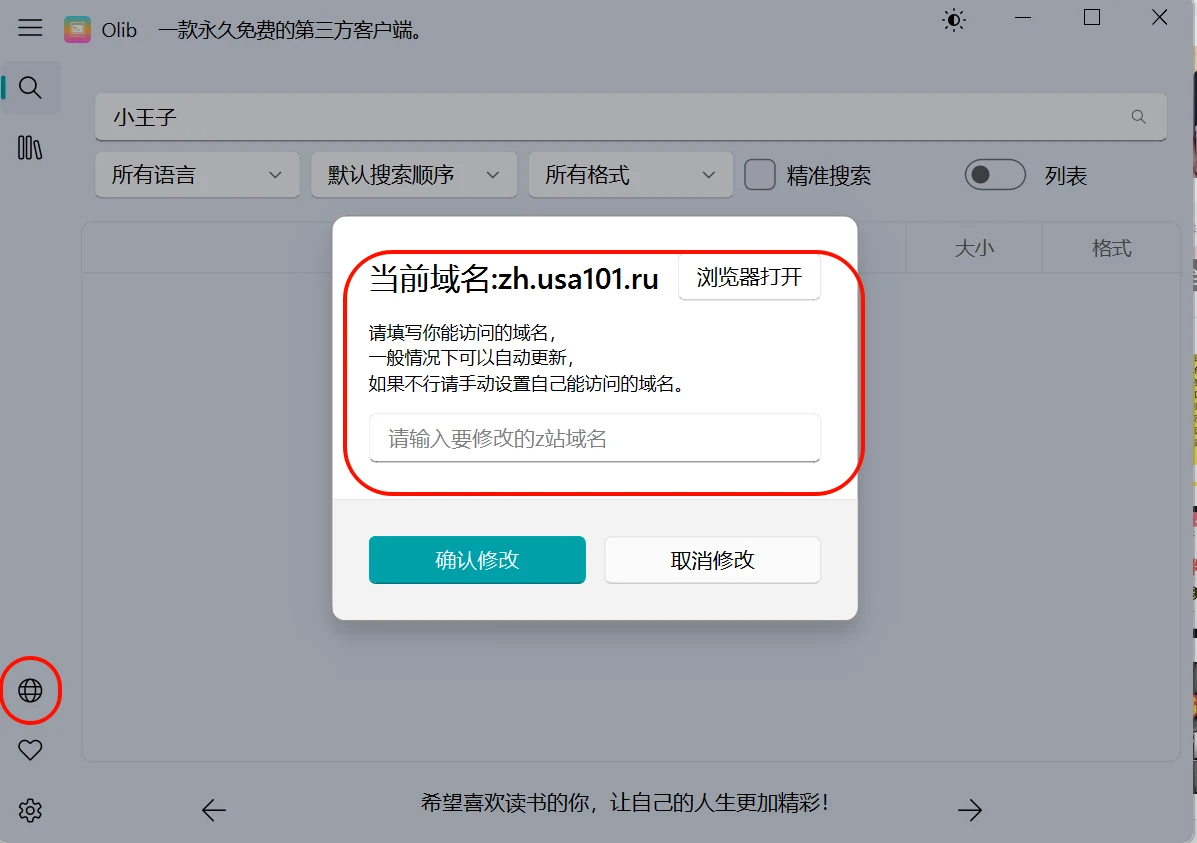
On November 27, 2025, the latest version O-lib 2.4.3 turned the tool into a third-party client for Z-Library. You need to enter a currently accessible domain and log in with your Z-Library account to download.
Latest accessible Z-Library URLs:https://www.tboxn.com/sites/320.html
1. Windows Security may flag the software as a virus. If you have other security software like Huorong or 360, it won’t be flagged. If you don’t mind the warning, you can allow the software in Windows Security.
2. The software displays 50 search results by default. You can adjust this in settings; more results mean longer search time.
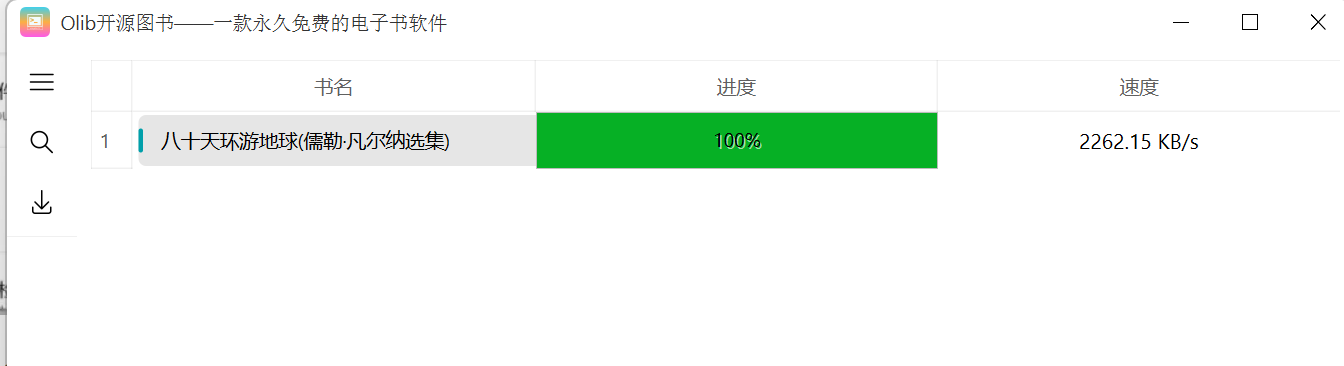
3. Downloaded books are saved by default in a ‘download’ folder in the same directory as the software. It’s recommended to choose a download directory in advance.
4. The software is open source on GitHub. The packaged version can be downloaded from the author’s Bilibili channel. Author’s Bilibili account: @拾壹0x7f