NDitto - v 3.24.246.0
Windows Clipboard Manager

Offline OCR Text Recognition Tool
0 Already downloaded Mobile view
Umi-OCR is a free and open-source offline OCR text recognition tool. Just unzip and use, offline, no internet required. Supports screenshot OCR, batch OCR, PDF recognition, QR codes, and formula recognition.
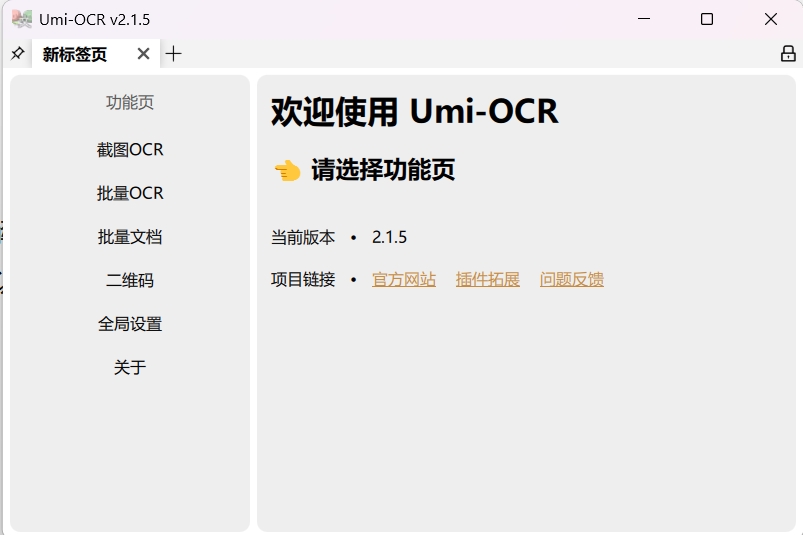
Supports taking screenshots via hotkeys and dragging images for batch recognition. Supports multiple languages and formula recognition.
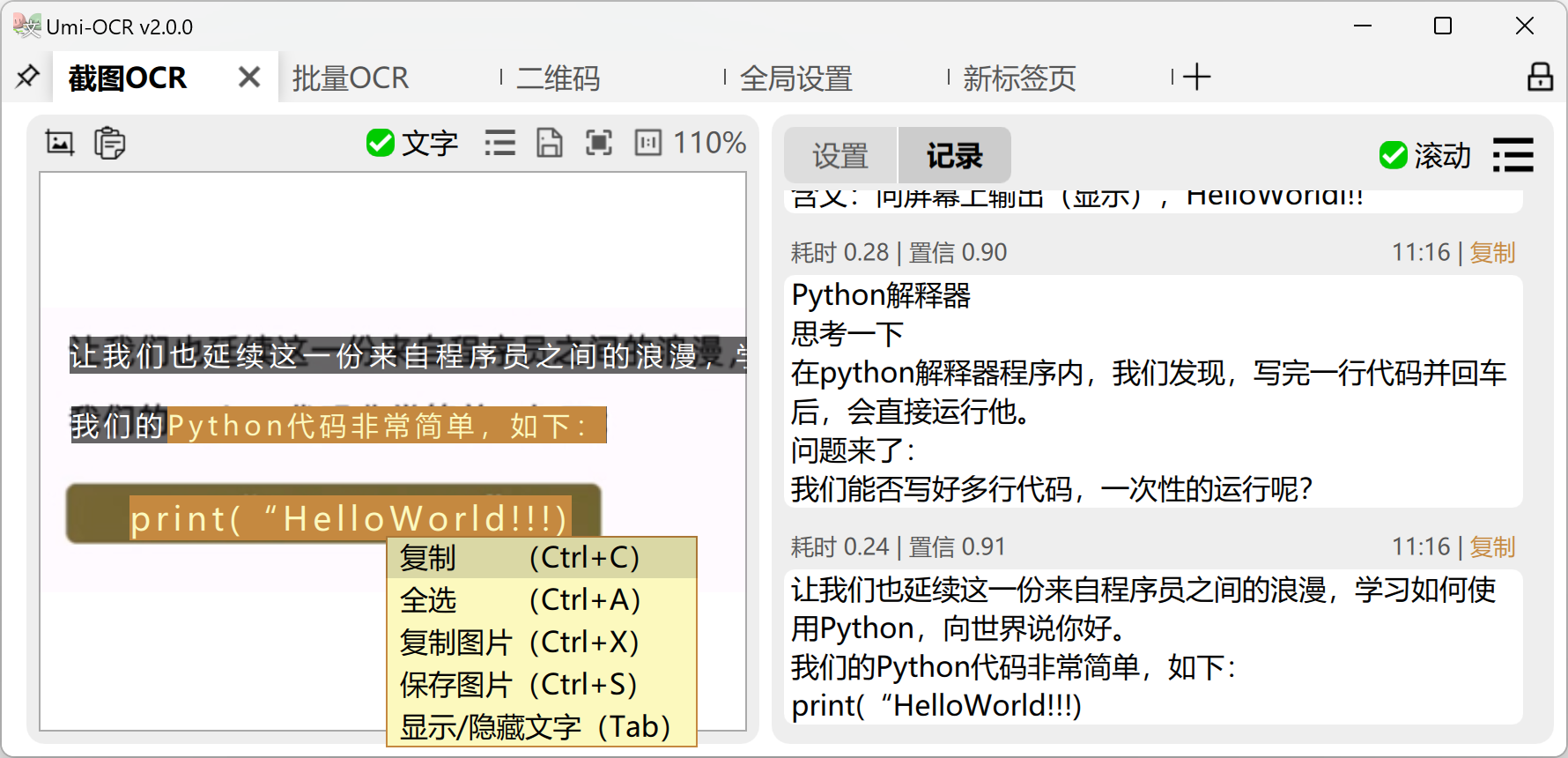
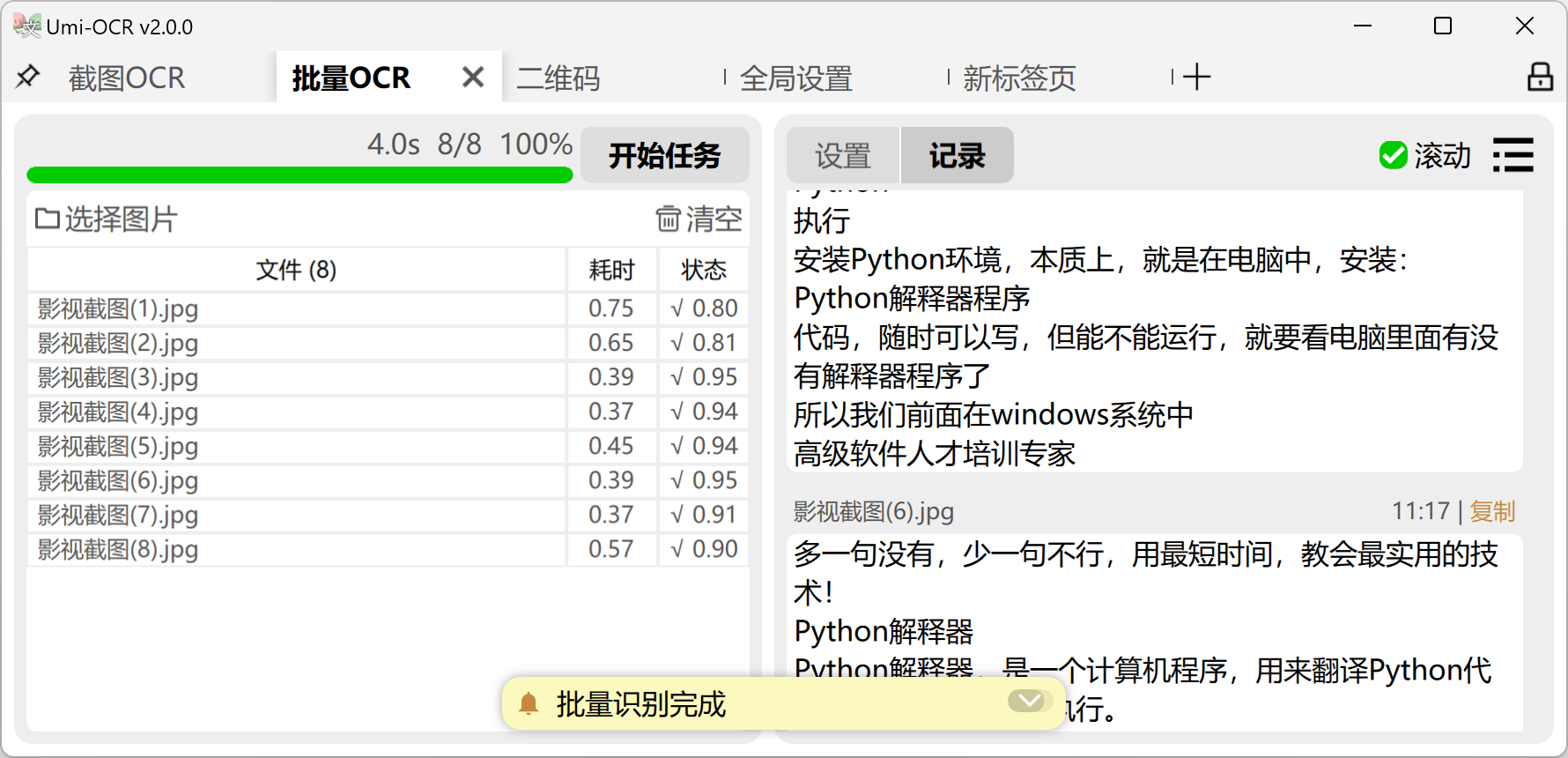
Supports batch text recognition for multiple image formats: jpg, jpe, jpeg, jfif, png, webp, bmp, tif, tiff. Recognized text can be exported to various document formats such as txt.
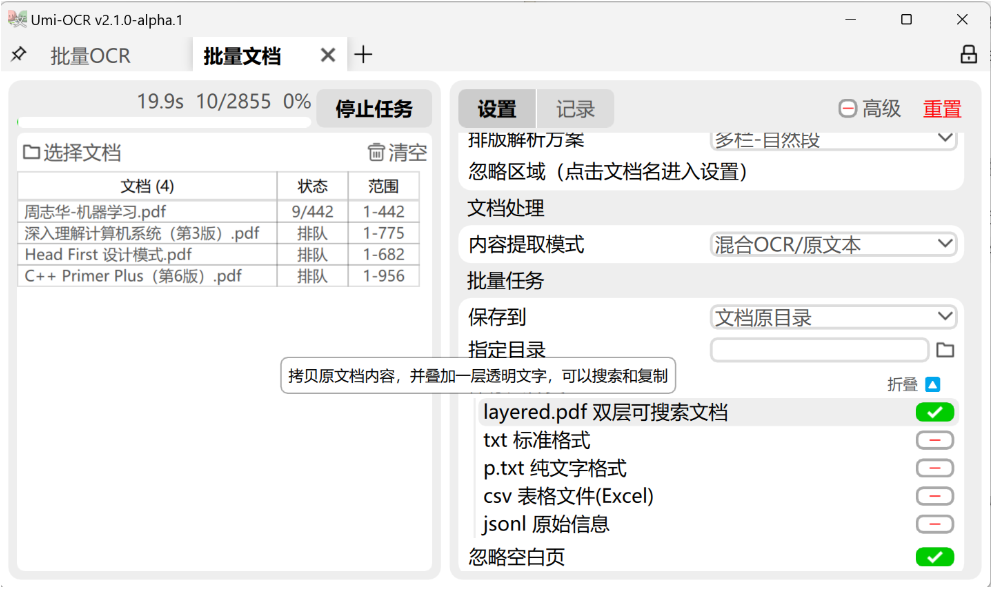
Supported formats: pdf, xps, epub, mobi, fb2, cbz. Perform OCR on scanned documents or extract existing text. Output as dual-layer searchable PDF.
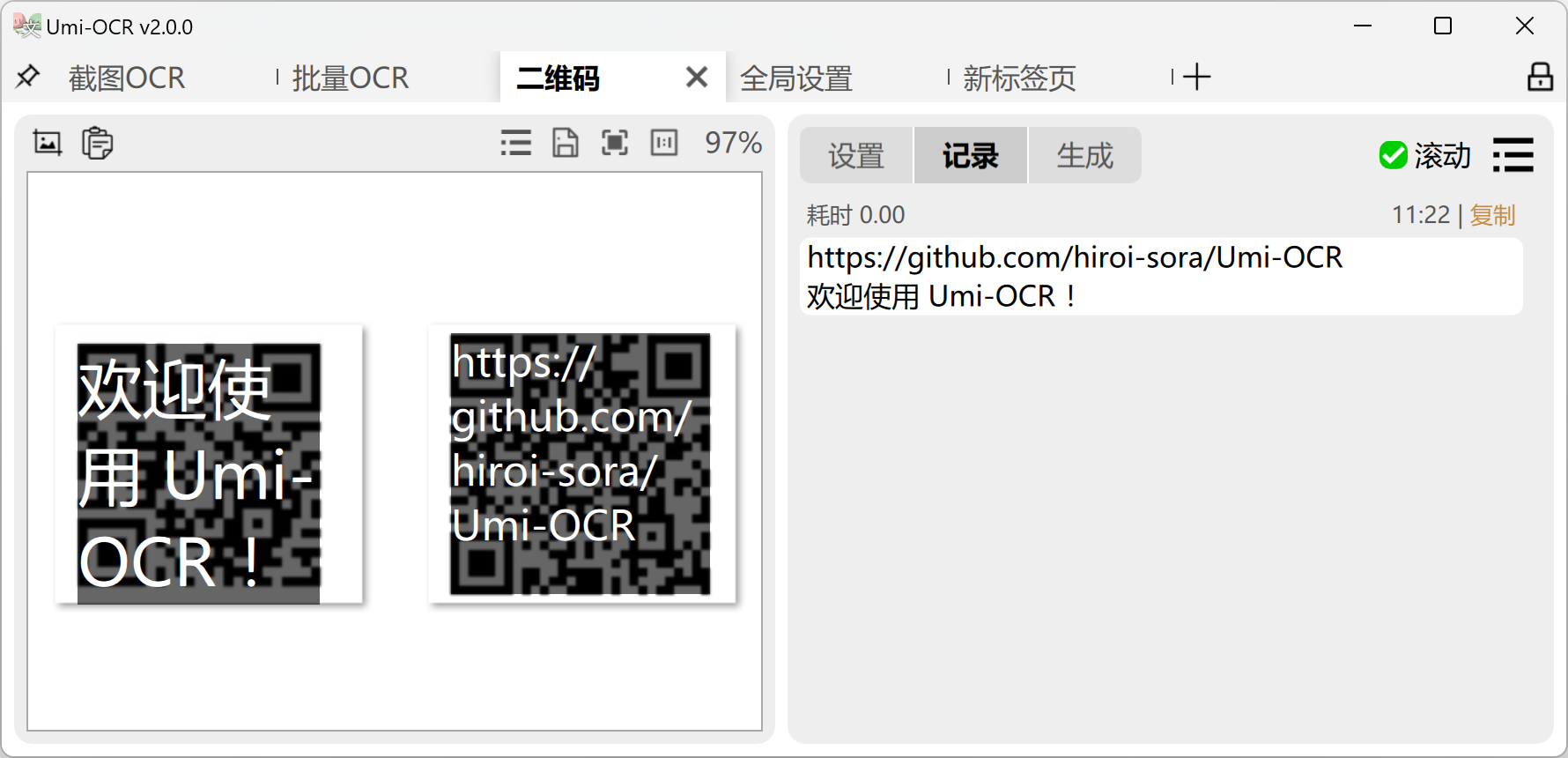
Supports reading QR codes and barcodes by screenshot, paste, or dragging in local images.
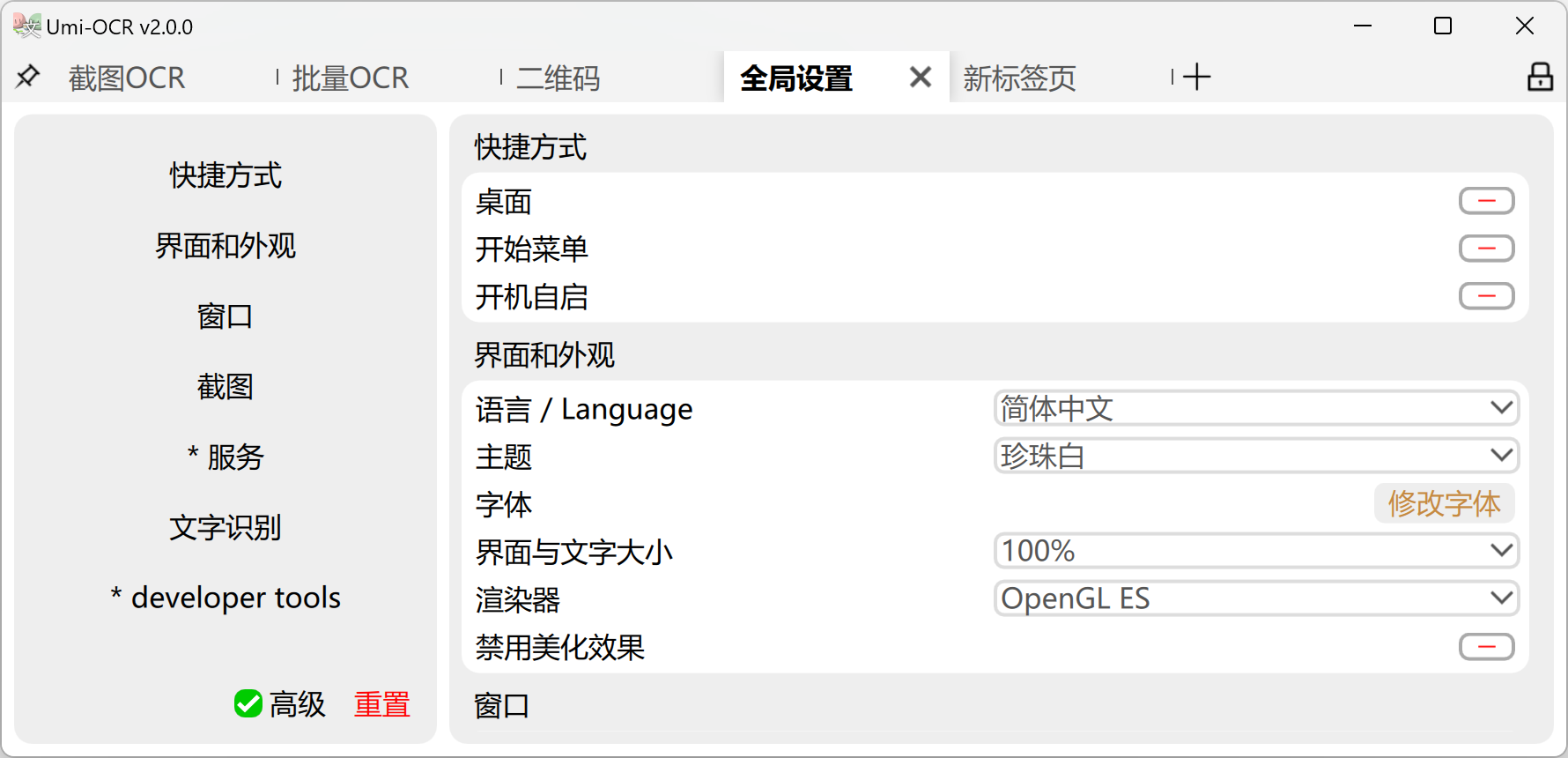
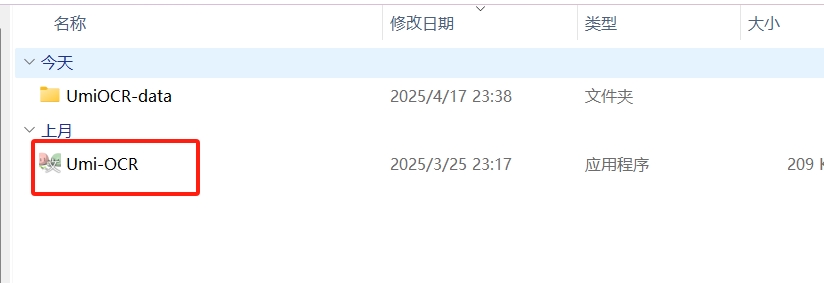
The software is a portable version with no installation required. After downloading, unzip it and double-click the Umi-OCR.exe file to use. For long-term use, you can enable auto-start in the settings.
Note: This tool has two versions: Paddle and Rapid. The Paddle version is recommended by default. If it doesn’t work, try the other version.
Umi-OCR_Paddle: Paddle engine has good performance, fast speed, high memory usage, suitable for high-end machines.Not compatible with Pentium, Celeron, Atom CPUs.
Umi-OCR_Rapid: Rapid engine is slightly slower with low memory usage, suitable for low-end machines, good compatibility.