NSTranslate - v 1.3.1.120
Windows multi-engine text translation tool with AI translation and OCR

Cross-platform word selection translation and OCR
0 Already downloaded Mobile view
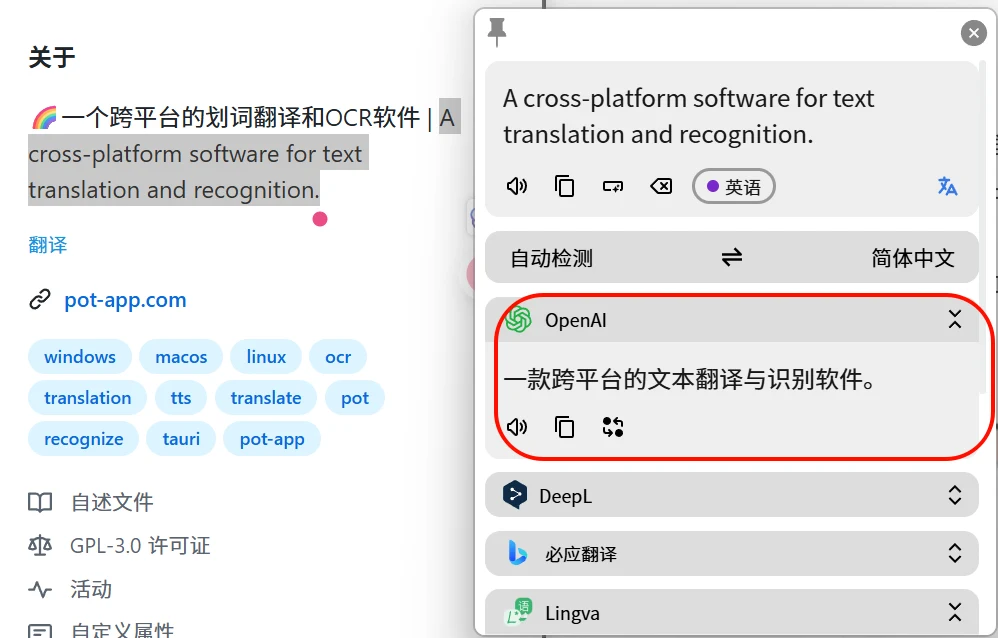
Pot is a free and open-sourcecross-platform word selection translator and OCRtool, claimed by its author to be the last translation software you’ll ever need. It supports Windows, macOS, and Linux.
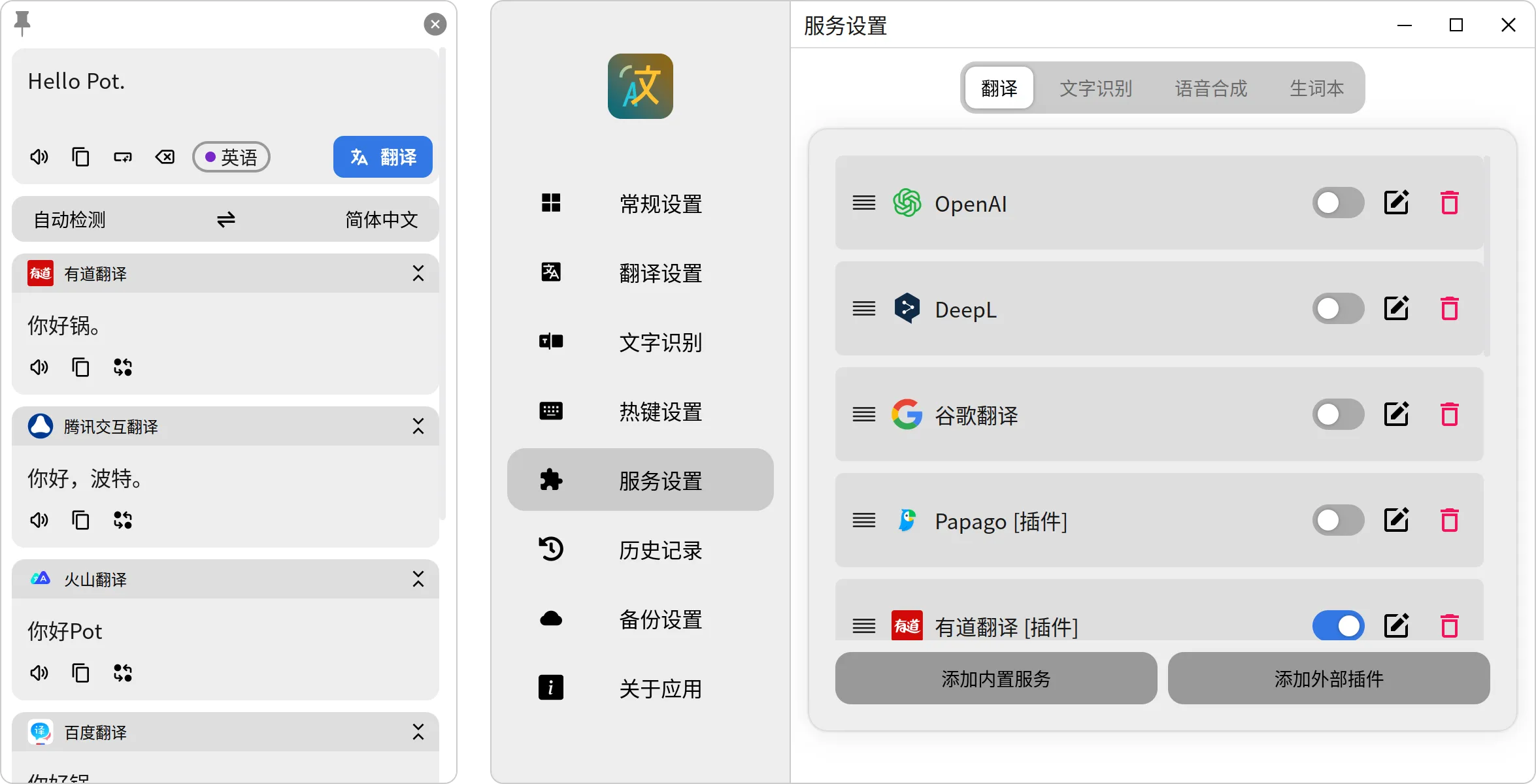
Main features include word selection translation, text recognition, speech synthesis, and vocabulary book. It also supports multiple translation APIs, including AI translation APIs like ChatGPT, ChatGLM, and Gemini.
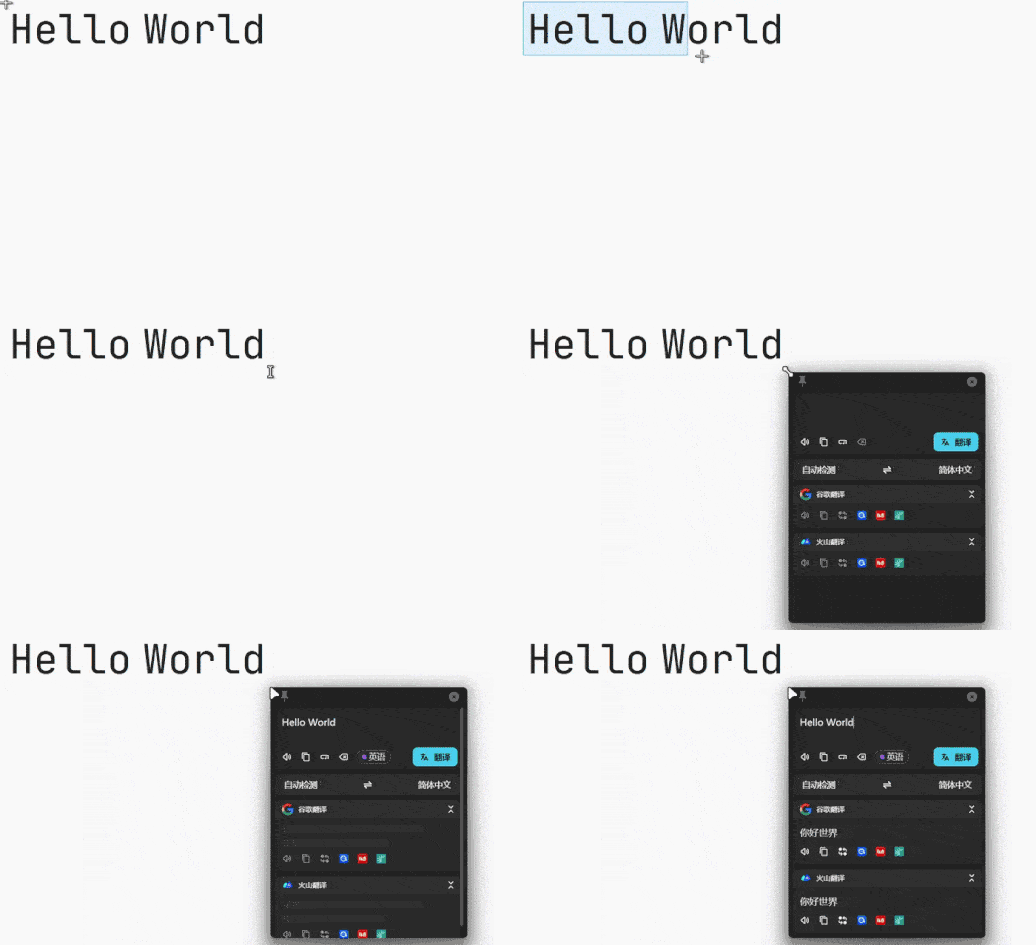
It’s very easy to use, whether for word selection translation or screenshot OCR text recognition. Just set up the shortcut keys in advance, select or screenshot the text content, then press the shortcut key to bring up Pot Translator.
It also supports clipboard monitoring mode. Once enabled, any copied text will be automatically translated.
Pot Translator does not come with built-in AI translation; we need to apply for AI translation APIs ourselves. Here, we recommend using SiliconCloud’s large model service. You can use it for free~
1. Register a SiliconCloud account:https://cloud.siliconflow.cn/i/W8tzx9BI (Get 14 yuan credit)
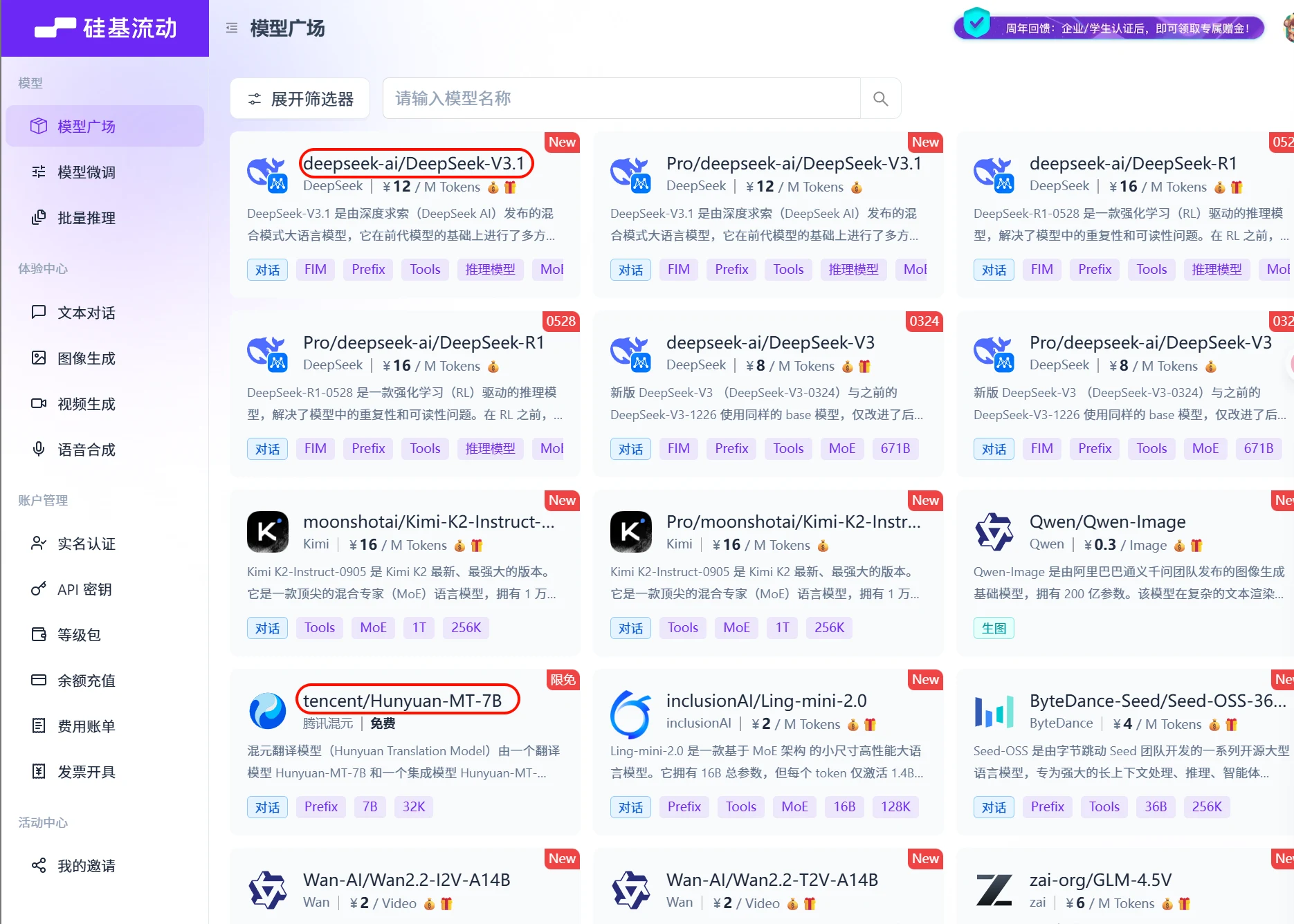
2. In the Model Playground, choose a large model. There are free and paid ones; just pick a cheap one. Then copy the model name. You can use Tencent’s Hunyuan Translation Model:tencent/Hunyuan-MT-7B (Free)
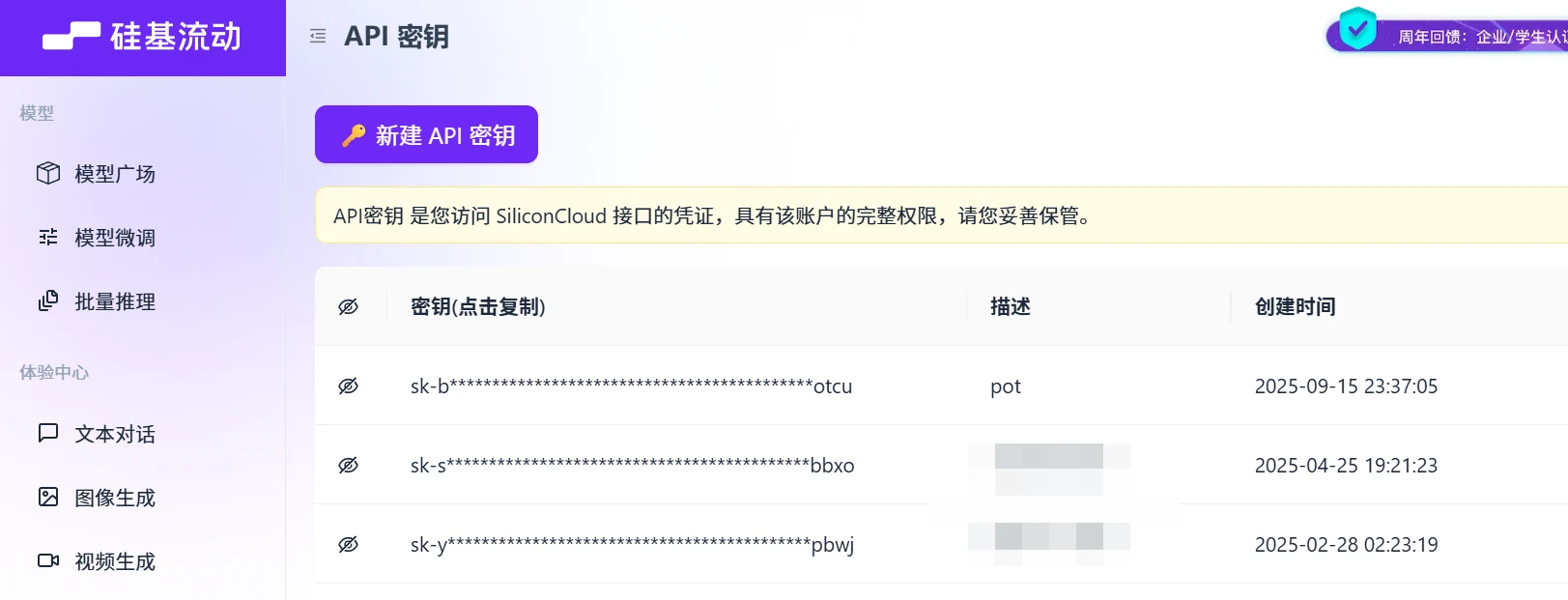
3. Create an API key. Click on API Keys in the menu bar and create a new API key.
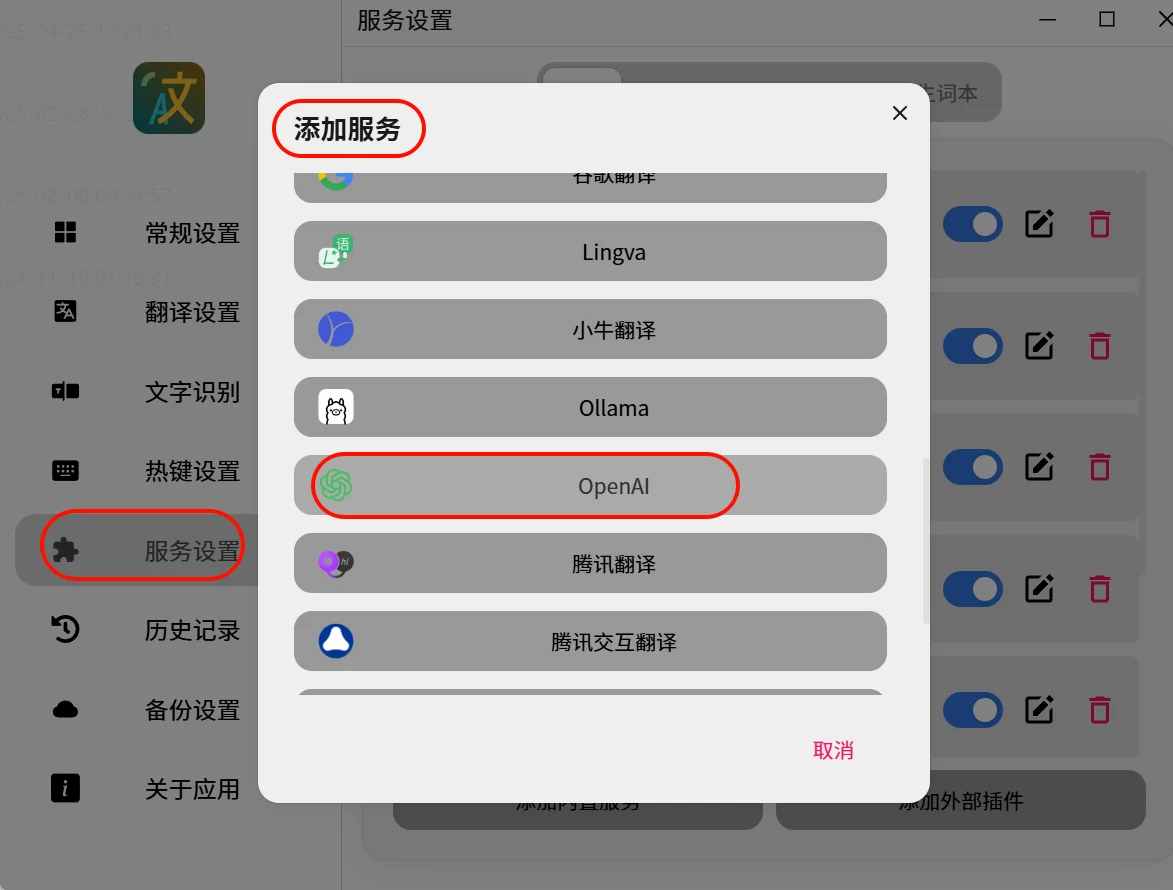
4. Open Pot Translator’s settings page, go to Service Settings, add a built-in service, and choose the OpenAI interface, because SiliconCloud uses the same interface specification as OpenAI.
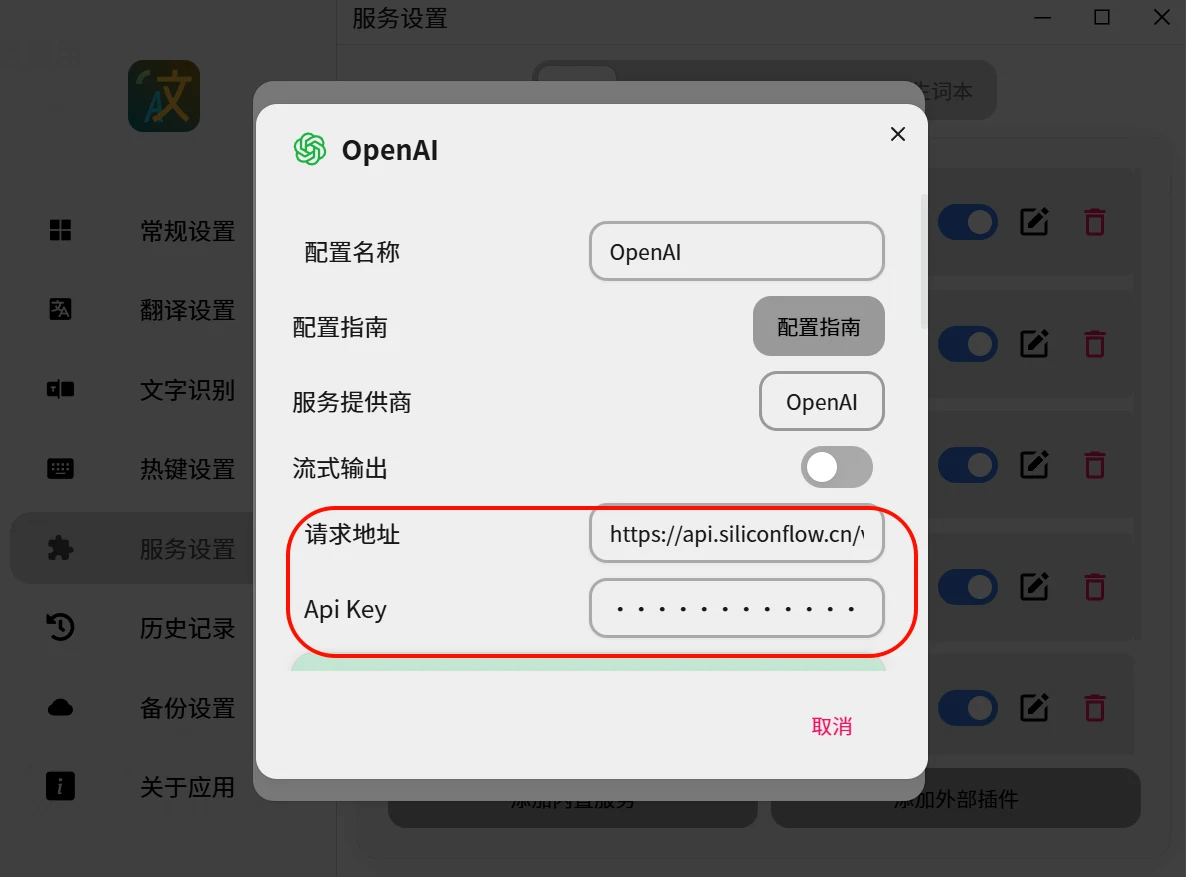
5. Request address:https://api.siliconflow.cn/v1/chat/completions
API key: Fill in the API key you applied for at SiliconCloud
6. For the model, you can fill in Tencent’s Hunyuan Translation Model:tencent/Hunyuan-MT-7B (Free), or you can choose one from the Model Playground yourself.
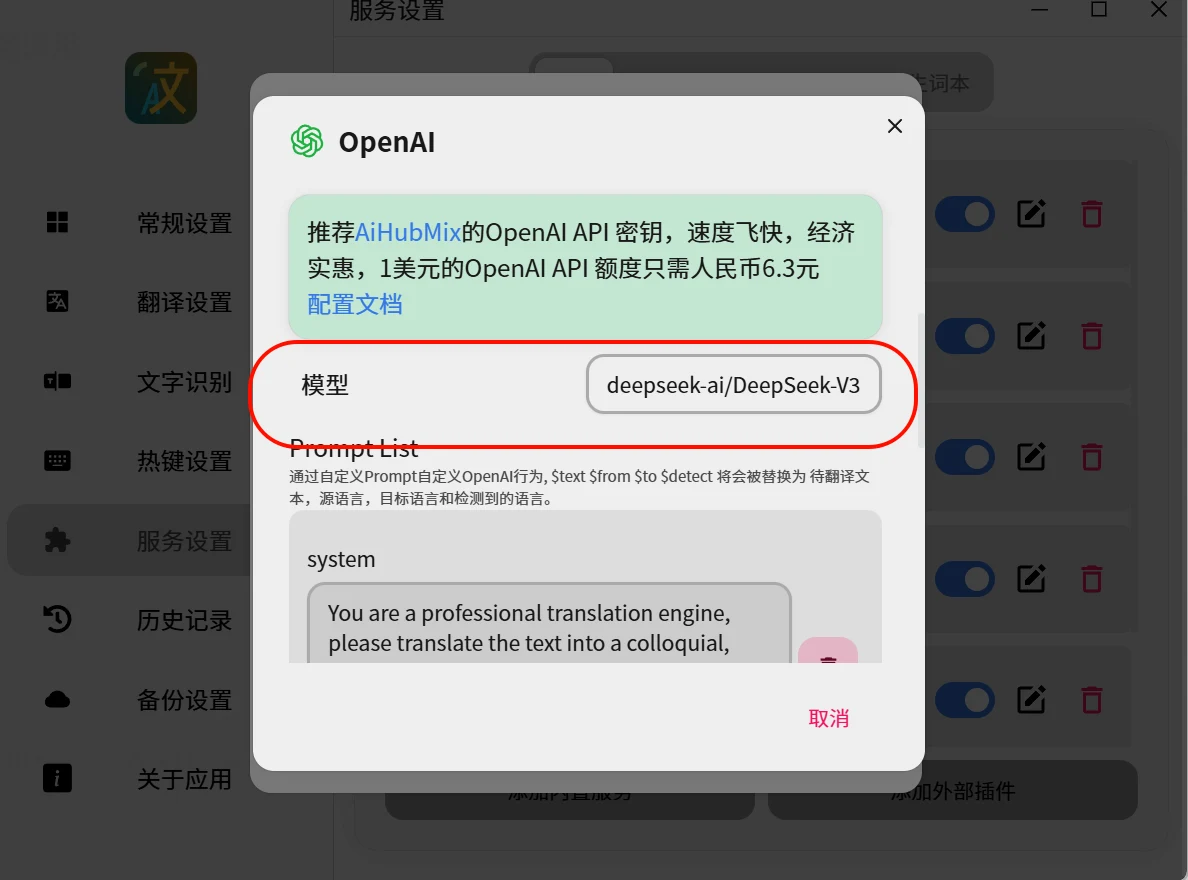
7. After filling in the above, save it and you can start using it.