NContextMenuManager - v3.3.3.1
Windows right-click menu management tool ContextMenuManager

Open-source browser AI translation plugin, focusing on an 'immersive/native-language reading' experience
0 Already downloaded Mobile view
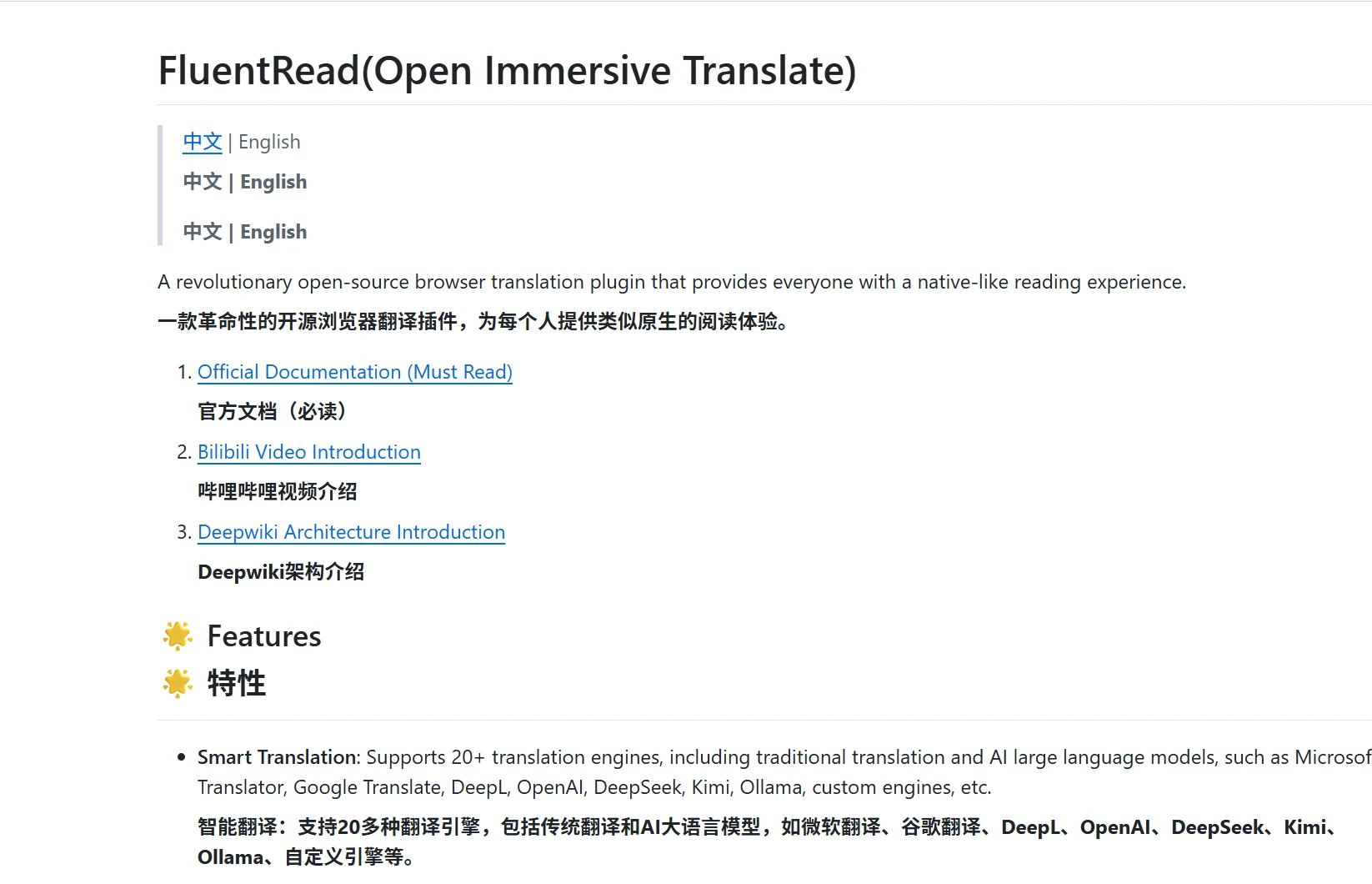
FluentRead FluentRead is an open-source browser AI translation plugin, focusing on an ‘immersive/native-language reading’ experience. It is an excellent alternative to the well-known translation plugin Immersive Translate.
Supports customizable real-time translation: bilingual parallel display of original and translated text, instant translation on word selection, one-click full-page translation, etc. Suitable for foreign language reading, learning, and cross-language information retrieval.
Select any text, and a red dot appears on the webpage. Hover over the dot to see the translation.
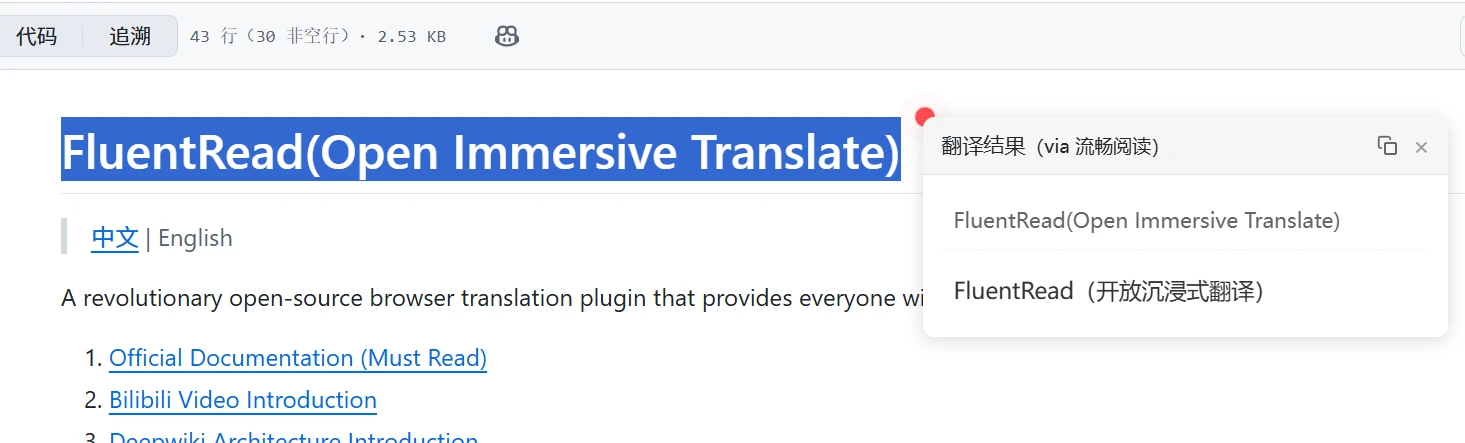
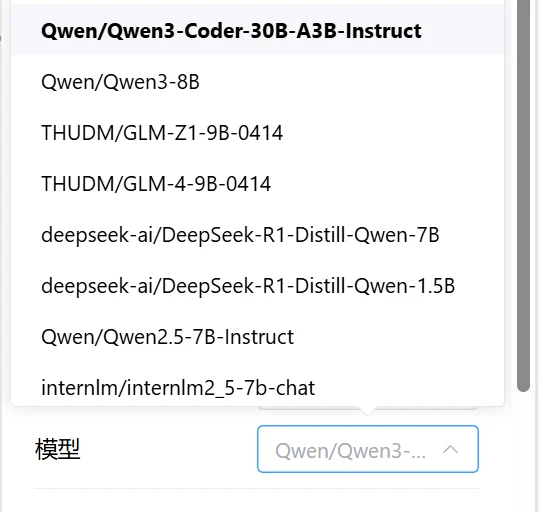
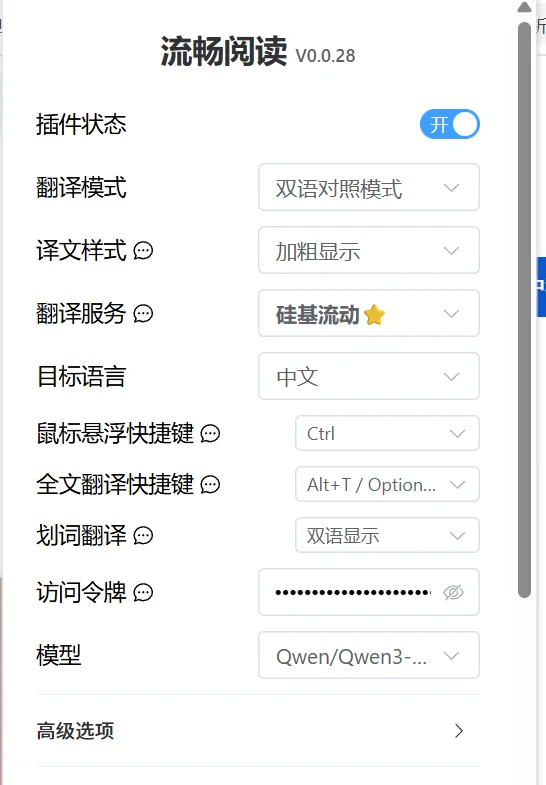
Built-in multiple AI translation APIs, also supports custom APIs. Here I am using the AI model from SiliconFlow. Go to the official website to apply for an API key, then fill in the ‘access token’ and select a model.
It is recommended to use Qwen3-related models. Choose a small model to meet translation needs. Very fast.
SiliconFlow official website:https://cloud.siliconflow.cn/i/W8tzx9BI (Free 14 yuan credit)
SiliconFlow API application tutorial:https://www.tudingai.com/sites/2003.html