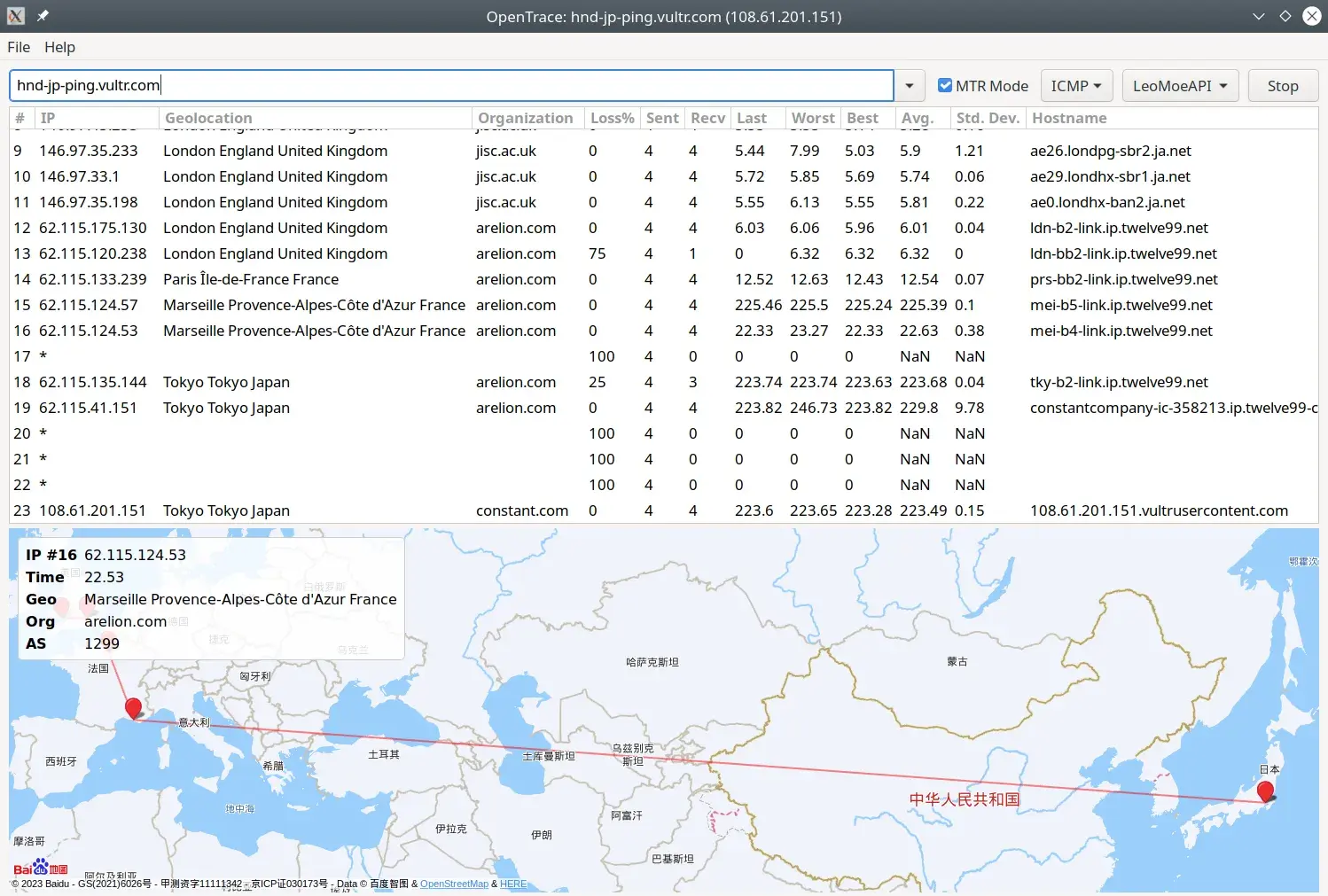
OpenTrace is developed by Archeb NextTrace ‘s cross-platform GUI wrapperroute tracing, and displays the results visually, such as mapping the path of IP addresses on a map. The project is hosted on GitHub and is licensed under GPL-3.0.
Key Features
Visual route tracing (display hops, latency, and packet loss info on a map).
MTR (continuous/loop traceroute) style support for long-term network path and jitter observation.
Custom DNS resolution (supports DoH, etc.) and local .MMDB GeoIP database support.
Can start trace via CLI, compatible with NextTrace parameters and features (OpenTrace is just a GUI frontend; actual probing is done by NextTrace).
Usage Guide
Getting started with OpenTrace is very simple—basically plug-and-play:
Download and Install: Download the version corresponding to your operating system (Windows, macOS, or Linux) from the GitHub releases page. The Windows version is about 6MB to 11MB, and the macOS and Linux versions are about 36.8MB.
Start Tracing:
Open the software, type in the input box thedomain (e.g., www.google.com) or IP address you want to query.
Click “Start” or a similar button, and wait a moment.
The results will show each hop’s IP, latency, and geographic location in a list, and may also generate a visual path on a map window.
Usage Tips:
ForWindows users, if you need to use more accurate TCP/UDP mode for tracing, you may need to installNpcap driver.
In the settings, you can try switching between different IP geolocation data sources or configure your own DNS to get results that better suit your needs.