Ndraw.io - v25.0.2
Diagramming tool, no installation, no login, free

A video subtitle processing assistant based on large language models (LLM), supporting full workflow: speech recognition, subtitle segmentation, optimization, and AI subtitle translation
0 Already downloaded Mobile view
Kaka Subtitle Assistant (VideoCaptioner) is an open-source video subtitle processing tool based on large language models (LLMs) and modern speech recognition technology, realizing a fully automated workflow of “video → automatic transcription → intelligent segmentation/correction → AI subtitle translation → one-click subtitle video synthesis”.
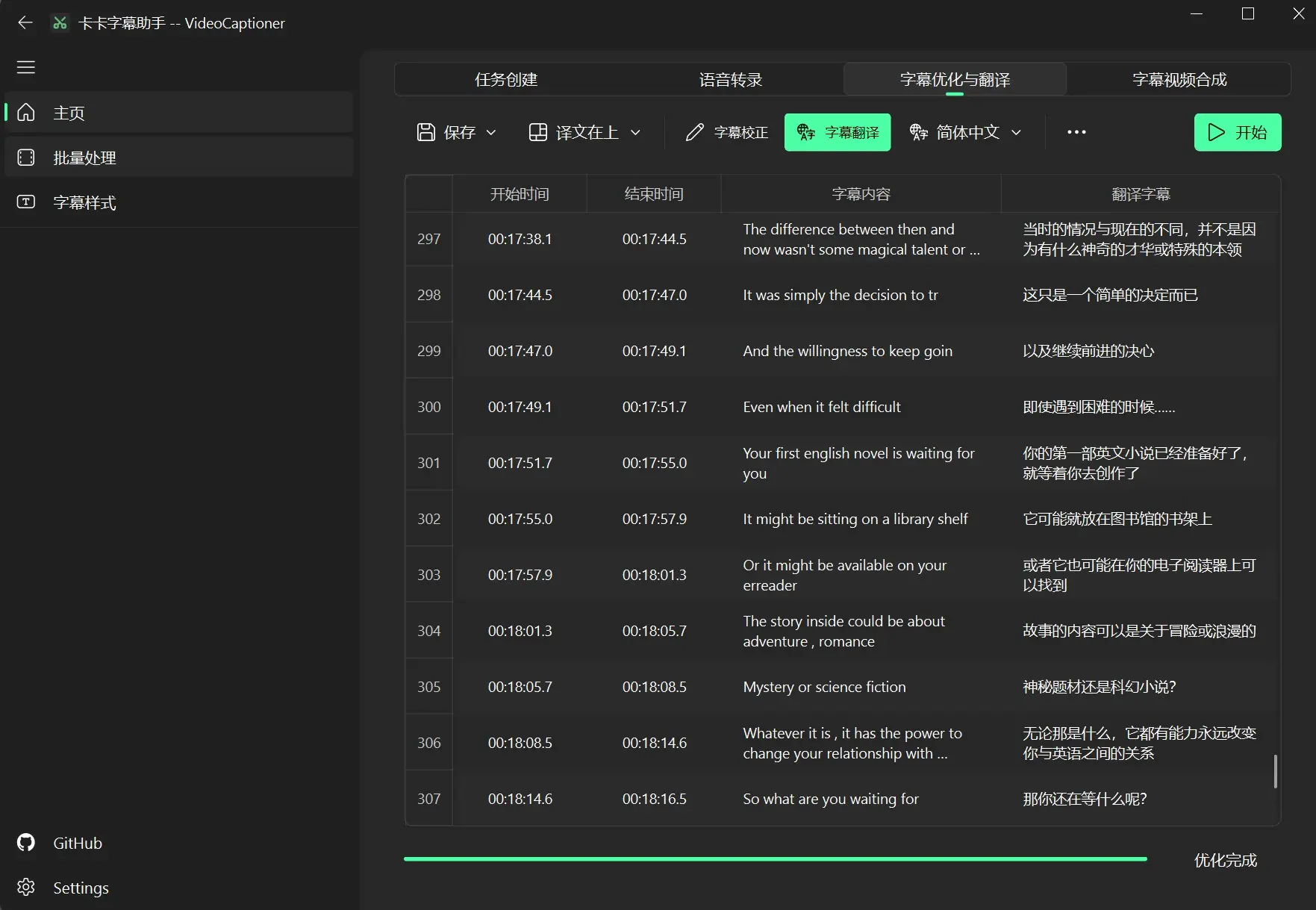
1. AI Large Language Model Configuration:The tool’s intelligent segmentation and subtitle translation rely entirely on AI large models. We recommend using local models or third-party model APIs. Here I use the Tencent Hunyuan translation model from SiliconFlow (free).
SiliconFlow model application tutorial:https://www.tudingai.com/3046.html
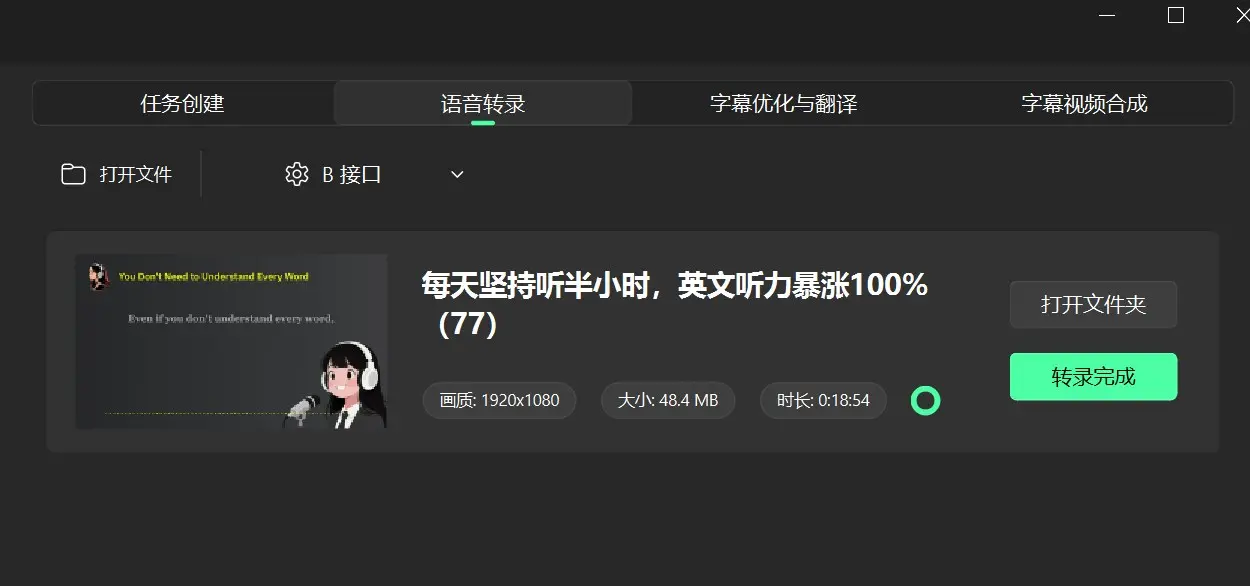
2. Speech Transcription Configuration:I use the default transcription model B interface, which is built-in, free, and works well. If you are concerned about privacy, we recommend downloading local Whisper/faster-whisper models.
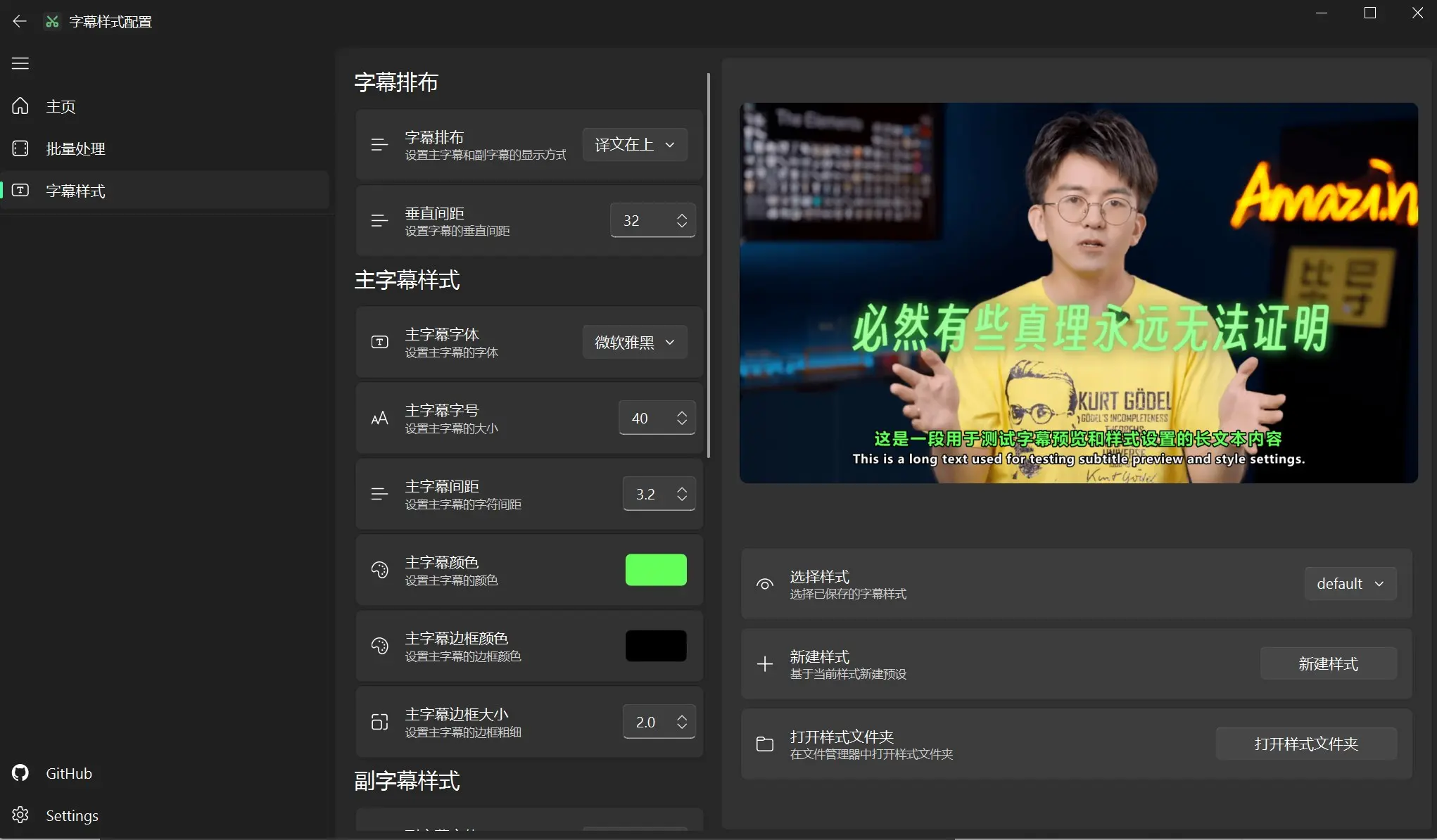
3. Subtitle Style: The tool supports modifying subtitle styles; you can configure your preferred style before use. It also includes built-in style templates, such as the BiDao video style.
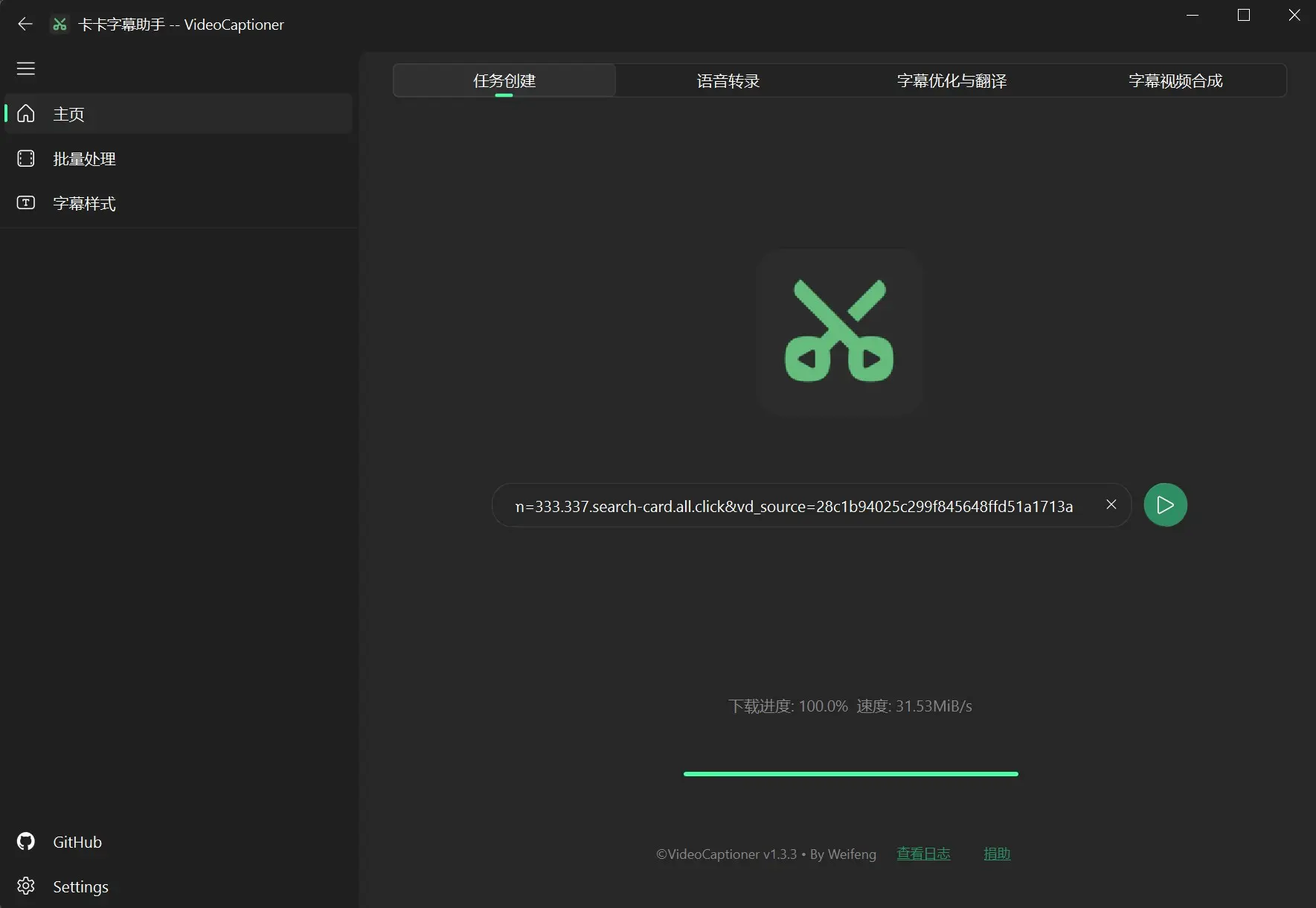
4. Create Task: The tool supports fetching videos and subtitle files from platforms like Bilibili and YouTube by simply entering the video link. It also supports uploading local videos.
5. Speech Transcription:Convert video speech into SRT subtitle files using speech recognition models. Supports uploading video or audio files individually.
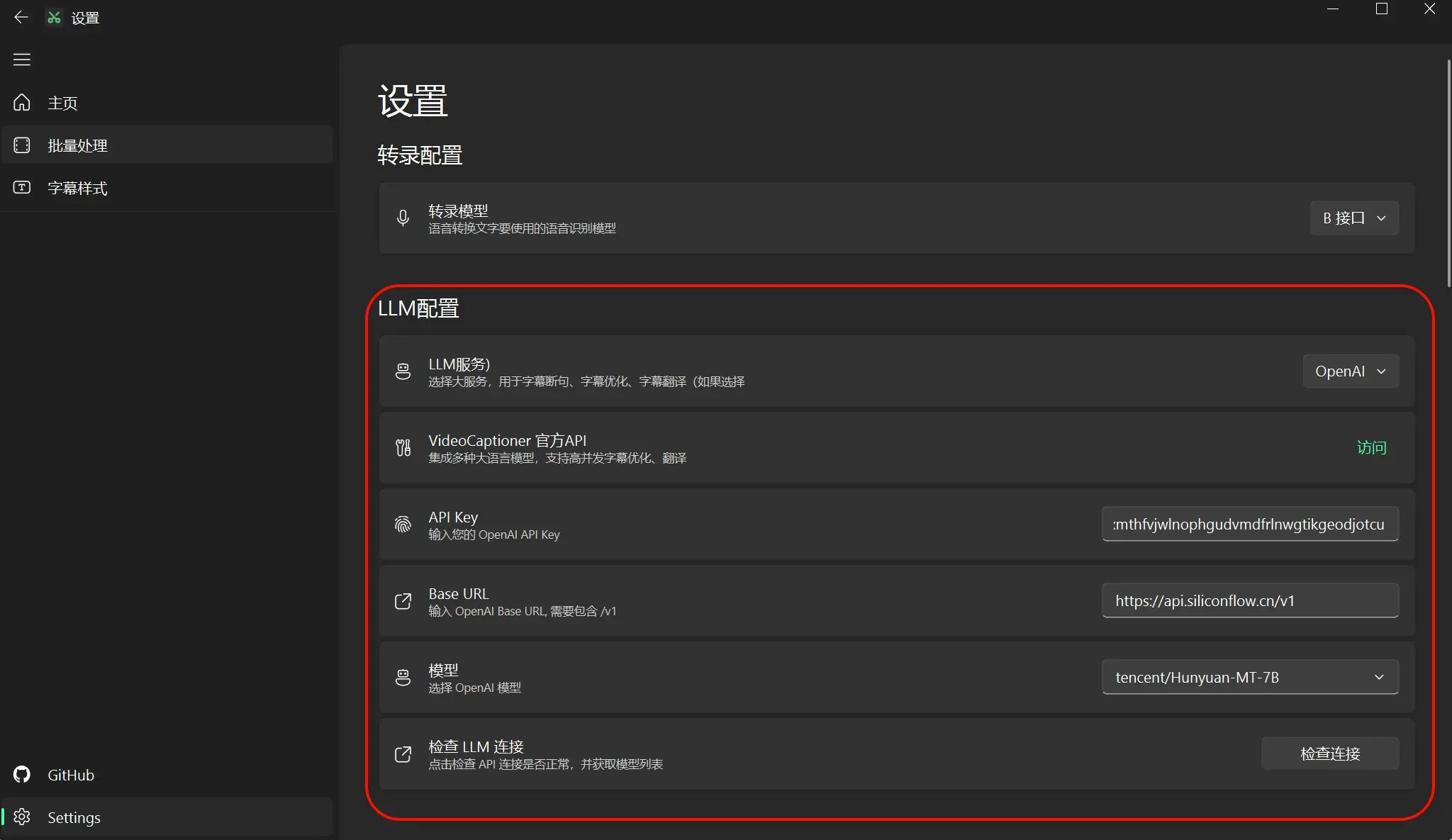
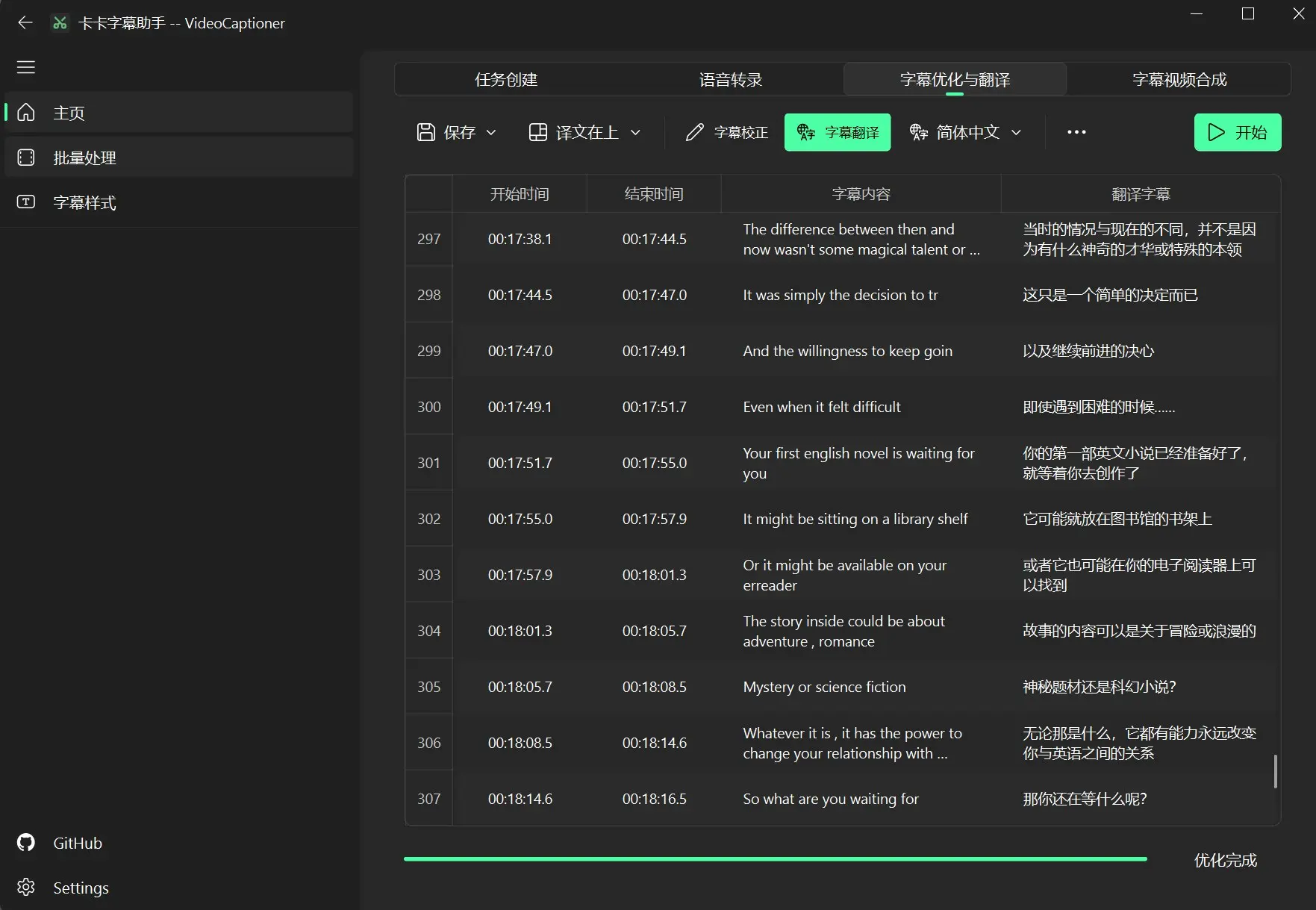
6. Subtitle Optimization and Translation:Drag and drop subtitle files to enable subtitle correction, AI subtitle translation, and subtitle editing. Supports exporting multiple subtitle formats like SRT, ASS, VTT, TXT.
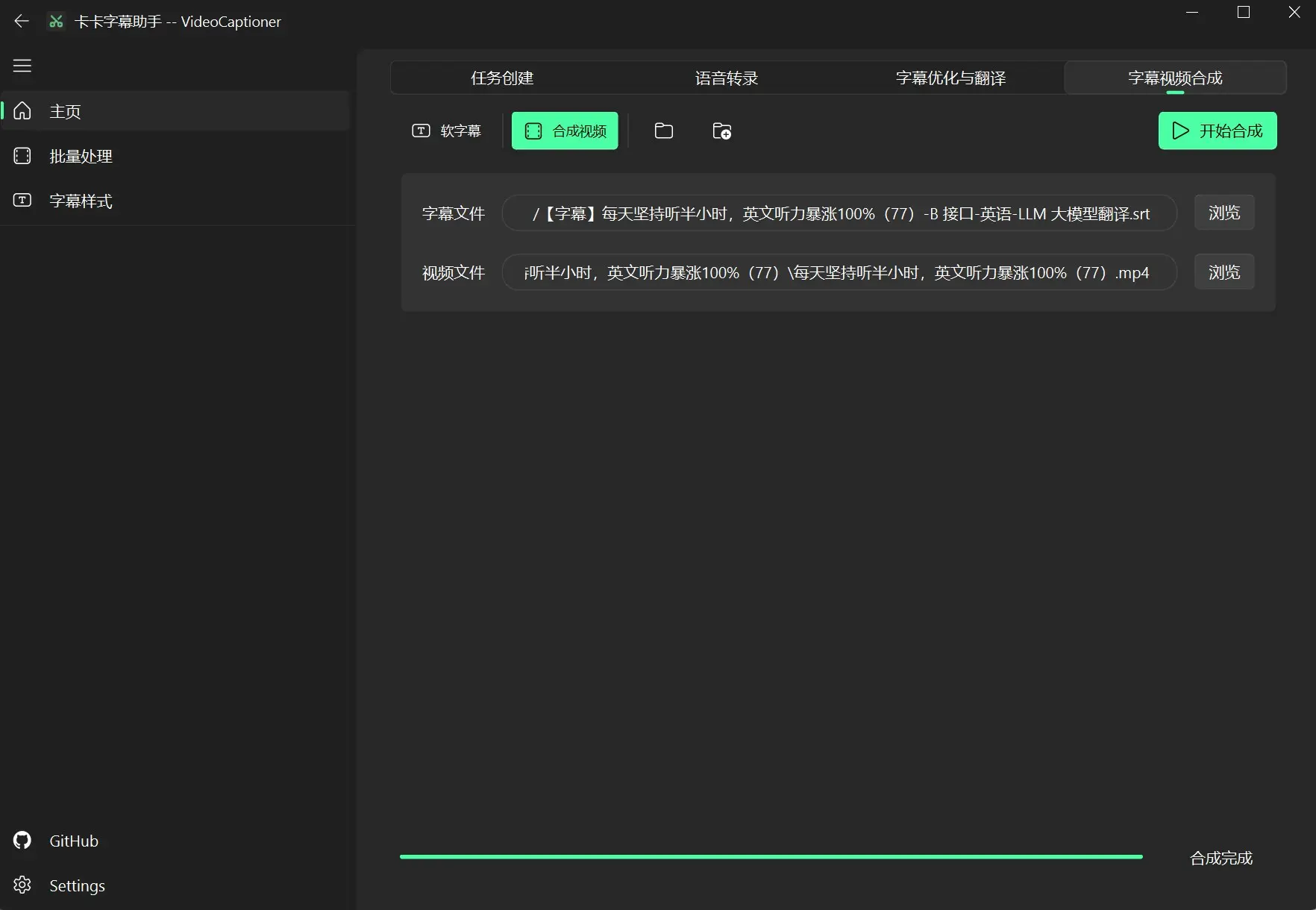
7. Subtitle Video Synthesis:Supports soft subtitle video synthesis; when enabled, subtitles are not burned into the video. However, soft subtitles require certain players (like PotPlayer) to display.