CrossDesk is aopen-source, lightweight cross-platform remote desktoptool. It is based on the MiniRTC real-time audio/video transmission library maintained by the author. It is one of the open-source alternatives to TeamViewer, AnyDesk, etc.
Supports cross-platform (Windows / macOS / Linux), hardware acceleration, self-hosted service, and can quickly deploy CrossDesk Server with Docker.
Key Features
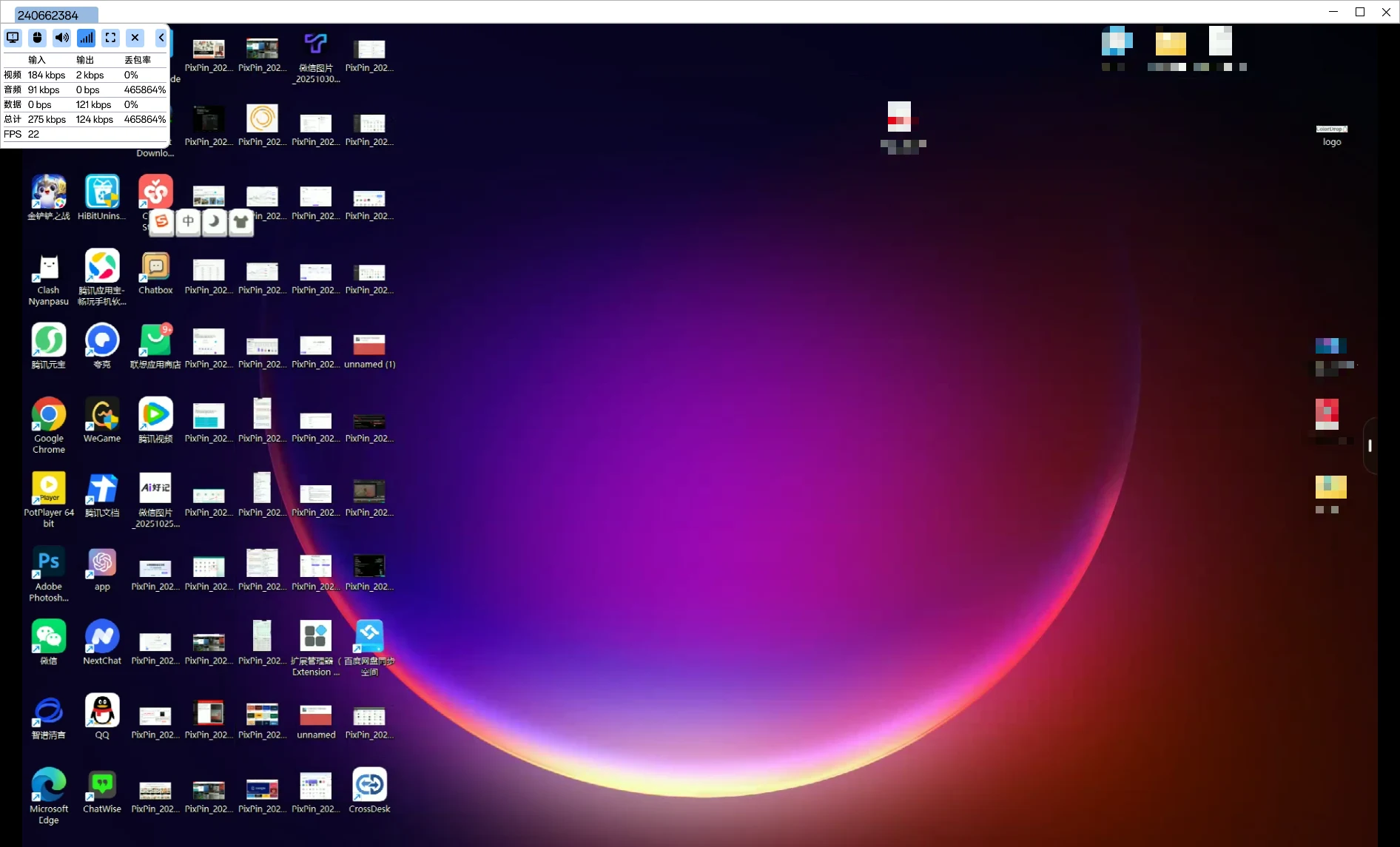
Real-time remote desktop control (keyboard/mouse control, screen sharing, resolution adjustment).
Multimedia encoding support: H.264 / AV1 video encoding, Opus audio.
Can connect directly via browser by entering remote device ID + password (supports mobile browser control).
Self-hosted service (can quickly deploy CrossDesk Server with Docker), with built-in documentation for STUN/TURN (coturn) and certificate verification.
Multi-device / multi-session management, hardware acceleration (NVIDIA/VideoToolbox), and network congestion control, for high frame rate, low latency scenarios.
Usage Tutorial
Download: Get the precompiled package for your platform (Windows / macOS / Linux) from the official website or GitHub Releases.
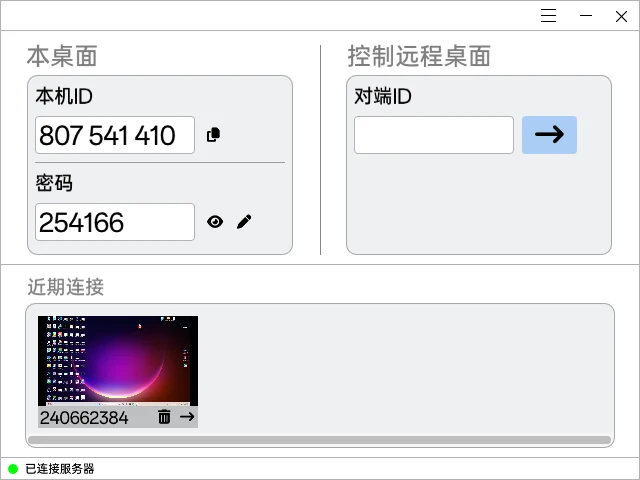
Launch the client: After opening, find “Peer ID” in the menu bar, enter the target device ID on your end, and click the connection arrow. If the remote end has password protection enabled, enter the password to connect.
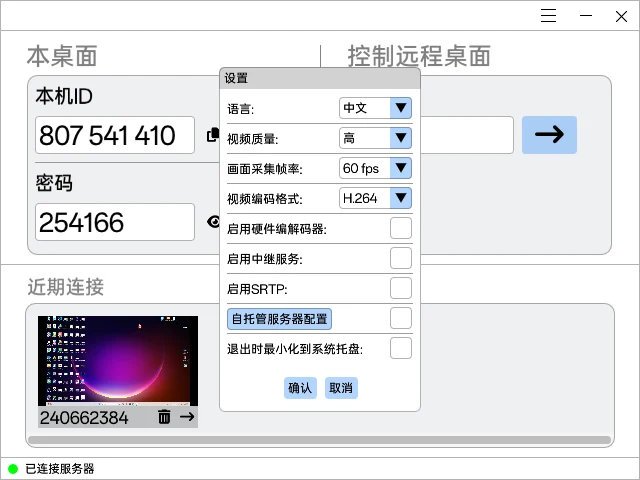
Settings optimization: In settings, you can choose video encoding (H.264/AV1), resolution, and language. When the network is poor, lower the resolution or switch encoding.
Self-hosted deployment (optional): Use the official Docker command to run the crossdesk/crossdesk-server image, configure EXTERNAL_IP, COTURN, port range, and mount certificate/database/log directories; the client needs to trust the root certificate.
User Experience
The software is very lightweight and simple, not much different from other professional remote tools, and requires no registration or login—just install and use.
The server currently provided by the author offers a smooth remote experience; clarity is average but fully sufficient.
When trying the web client for remote access, connection issues occurred. It is recommended to install the client on both devices.