NContextMenuManager - v3.3.3.1
Windows right-click menu management tool ContextMenuManager

Windows system enhancement toolbox released by Microsoft
271MB0 Already downloaded Mobile view
Microsoft PowerToys is a utility toolbox for Windows system enhancement, released by Microsoft. This toolbox contains multiple practical tools to improve your productivity when using Windows.
Currently, the toolbox has gathered 27 tools, including: Advanced Paste, Awake, Color Picker, Image Resizer, Keyboard Manager, Screen Ruler, Text Extractor, Video Conference Mute, Mouse utilities, FancyZones, Hosts File Editor, and so on, totaling 27.
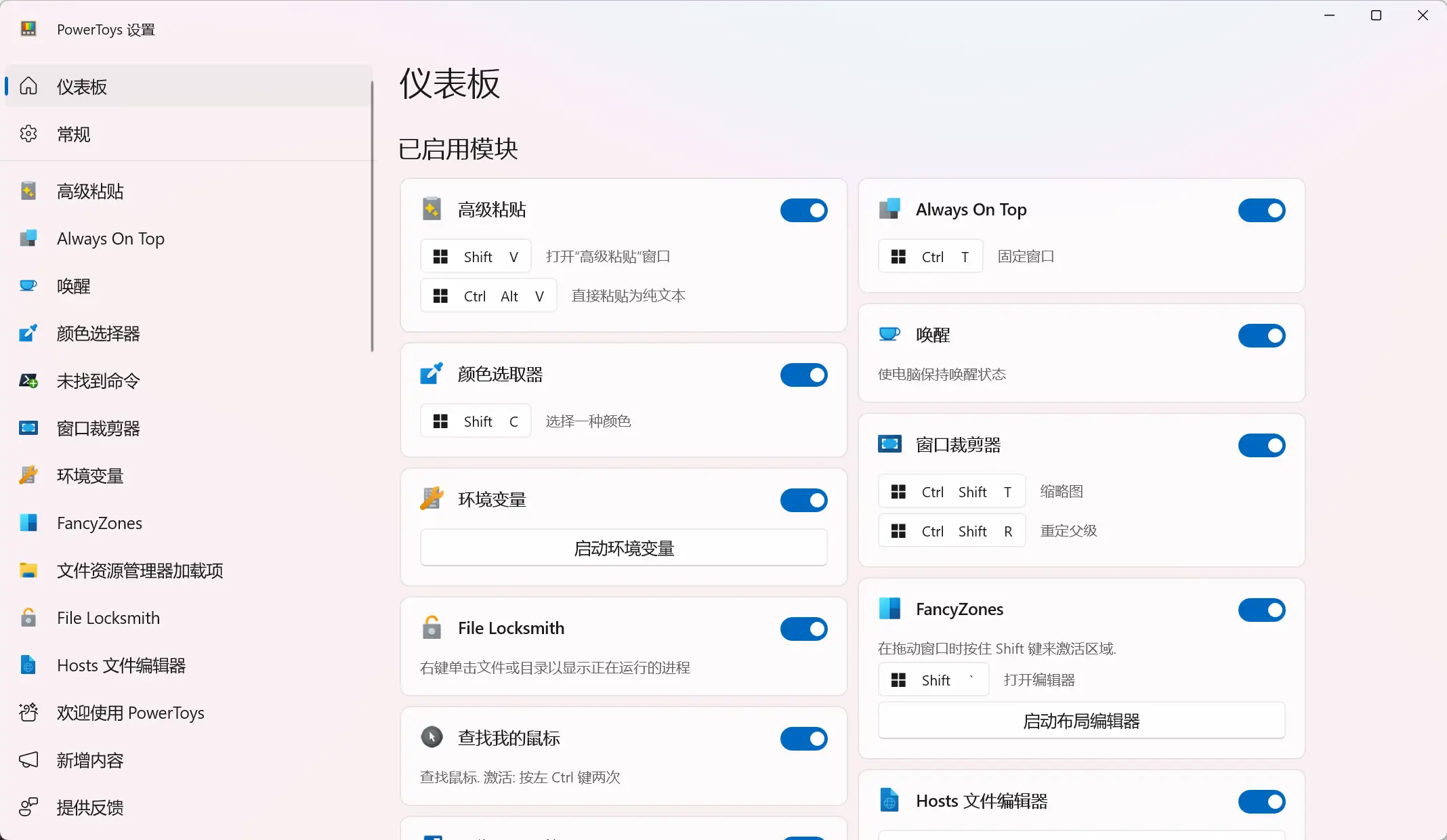
Below, I’ll pick a few commonly used tools to demonstrate!
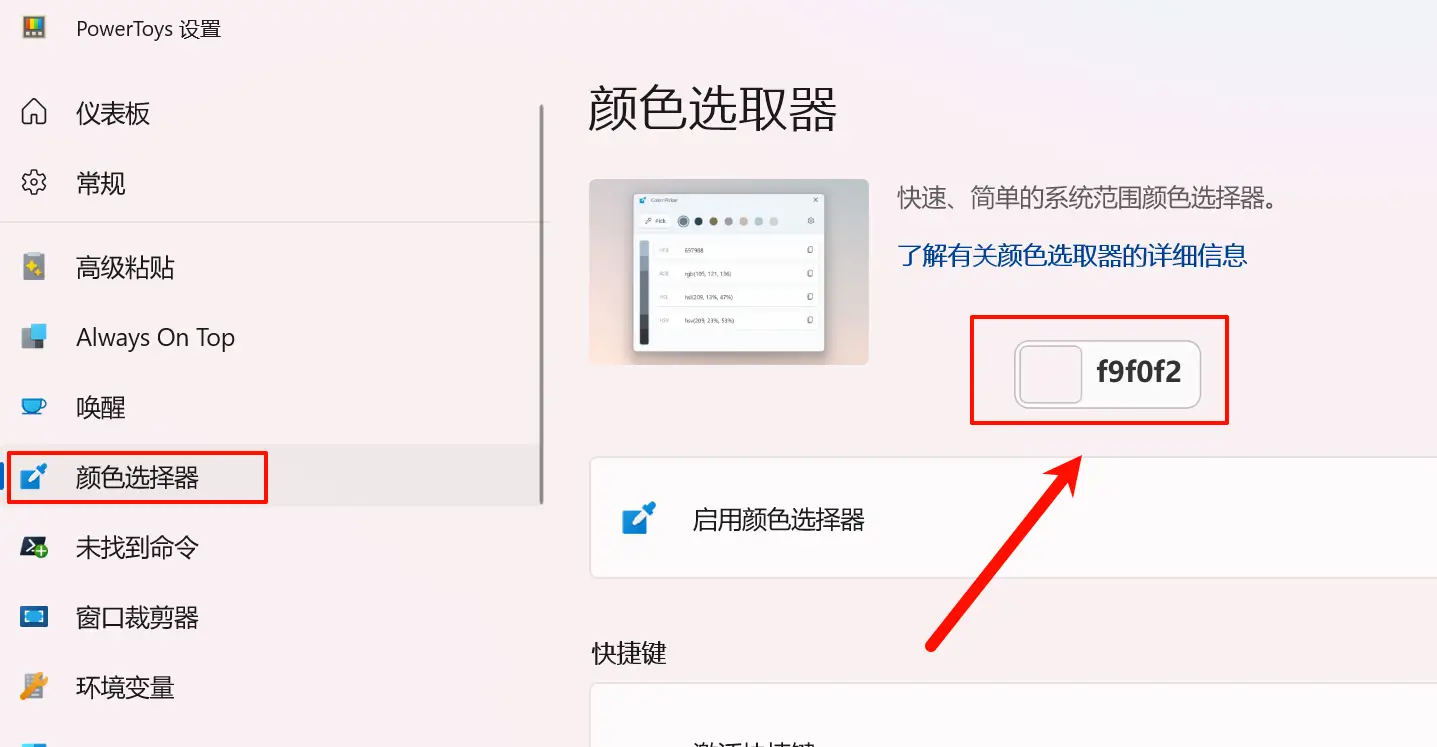
After enabling this feature, you can quickly pick color data from any range on the screen using keyboard shortcuts.
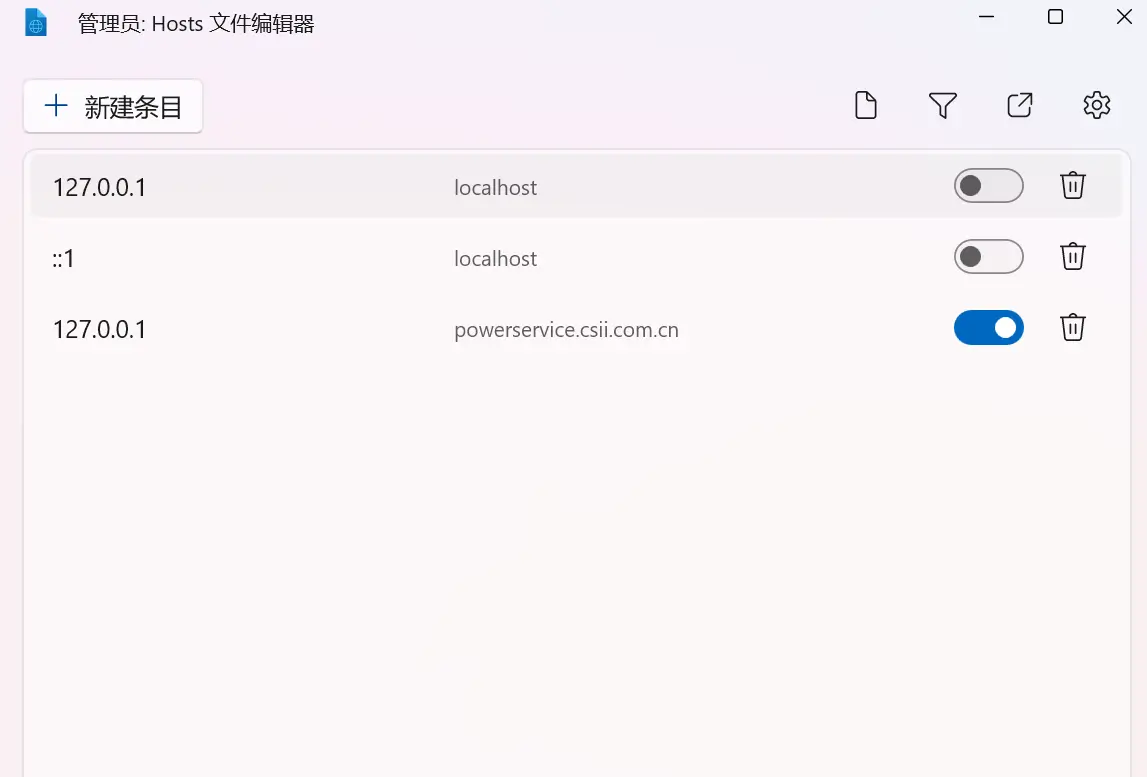
Easily manage Hosts file contents.
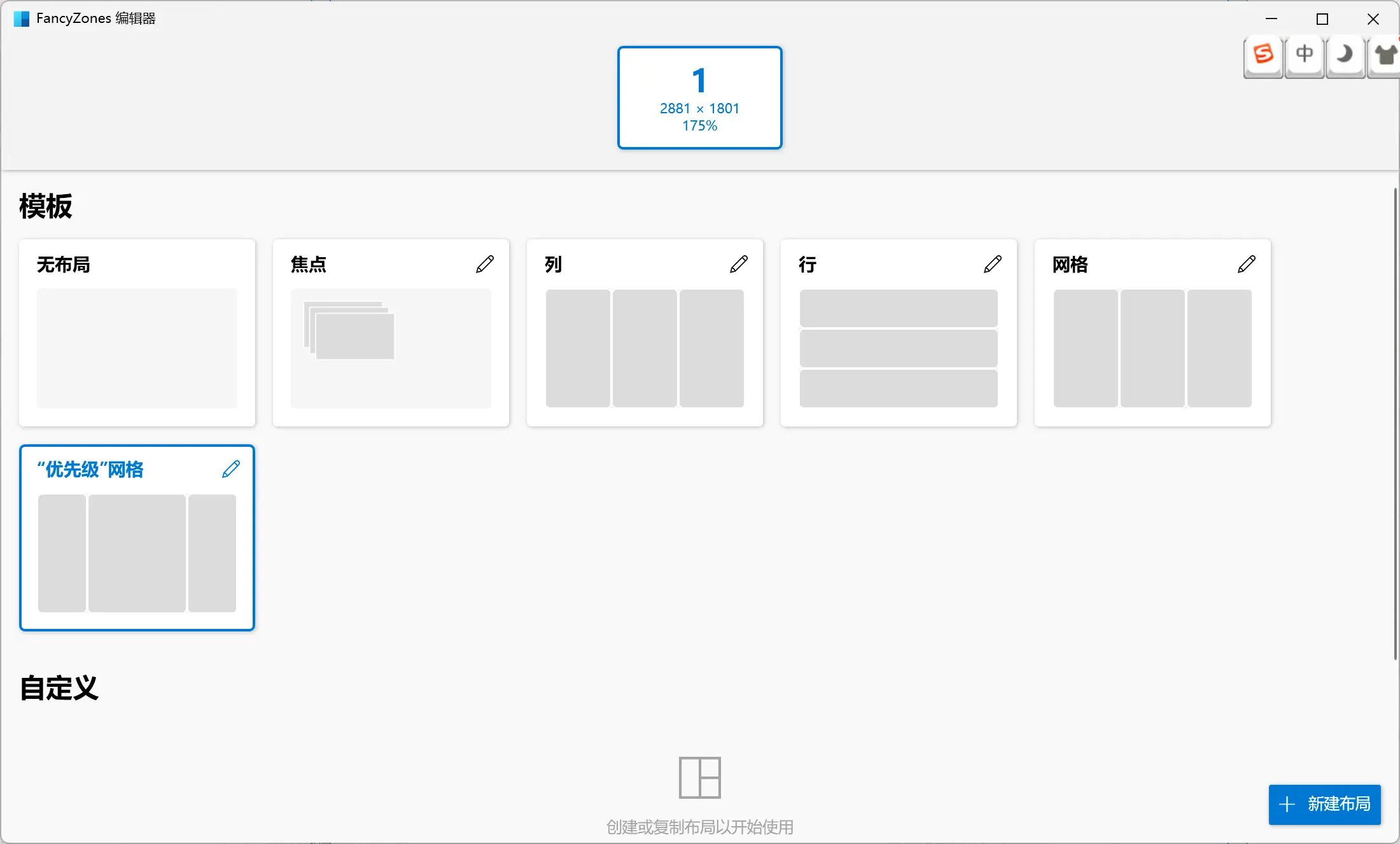
Window manager utility for arranging windows and snapping them into efficient layouts to improve workflow and quickly restore layouts. You can define a set of zone positions as targets for windows on the desktop. When you drag a window into a zone or use the associated keyboard shortcut, the window will be resized and repositioned to fill that zone.
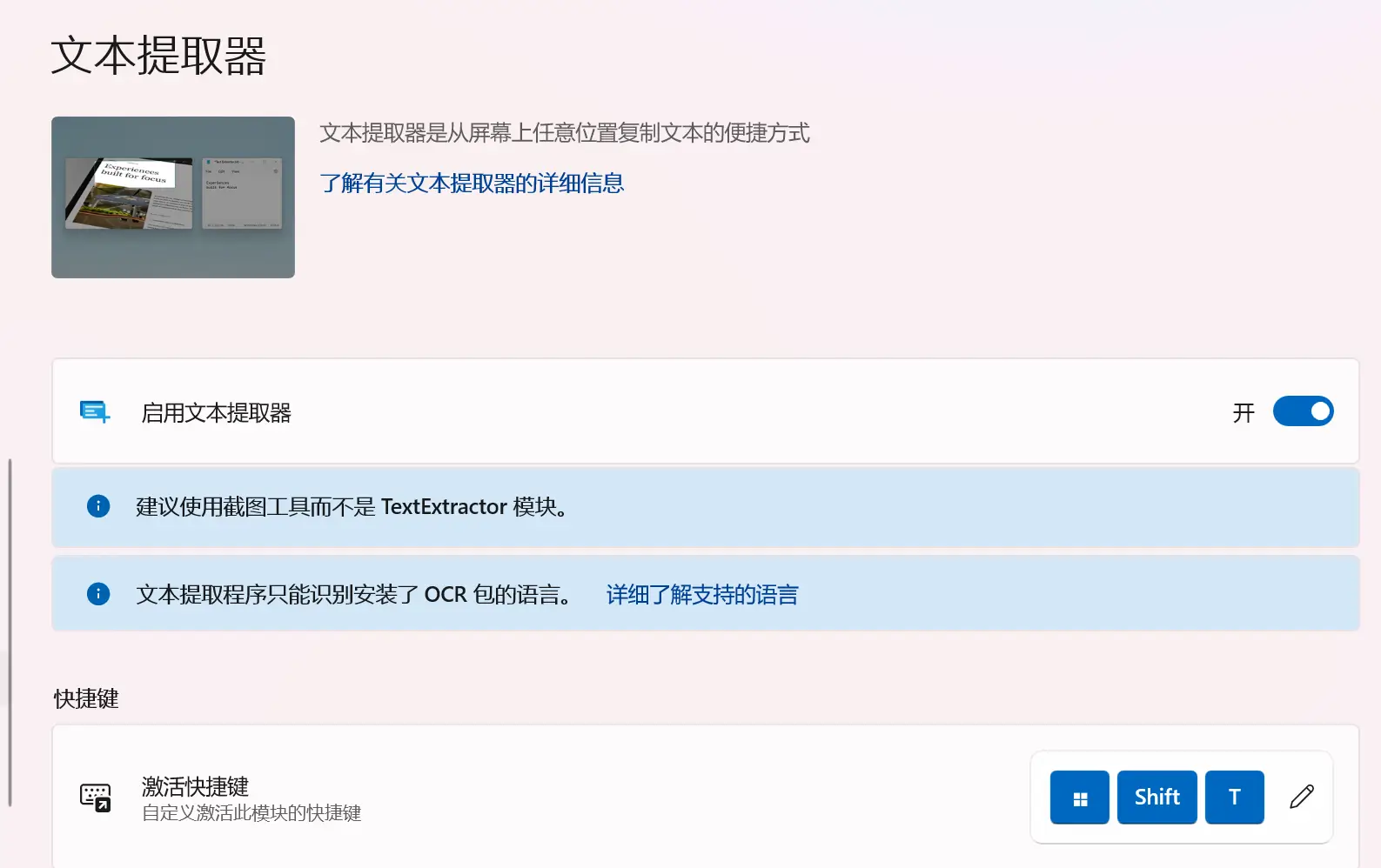
Using a screenshot method, you can copy text from anywhere on the screen, including inside images or videos.
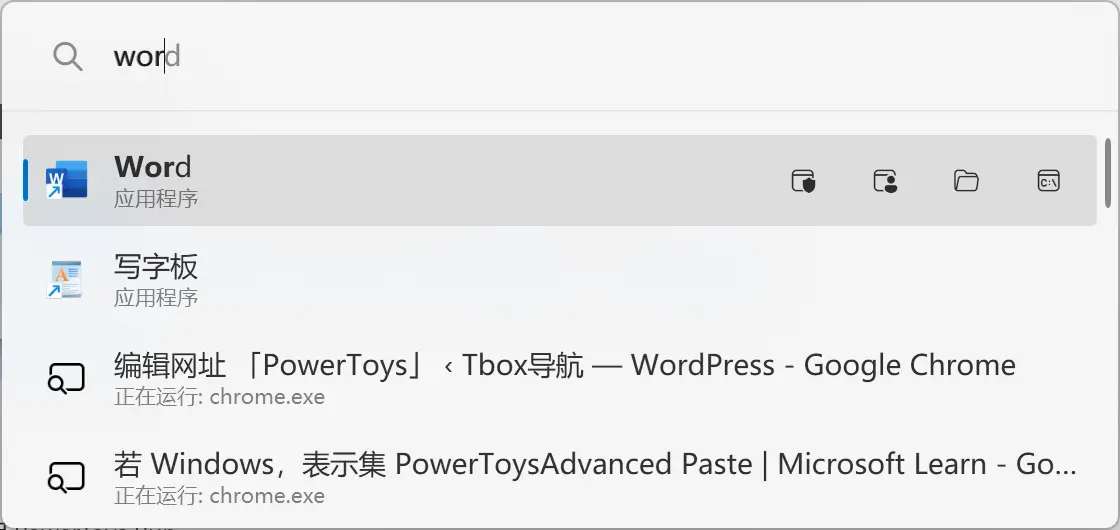
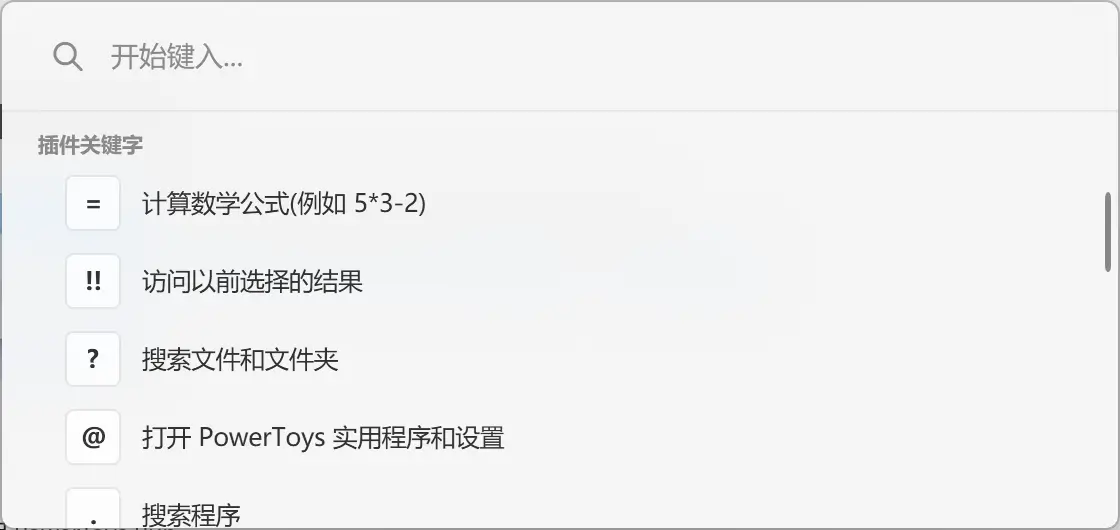
A quick launcher that includes additional features without impacting performance.
You can use it to search applications, folders or files, search running processes, use > to call Shell plugins, perform simple calculations with a calculator, execute system commands, get time and date information, convert units, calculate hashes, generate GUIDs, open web pages, or launch web searches.
Microsoft official tool details:https://learn.microsoft.com/zh-cn/windows/powertoys/?WT.mc_id=twitter-0000-docsmsft