
KDE Connect - Desktop 26.08.0 / Android 1.35.13
An open-source tool for file sharing, clipboard sharing, notifications, and remote control across devices.

A free, open-source Matrix chat client with end-to-end encryption and self-hosting support.
10 Already downloaded Mobile view
FluffyChat is a free and open source instant messaging client based on the Matrix open protocol, focusing on simplicity, ease of use, cross-platform and decentralization. It can be used for one-on-one chats, group communication and community spaces, and also allows users to choose public Matrix servers or connect to their own deployed servers.
Unlike chat software that relies on a single service provider, FluffyChat hands over account and message management to the selected Matrix server. It supports end-to-end encryption, cross-signing, and encrypted chat backups, and is suitable for individual users and small teams who want to retain their choice of servers without having to deal with complex technical interfaces.
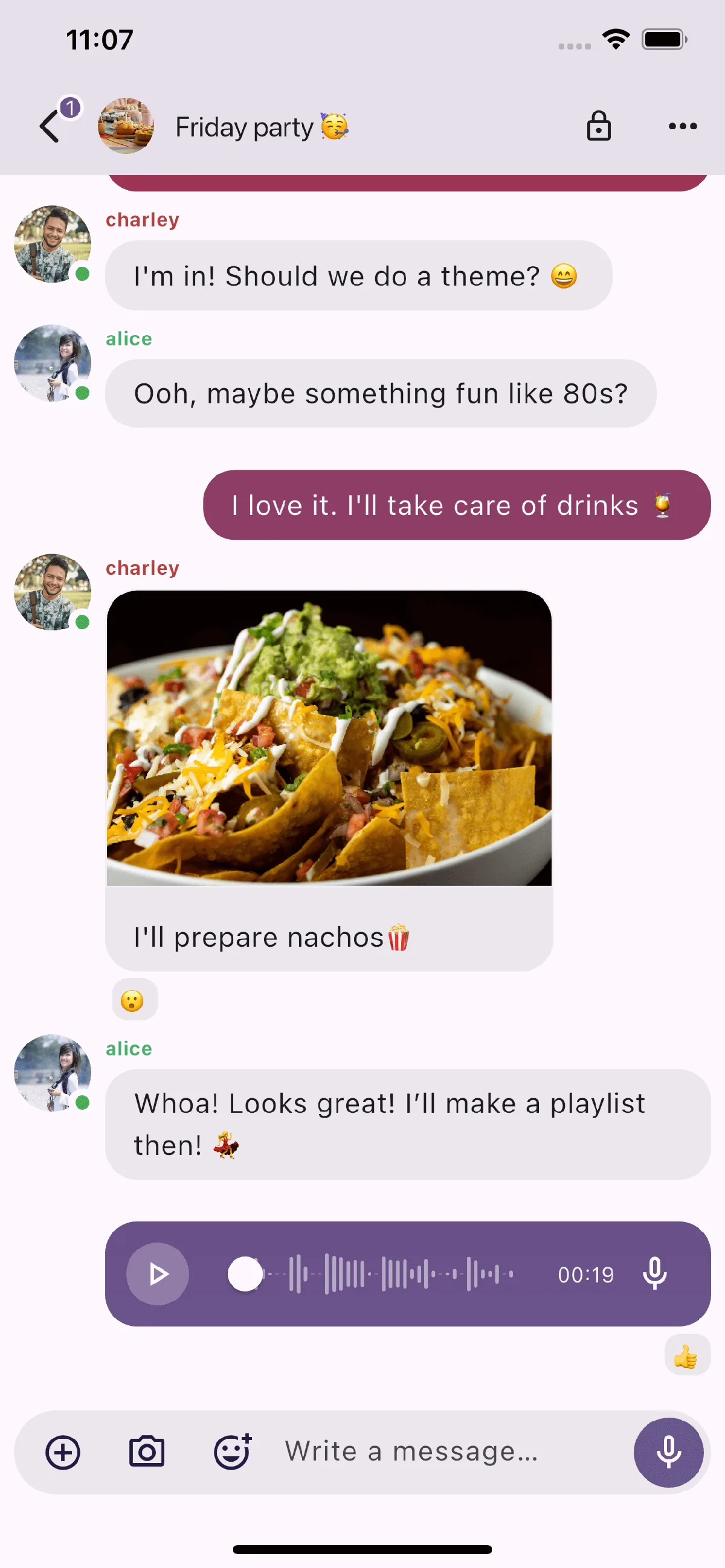
FluffyChat is developed using Flutter, and the interface is designed using Material You. The operation logic of mobile and desktop is relatively unified. It will try to hide complex concepts such as Matrix user IDs, device keys, and server addresses, and new users can complete some invitation and verification operations through QR codes.
Decentralization is both an advantage and a threshold for use. You need to select a homeserver when registering. Different servers may have different registration policies, storage capacity, public rooms, and stability. End-to-end encrypted rooms should also keep recovery keys secure; if the account, verified device, and recovery information are all lost at the same time, old messages may not be recovered.
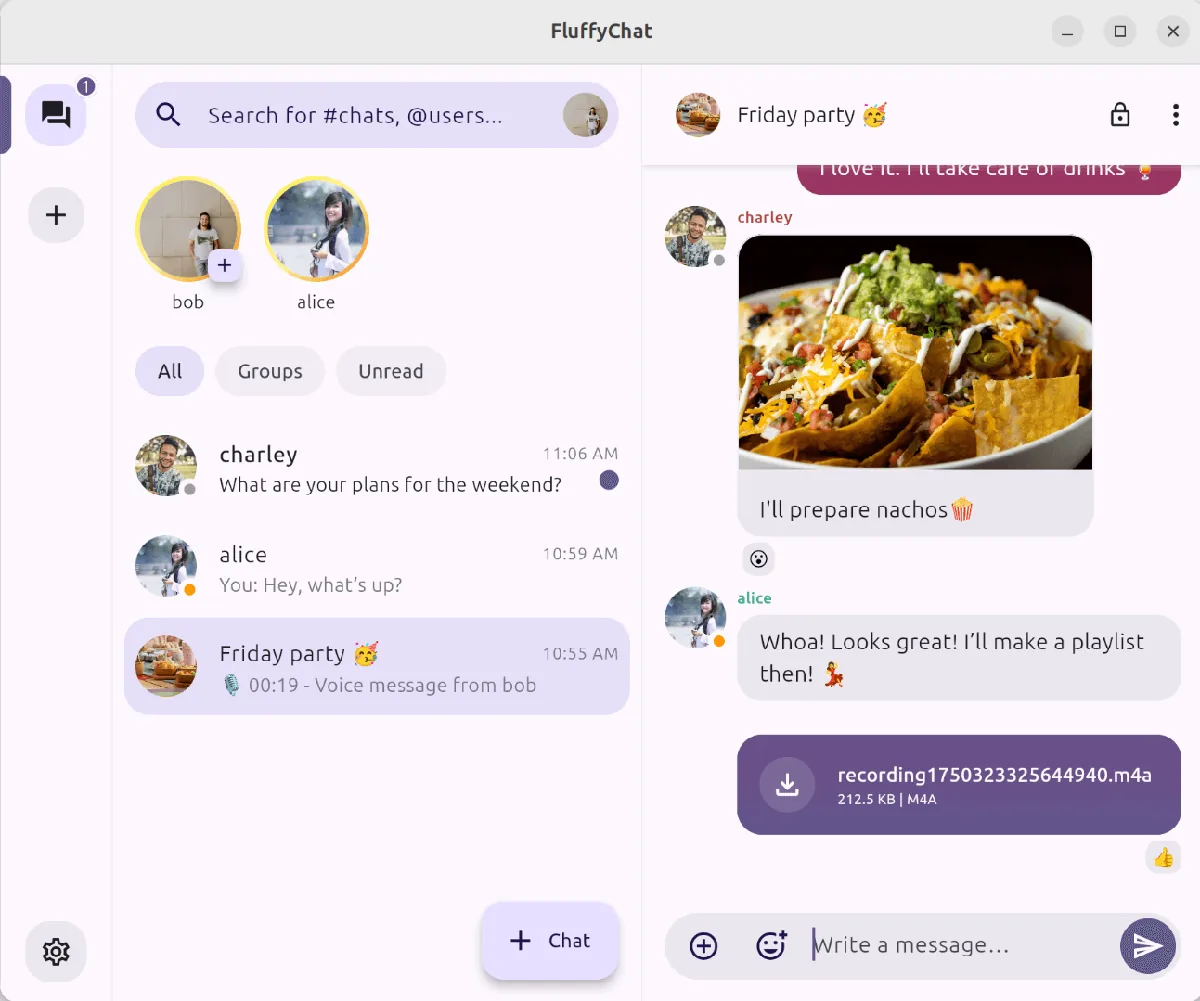
FluffyChat itself is free and open source, the code is released under the AGPL-3.0 license, and there is no mandatory subscription on the client side. When connecting to a public Matrix server, whether free and available capacity is determined by the server operator; self-built servers will incur hosting, domain name, storage, bandwidth and maintenance costs. A donation portal may be provided within the application to support the continued development of the project.
FluffyChat has the advantage of friendly interface, wide platform coverage, and does not lock users into a single service provider. Commonly used capabilities such as chat, files, voice, encryption and community space are relatively complete, and the simplified Chinese translation also reduces the difficulty of getting started.
It is not a completely barrier-free replacement for traditional centralized chat software. Server selection, device verification and recovery keys still require user understanding, and video and audio calls are also marked as experimental features on the official website. It is more suitable for users who are willing to spend a little time understanding Matrix and value open protocols and server autonomy.
The current stable version of GitHub is v2.8.0, released on July 20, 2026. The official Android APK is approximately 143 MB, and Linux ARM64, Linux x64, and web buildpacks are also available. Before installation or upgrade, it is recommended to check the file name and verification summary on the release page. Existing users should also confirm that the recovery key can be used normally.