Privacy Badger - 2026.8.7
EFF's open-source browser extension for limiting cross-site trackers and sending privacy preference signals.

A Firefox extension for organizing tabs with trees, panels, containers, groups, and snapshots.
576.06 KB0 Already downloaded Mobile view
Sidebery is a free and open source sidebar extension for Firefox, which mainly uses tree tabs, panels and groups to organize a large number of web pages. When you open multiple projects, profile pages, or different accounts, it can move content originally squeezed into the top tab bar into a searchable and collapsible sidebar.
It not only arranges tabs vertically, but also integrates bookmarks, history, containers, automatic allocation rules and window snapshots. Sidebery is suitable for users who keep a lot of tabs for a long time, need to split the workspace by tasks, or want to fine-tune the Firefox browsing process.
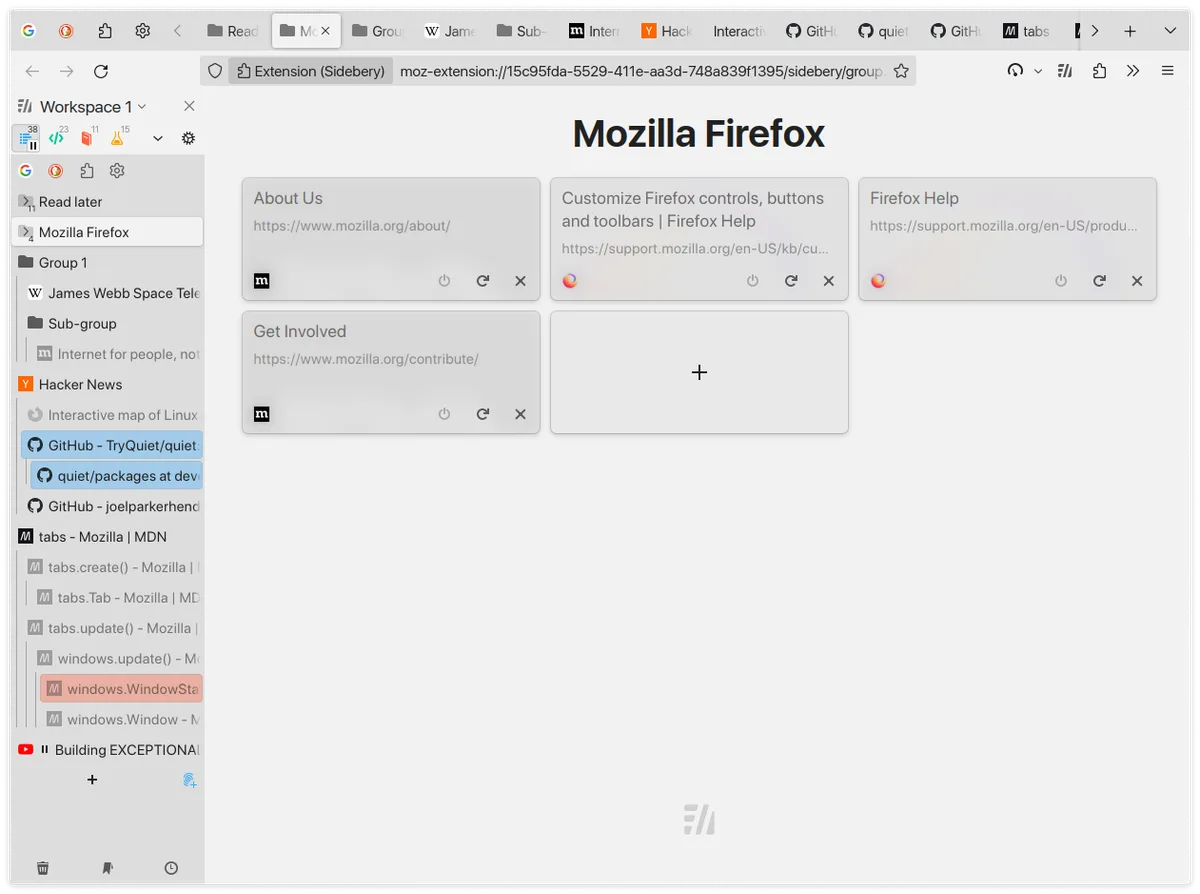
The advantage of Sidebery is that it puts the tab tree, workspace, container and snapshot into the same sidebar, and the setting granularity is finer than the vertical tab page that comes with Firefox. It provides a Simplified Chinese interface, and the default data is saved locally; only when synchronization is actively enabled, the data will be sent to the synchronization service selected by the user.
Rich functions also mean more settings. It may conflict with extensions such as Tree Style Tab that move or sort tabs, and it is officially recommended not to enable similar managers at the same time. Firefox also does not allow extensions to directly hide the native top tab bar. If you want to completely hide it, you can only configure userChrome.css. This step is not suitable for users who are new to Firefox customization.
Sidebery is free to download from the Firefox Add-ons Store. The source code is released under the MIT license, has no ads, and does not require a subscription. Core tab management, bookmarks, history, containers and snapshots are all free. Optional synchronization relies on third-party services selected by the user, and the related accounts, storage space or service fees are not provided by Sidebery.
Sidebery is suitable for people who use Firefox as a long-term workbench: the more tabs, the more obvious the sense of order brought by the tree structure, panels and automatic rules. The official store lists it as a recommended extension. It currently has about 52,000 daily users and a score of about 4.7, indicating that it already has a relatively mature user base.
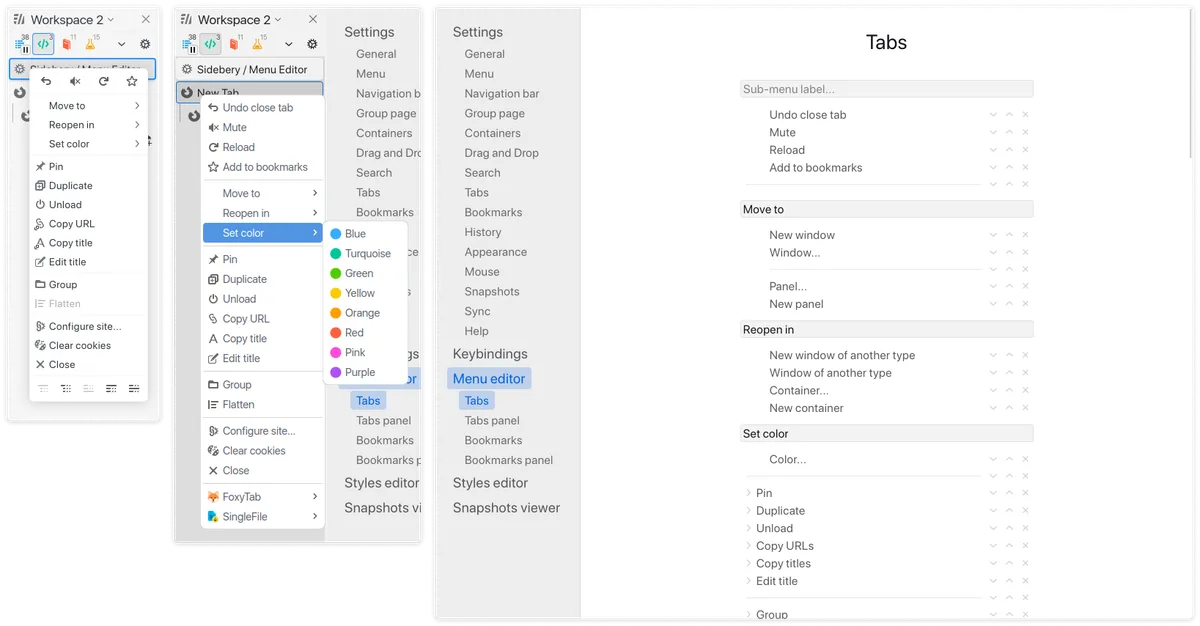
It is not a lightweight tool that requires no setup at all. You should start with two or three panels for your first configuration, and then enable container rules, custom menus, and CSS once you get used to the tree tabs. The extension requires necessary permissions such as reading and managing tabs. Permissions such as bookmarks, history, proxies, and all website data are related to specific optional functions. It is recommended to enable them as needed.
The current stable version is 5.6.1, released on July 16, 2026. The Firefox official store installation package is about 576.06 KB and requires Firefox 140 or higher. This maintenance update fixes the initialization failure in versions before Firefox 149; 5.6.0 and 5.6.1 were released on the same day. Users using older versions or with abnormal sidebar status at startup should update first.