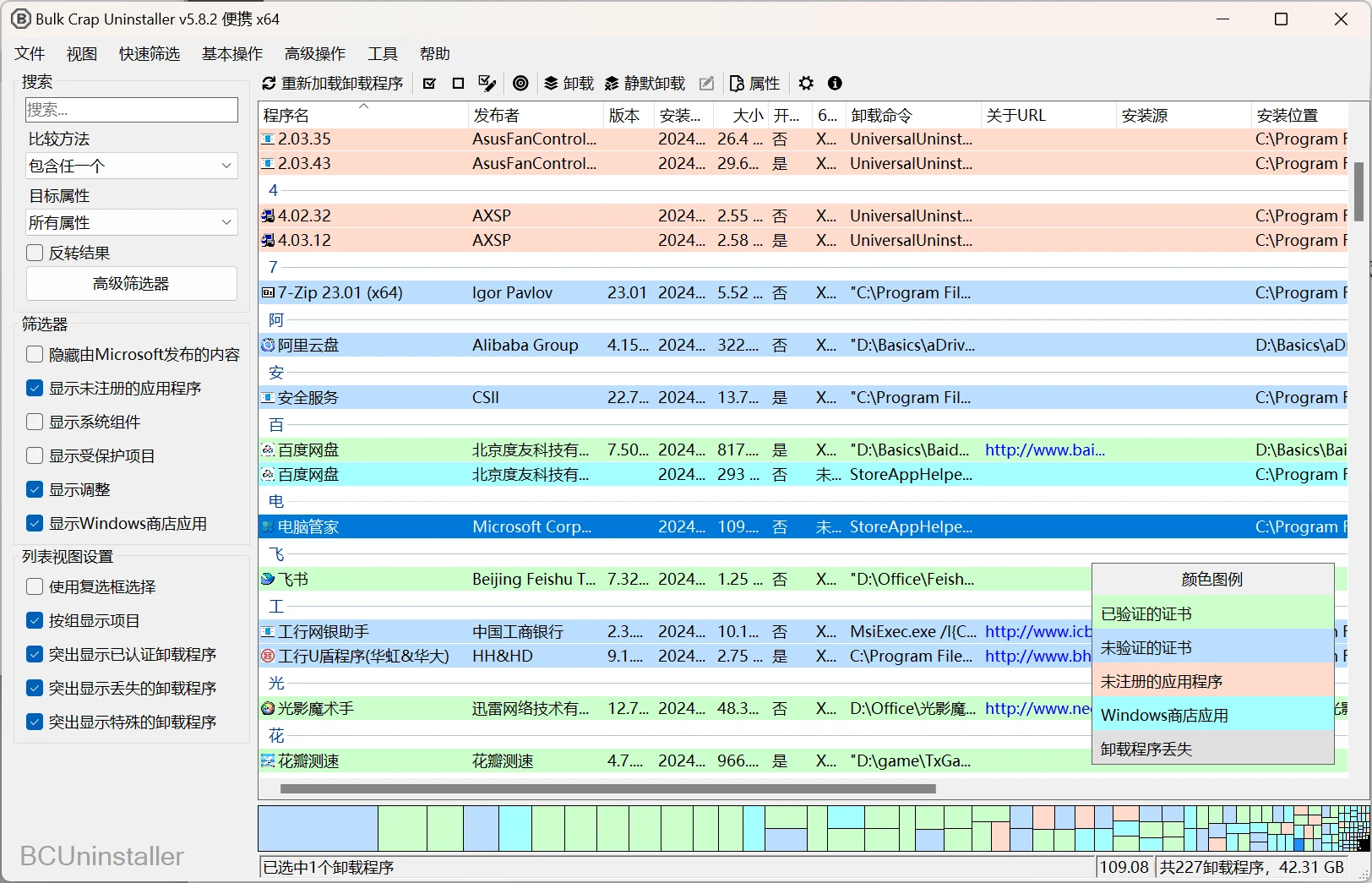
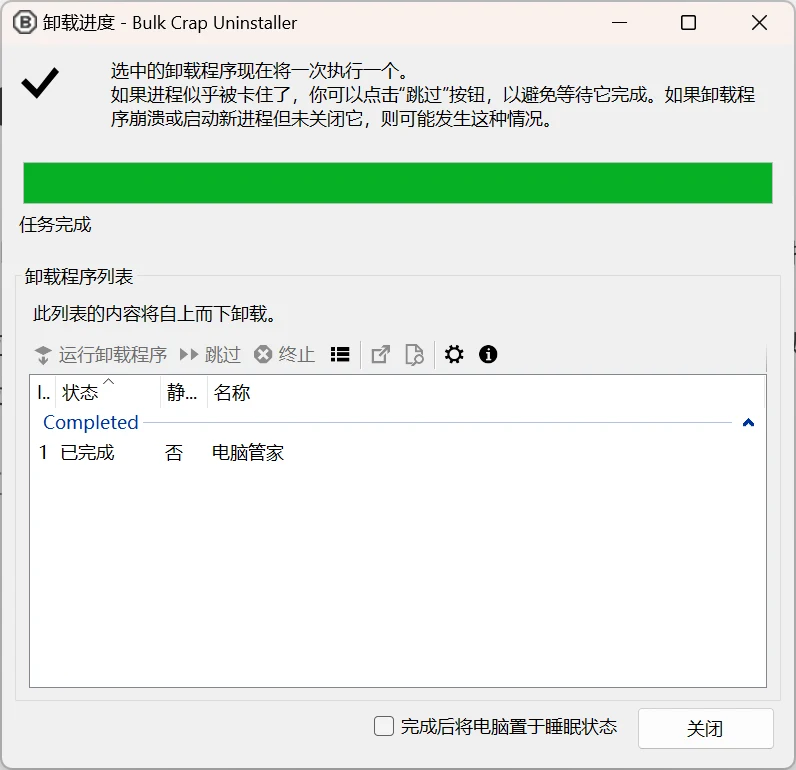
Bulk Crap Uninstaller (abbreviated as BCUninstaller or BCU) is a batch uninstaller tool for Windows.
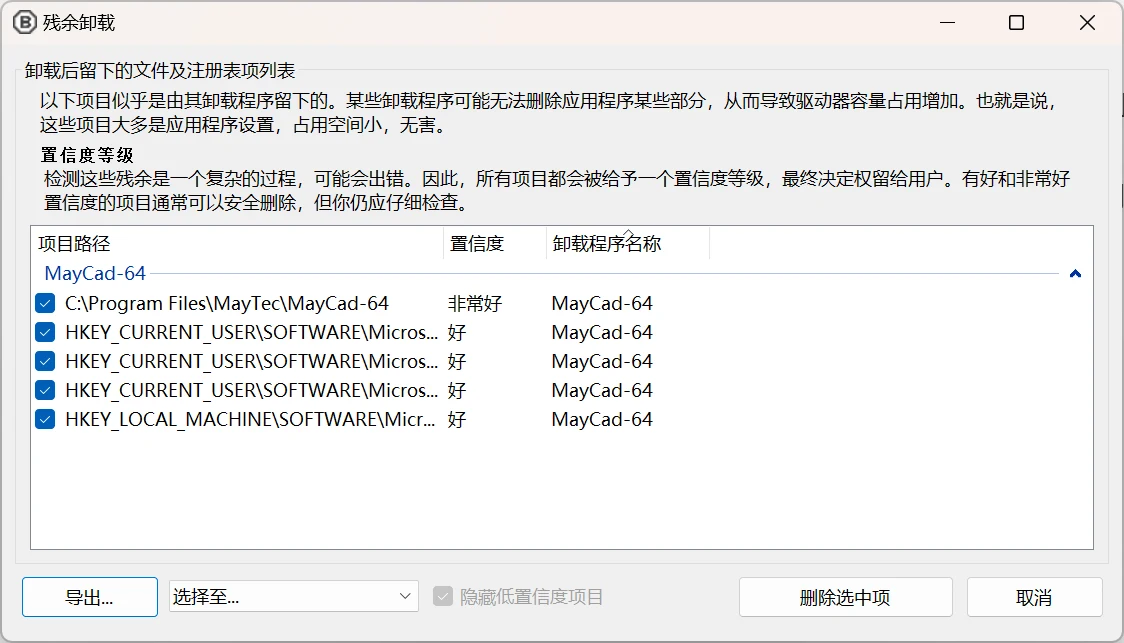
It can detect most applications and games (even portable or unregistered software), supports forced uninstall, cleanup of leftovers after uninstall, automatic uninstall based on preset lists, etc.
BCUninstaller has very powerful detection capabilities, able to detect, manage, and uninstall applications from the following sources:
Normally registered applications (same as Programs and Features and many other uninstallers)
Hidden/protected registered applications
Applications with broken or missing uninstallers
Portable applications (searched in common locations and on portable drives, configurable)
Chocolatey packages
Oculus games/applications
Steam games/applications
Windows Features
Windows Store apps (Universal Windows Platform apps)
Windows Updates
Fast automatic uninstall
BCUninstaller’s main feature is its ability to fully or nearly fully automate the process of uninstalling multiple applications. BCU always attempts to use the application’s original uninstaller to avoid the problem of blindly deleting files to automate uninstallation found in some uninstall managers (e.g., failing to unregister context menu items or services).
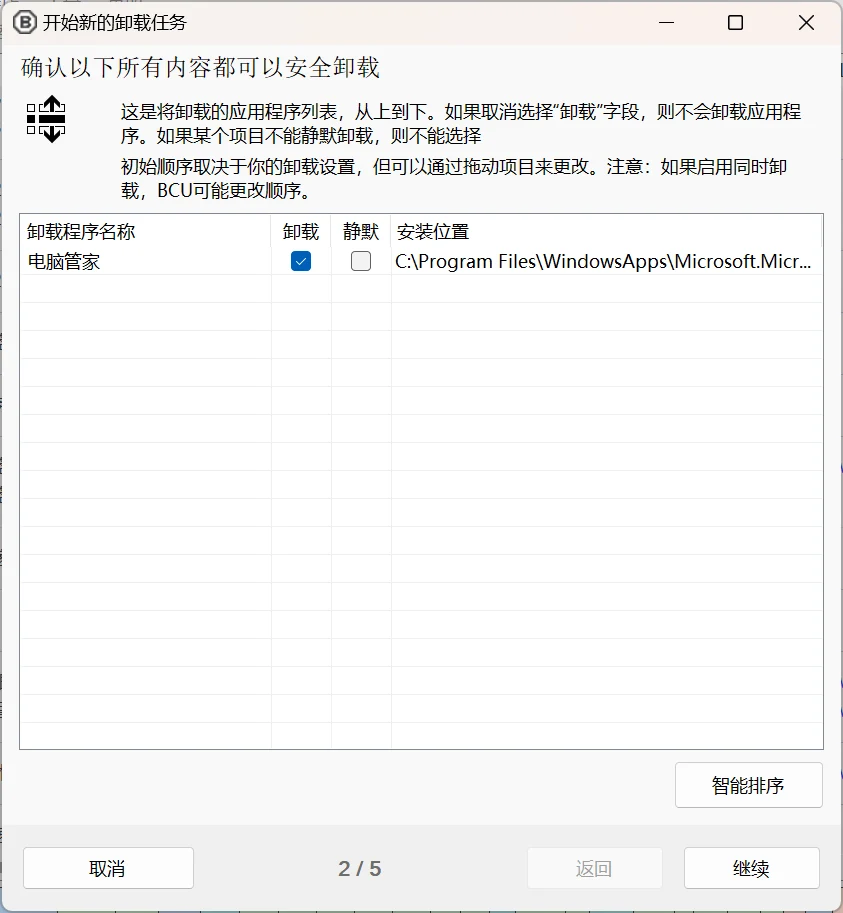
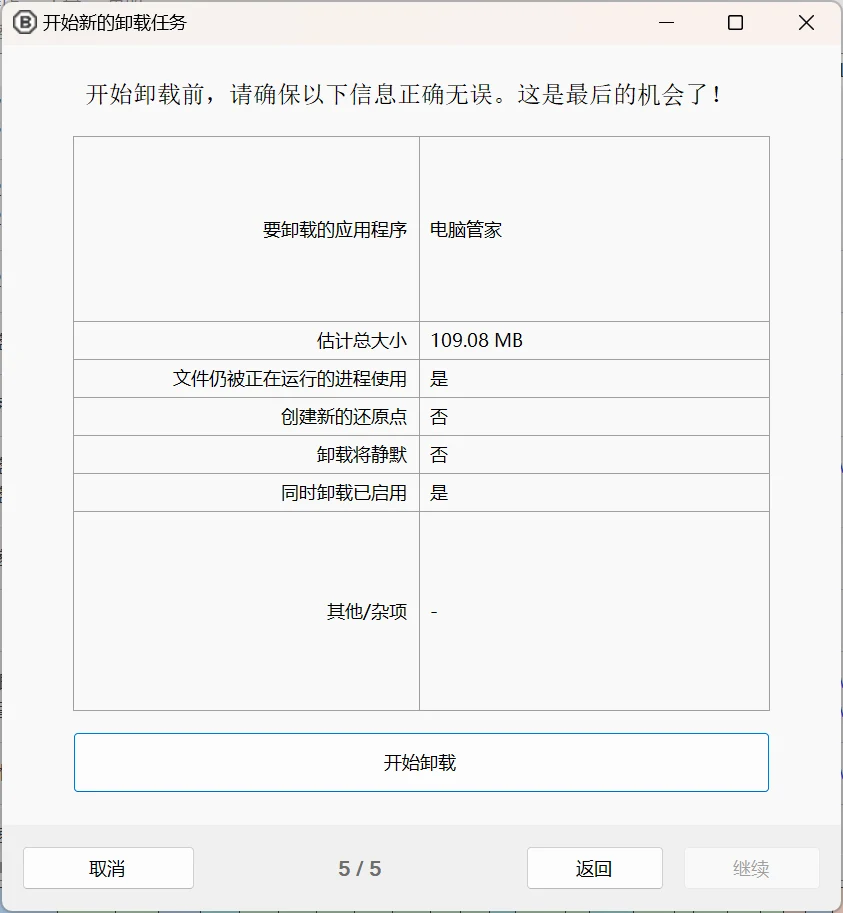
Uninstall multiple applications at once
Uninstall with little to no user input
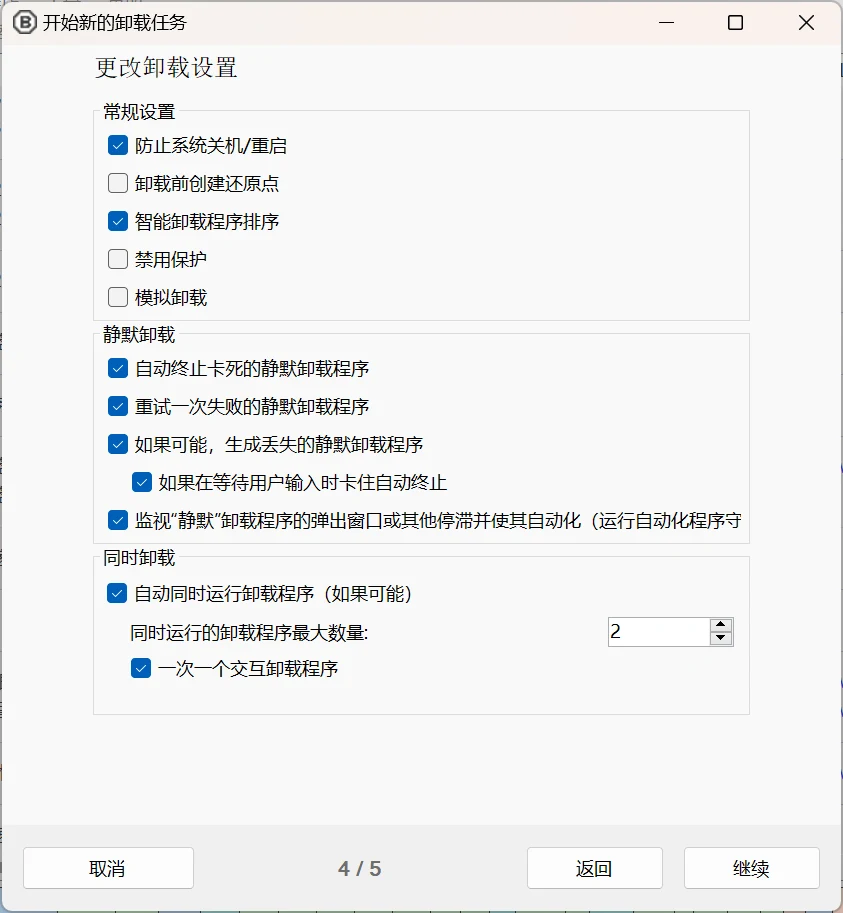
Uninstall multiple items at once to speed up the process (with collision prevention)
Console interface can automatically uninstall applications based on conditions without user input
Silently uninstall many uninstallers that do not support silent uninstall
Uninstall applications even without an uninstaller
Uninstall applications via window, shortcut, or directory
Can handle crashed and hung uninstallers
Other Features
Although detection and uninstall are BCU’s two main features that get the most attention, it also has many useful tools built on this framework.
Find and delete leftover files after uninstall
Clean up unused or empty folders in program folders
Manually uninstall any application, bypassing its uninstaller (forced uninstall)
Startup Manager
Application Rating
A large amount of data about applications is collected and displayed. Users can freely browse, filter, and export everything.
Filter using common presets or fully custom rules, supports regular expressions
Uninstaller certificate verification
Highly configurable
Can run user-specified commands before and after uninstall
Can run on .Net 4.0 or newer, or if not available, on .Net 3.5 with reduced functionality (will run on Windows 7 or newer without updates).