BCUninstaller - v5.8.2
Batch uninstaller tool for Windows

A Windows taskbar transparency/semi-transparency tool
1.5MB0 Already downloaded Mobile view
TranslucentTB is a lightweight tool that makes your Windows 11 and Windows 10 taskbar transparent or semi-transparent, enhancing the aesthetics of your desktop.
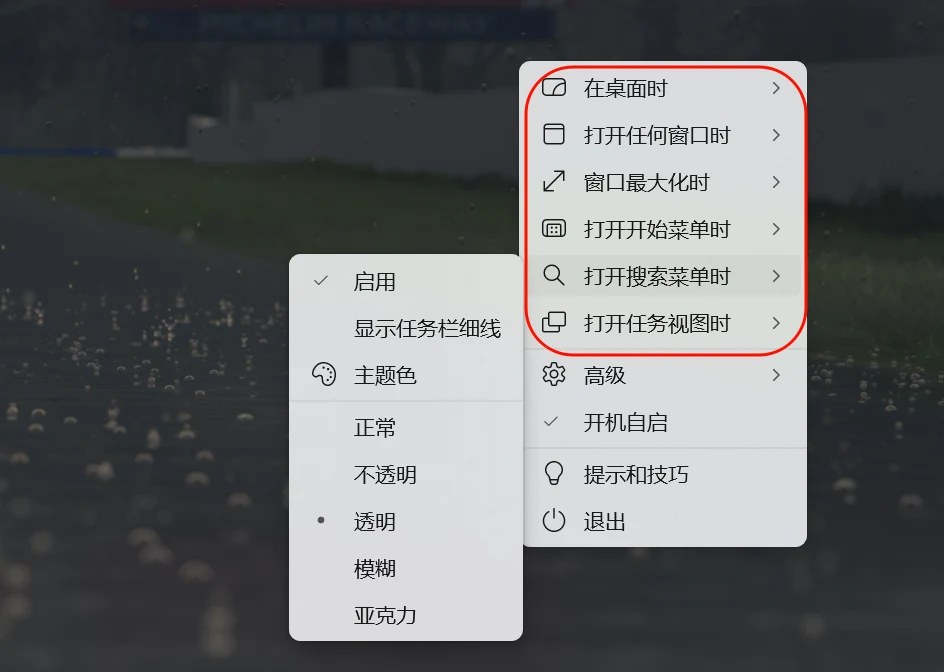
The UWP version of the software is only 1.5MB, very lightweight and almost doesn’t consume CPU. It allows your taskbar to have five states: normal, opaque, transparent, blur, and acrylic.

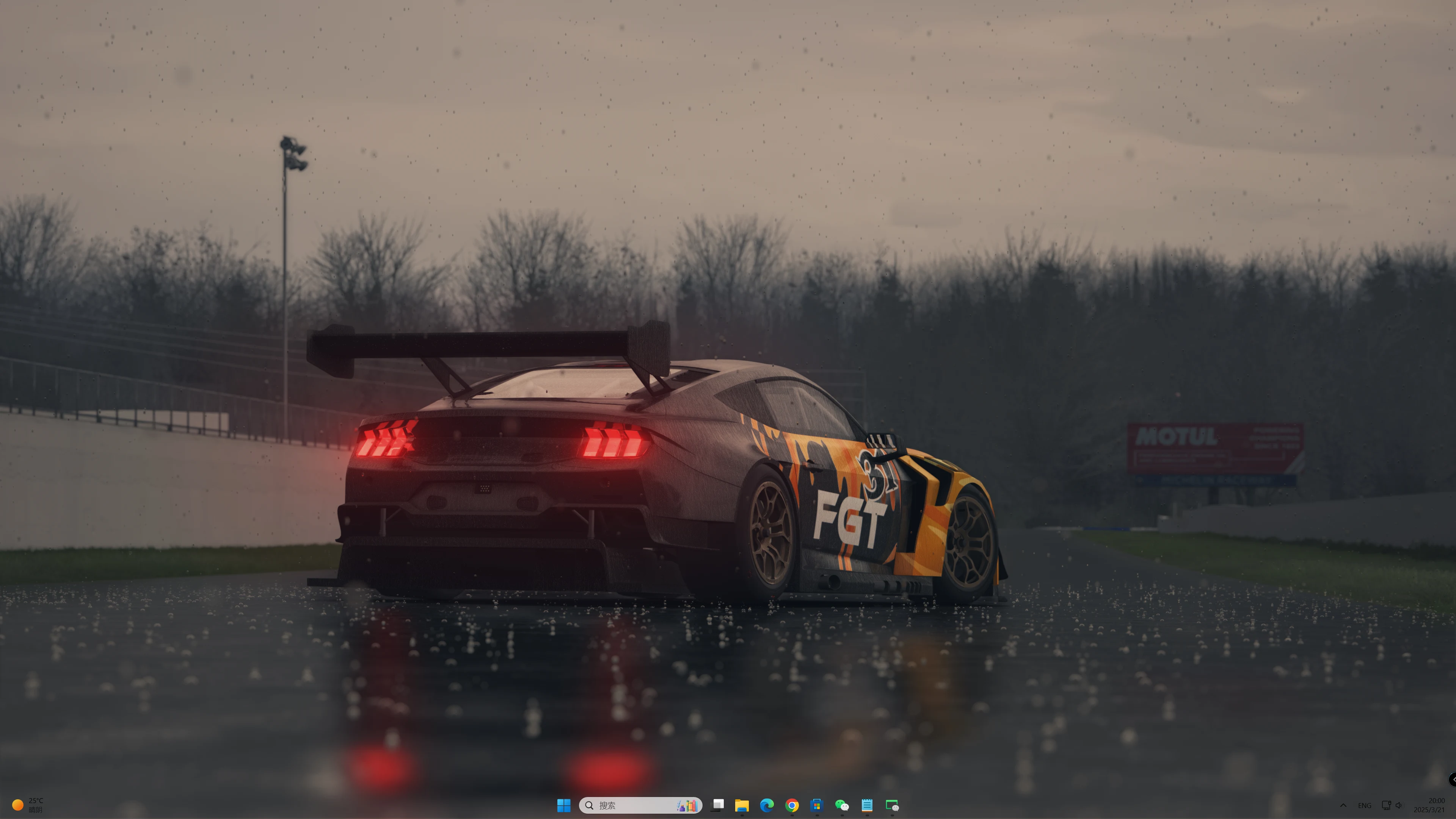
A transparent taskbar paired with a high-quality wallpaper can boost your desktop’s aesthetics by several levels!
On Windows 11, you need to set six dynamic states for the taskbar: on desktop, when opening any window, when window is maximized, when opening Start menu, when opening Search menu, and when opening Task View.
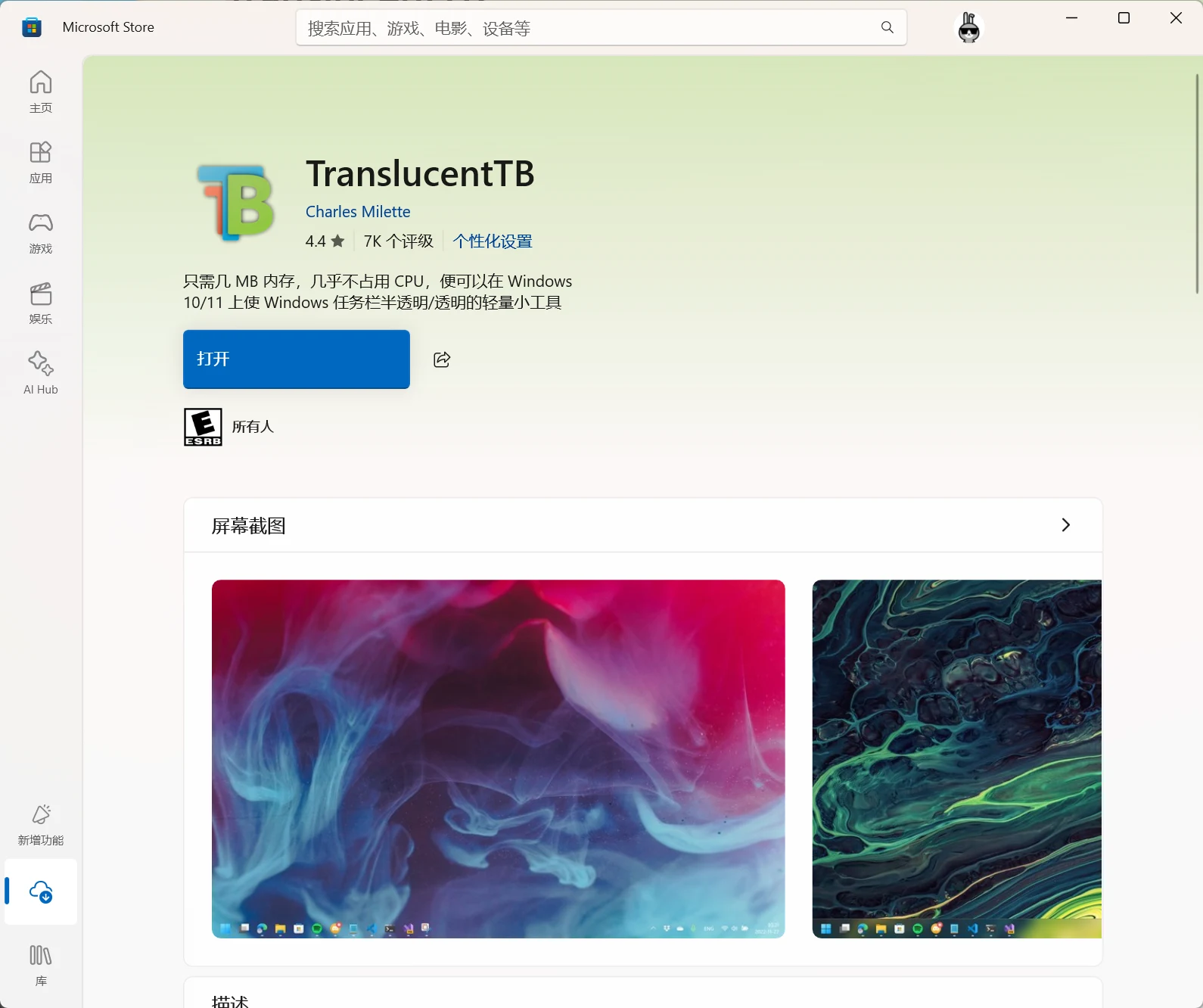
This tool is already available on the Microsoft Store, so you can search and download it directly.
1. Transparent taskbar. 2. Beautiful wallpapers/live wallpapers. 3. Hide all desktop icons.