Kopia - 1.0
A cross-platform, end-to-end encrypted open-source backup tool with compression and deduplication

Free and open-source end-to-end encrypted note-taking tool with multi-device sync.
93.90 MiB(Windows x64 安装程序)0 Already downloaded Mobile view
Notesnook is a free, open-source note-taking app focused on privacy, available on Windows, macOS, Linux, Android, iOS, and the web. It encrypts notes on your device before syncing, making it ideal for users who want to organize text, tasks, and attachments across devices without handing readable notes to a cloud provider. The app interface is currently primarily English, but basic editing, search, and sync flows are straightforward, and Chinese note content can be entered and searched normally.
Notesnook offers rich text and Markdown editing, notebook and tag management, full-text search, to-do lists, reminders, attachments, note history, and multi-device sync. Notes are processed with end-to-end encryption on your device, and only ciphertext is stored on the server. An official web vault lets you independently view the contents of encrypted backups.
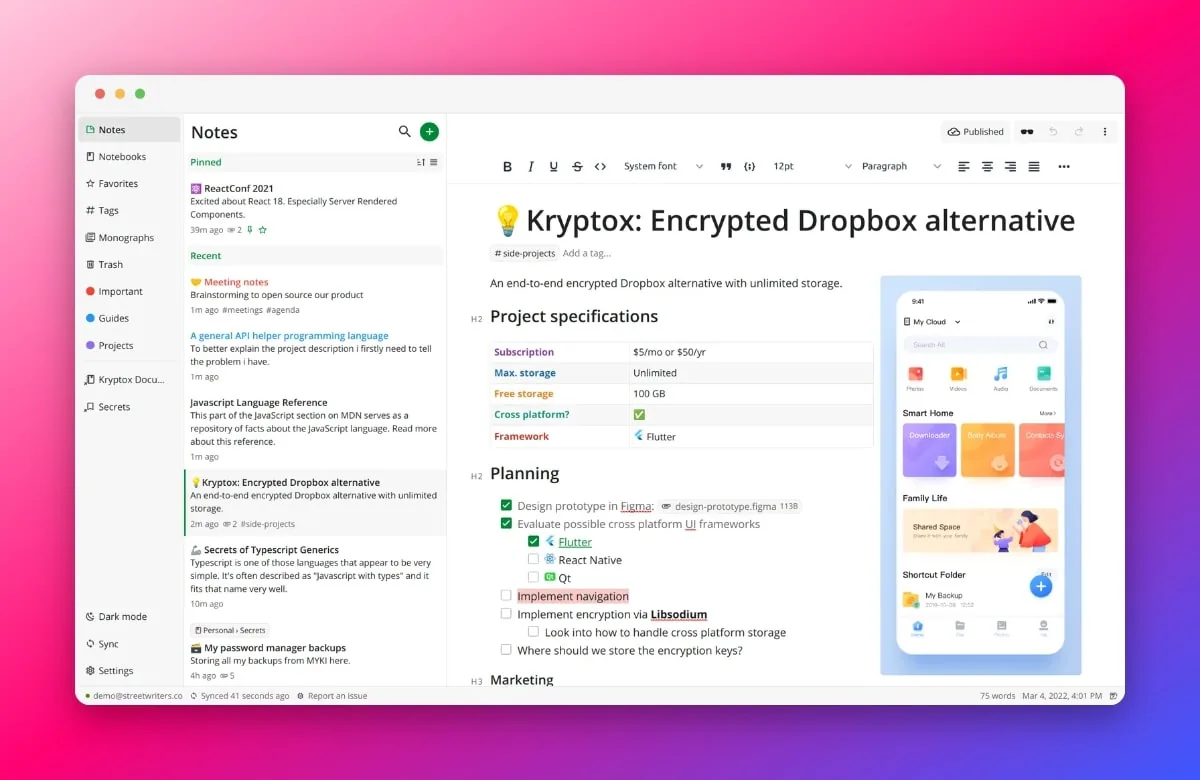
On desktop, you can switch between notebooks, tags, favorites, reminders, archive, and trash from the sidebar, and use keyboard shortcuts to quickly create or find notes. Sync works across officially supported platforms—just sign in with the same account and continue editing. If you don’t want to register, you can still use the app locally first and enable sync whenever you need it.
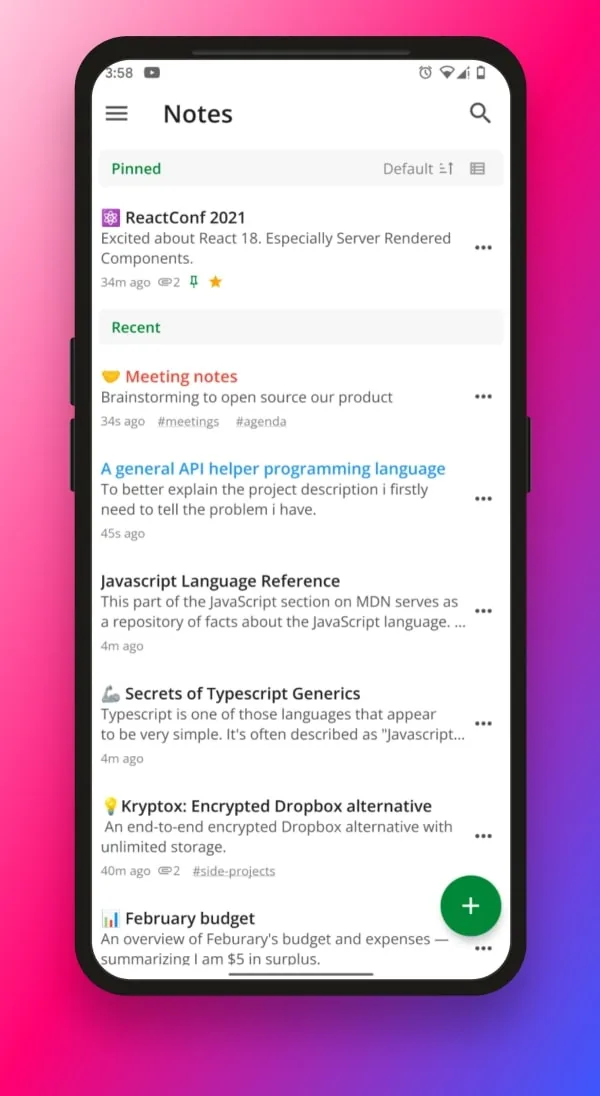
Desktop users can visit the official download page and choose the Windows, macOS, or Linux installer for their system and processor. Mobile users should install from the App Store or Google Play and avoid installation files from unknown sources. After the first launch, you can immediately create a local note or register an account to enable end-to-end encrypted sync.
Because the interface is currently mostly in English, new users can start by familiarizing themselves with common options such as “Notes,” “Notebooks,” “Tags,” “Sync,” and “Settings.” Before working with critical data, we recommend keeping an independent export or backup and not treating the sync service as your only backup.
Notesnook is ideal for work logs, study materials, research excerpts, personal plans, and private notes that contain sensitive information. It is also a solid option for those who want to migrate from a closed note platform to an open-source tool. It is especially useful for users who need multi-device sync while valuing a server-side design that cannot read content. If your team needs complex collaboration, database views, or a fully localized Chinese interface, confirm that the current feature set meets your workflow before committing.
The free plan includes unlimited notes, unlimited device sync, and end-to-end encryption with no credit card required; however, there are limits on monthly attachment traffic, single-file size, and the number of notebooks, tags, and reminders. A paid subscription raises these capacity and feature limits. Notesnook’s source code is released under the GNU GPL v3 license, so individuals are free to use it normally. For the exact quotas on cloud sync, always refer to the official pricing page.
Its main strength is combining end-to-end encryption, cross-platform clients, and a daily note-taking experience—and the free plan already covers your basic sync needs. The editor, tags, and search are sufficient for most personal knowledge management tasks. However, the interface is currently mostly English, some advanced features and higher attachment quotas require a paid subscription, and migrating large numbers of complex notes from another app should be tested on a small scale first to ensure format compatibility. This overview is based on official materials and has not been fully tested across all system versions and sync network environments.
Desktop Stable 3.4.7 was released on August 31, 2026. This release fixes an issue where recovery key validation in the account recovery flow was inaccurate and adds related tests. It also improves search with quoted, duplicate, or multiple tag and color conditions, preserves theme color scheme settings, and fixes an issue where deleting tasks from the trash could result in duplicate task IDs.