
Syncthing - 2.1.3
An open-source tool for synchronizing selected folders directly between multiple devices.
A cross-platform, end-to-end encrypted open-source backup tool with compression and deduplication
10 Already downloaded Mobile view
Kopia is a cross-platform open-source backup tool suitable for individual users and small teams who want to control backup location, encryption keys, and retention policies. It offers both KopiaUI GUI and CLI tools, capable of saving file snapshots to local directories, NAS, S3, Backblaze B2, Google Cloud Storage, Azure Blob, and other storage backends.
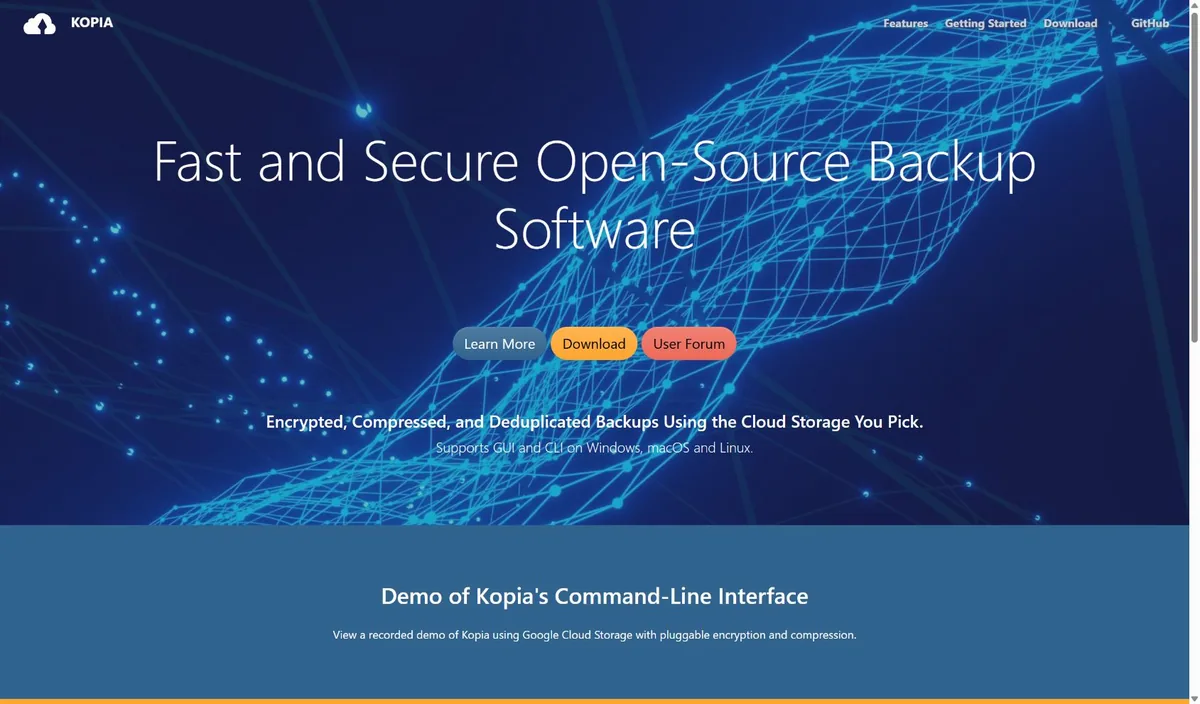
Kopia’s advantage lies in packaging professional backup capabilities into an easy-to-understand desktop interface while retaining full CLI functionality. The backup repository is separate from the program itself, allowing users to freely choose storage services without being tied to a single commercial cloud drive. Content addressing, parallel processing, and deduplication make it more suitable for long-term storage of many versions.
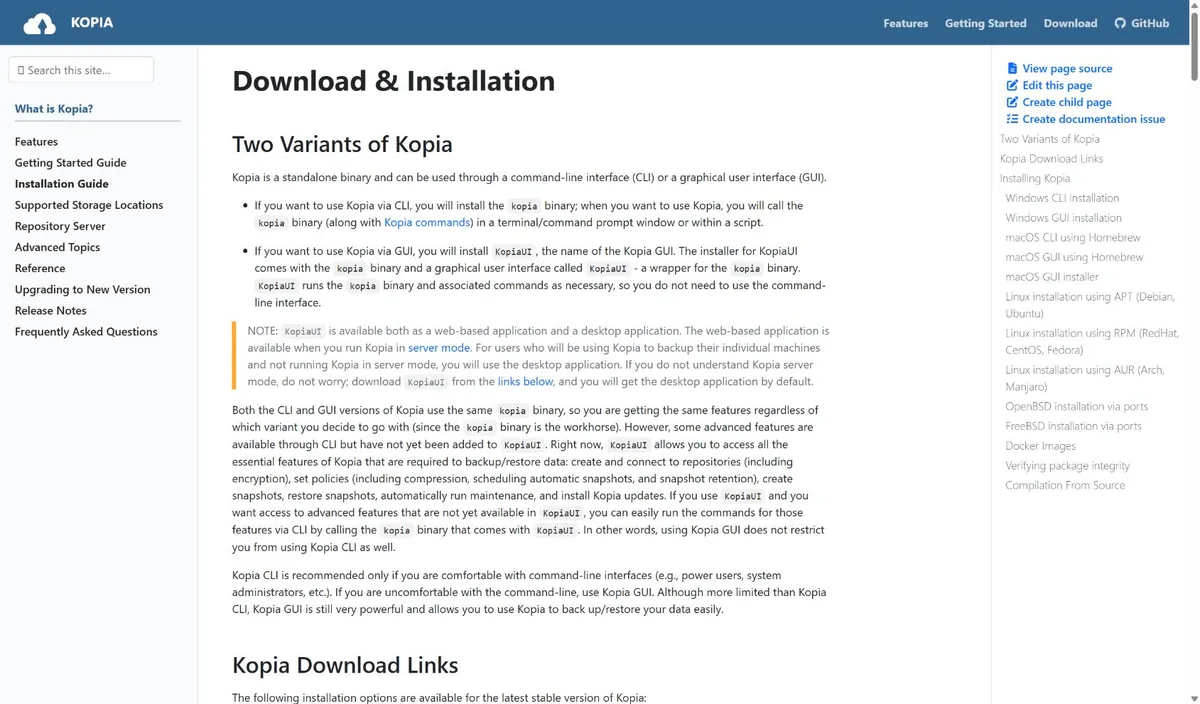
Windows users can download KopiaUI-Setup-0.23.1.exe from GitHub Releases and install via the wizard; macOS and Linux users can follow the official installation page to choose the appropriate package or package manager. After launching KopiaUI for the first time, select ‘New Repository’ or connect to an existing repository, then specify a local directory, NAS, or cloud storage, and set a strong password.
After connecting the repository, select the folders to protect in the ‘Snapshots’ area, first check exclusion rules and retention policies, then perform the first snapshot. It is recommended to immediately try restoring a test file after completion, and store the repository password and recovery information in a separate, secure location. Important data should follow the 3-2-1 backup rule, not stored on a single hard drive or single cloud.
Kopia is suitable for scheduled backups of computer documents and photos, data protection between NAS and object storage, shared backup repositories across multiple devices, and development and creative materials requiring multiple historical versions. For users unfamiliar with the command line, KopiaUI is sufficient for common tasks; for automation, CLI, server mode, and scheduled tasks can be used.
Kopia is open-source under the Apache-2.0 license, and both the desktop and CLI tools are free to use. The software does not force paid cloud space; actual costs depend on the user’s choice of hard drive, NAS, or third-party object storage service.
Kopia has a comprehensive feature set, especially suitable for users who value encryption, deduplication, and storage freedom. The GUI lowers the configuration threshold, but if the repository password is lost, data cannot be decrypted. First-time users should carefully understand repositories, snapshots, policies, and retention rules. For users who just want ‘one-click sync’, it may be more complex than ordinary cloud drives; for users who want to build a verifiable and portable backup system, this complexity is worthwhile.
The current stable version is v0.23.1, released on June 16, 2026. The KopiaUI installer for Windows x64 is approximately 108 MB. This version continues to improve the GUI, backup and storage compatibility. Existing users are advised to perform repository maintenance and read the official release notes before upgrading.