AntennaPod - 3.11.4
An ad-free, open-source Android podcast player with RSS subscriptions and offline playback.

A CarPlay receiver for compatible BYD Android head units, with USB and wireless connections. Public preview with experimental authentication and compatibility limits.
10 Already downloaded Mobile view
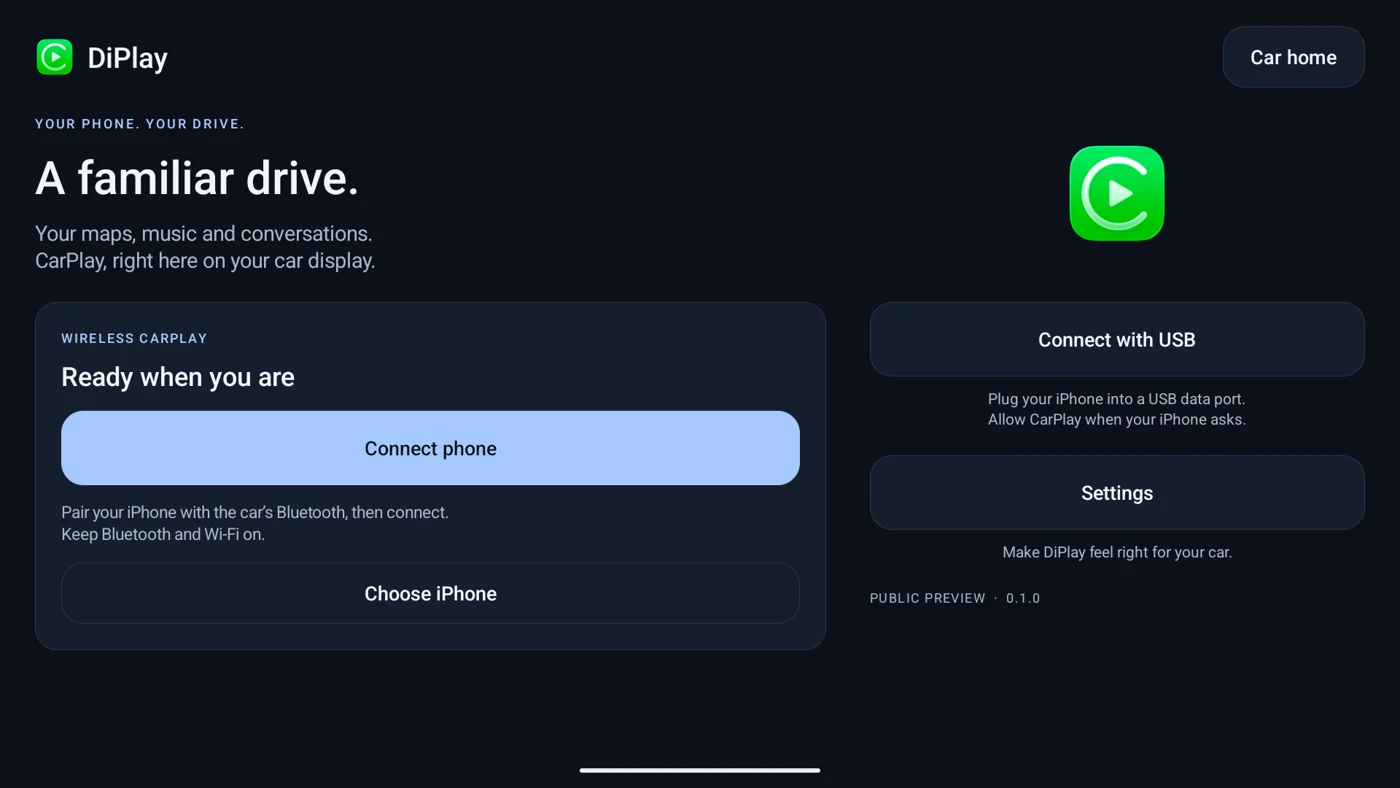
DiPlay is a CarPlay receiver for compatible BYD Android head units. It brings navigation, music and calls from an iPhone to the car display over USB or a wireless connection. Install the APK on the head unit. Basic connectivity requires no jailbreak, external adapter or account, while the phone continues to run its own CarPlay apps.
Version 0.2.15 is a public preview. This overview is based on official documentation and release notes, not our own vehicle testing. DiPlay is not Apple-certified. Its APK includes an experimental accessory certificate and private key recovered from public firmware, and that key is extractable. The maintainer states that suitability for general distribution and continued acceptance by future iOS versions remain unresolved. Review these limitations before deciding to try it.
Wired connections use a USB data port. Wireless options include the car's built-in hotspot, Wi-Fi Direct, or connecting the phone and head unit to the same external Wi-Fi network. Availability depends on the head unit's hardware and firmware and the iPhone's iOS version. Even models from the same manufacturer may behave differently.
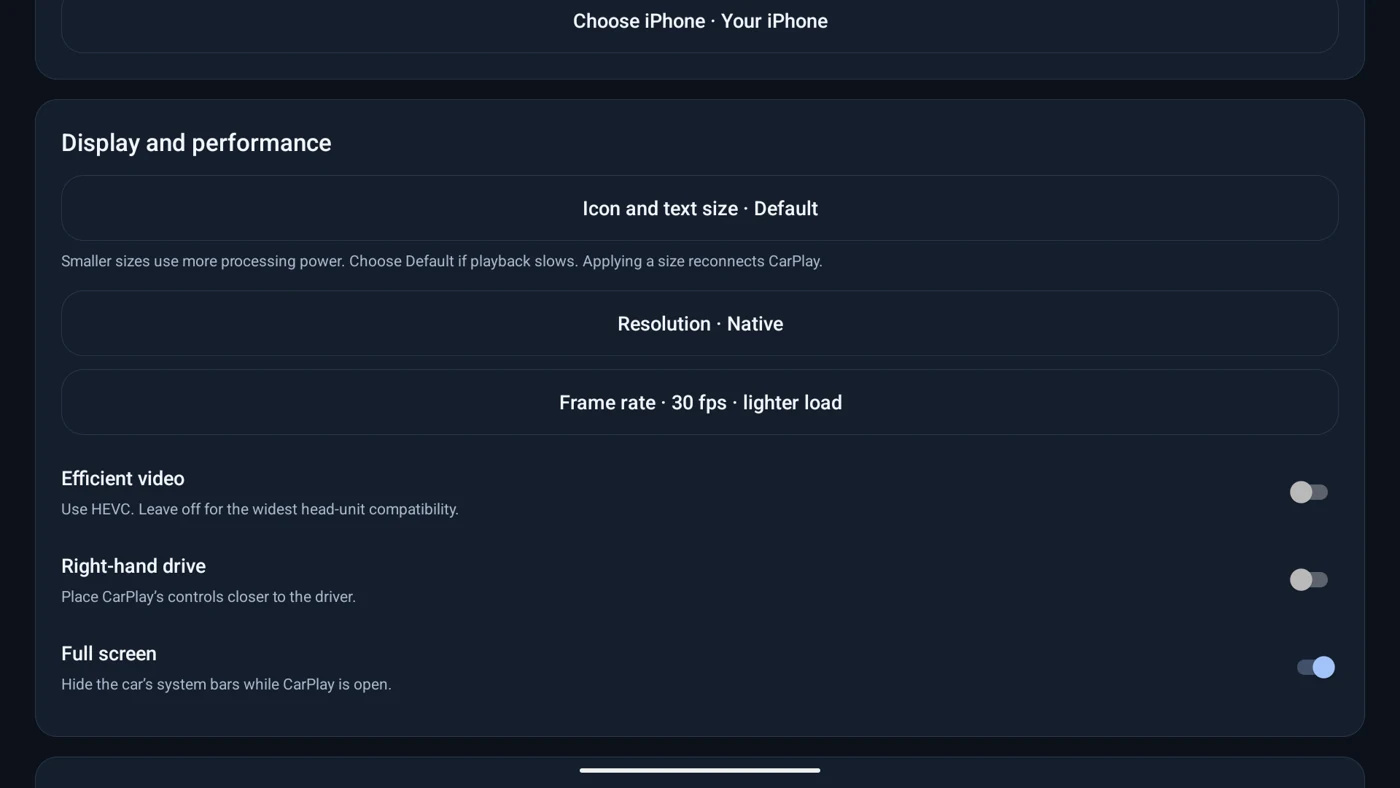
Display controls adjust resolution, frame rate, and icon and text size. Some changes require reconnecting. Compatible firmware can also show BYD head-up navigation prompts and instrument-cluster navigation information. Vehicle data, some steering-wheel controls and cluster extensions are optional advanced features, not capabilities guaranteed on every head unit.
Authentication and diagnostic processing are primarily local, without a remote authentication service. Diagnostic reports are exported by the user and are not uploaded automatically. They may still contain device and network information, so review them before sharing publicly. Maps, music and communication apps on the iPhone have their own network behavior and privacy policies.
The app offers seven languages, including Simplified and Traditional Chinese. Android 7.1 is the minimum installation requirement, but Android 7.1 through 8.1 still needs vehicle testing. Official support focuses on BYD cars. Other brands are outside the project's supported scope even if the app happens to run on them.
1. Park the car and check that its head unit permits APK installation. Download DiPlay-0.2.15.apk from the official release page and install it using a method supported by the head unit. Close other phone-projection apps, open DiPlay, and grant Bluetooth, Nearby devices, Wi-Fi and microphone permissions as needed for the features you use.
2. For wireless use, enable the car's built-in hotspot, preferably on 5 GHz when supported. Select Built-in car hotspot in the connection settings and enter its exact name and password. Keep Wi-Fi and Bluetooth enabled on the iPhone, pair it with the car, tap Connect phone and follow the phone's prompts.
3. For wired use, connect a data-capable cable to a USB data port and select Connect with USB. If USB access, Trust or local VPN prompts appear, check that they belong to the app you are using. The local VPN carries the USB network connection; it is not a remote internet VPN service.
4. For initial testing, start at 30 fps with default icon and text size and HEVC efficient video disabled. Try a lower resolution on a slower head unit. Core CarPlay connectivity does not require ADB. Cluster and vehicle extensions that need ADB debugging authorization are advanced options to assess separately once you understand the device.
DiPlay may suit iPhone owners who want to test navigation and music integration on a compatible BYD head unit. It also gives enthusiasts a way to compare USB and wireless behavior while parked and report device compatibility. Users with supported firmware can explore cluster navigation extensions. At this public-preview stage, it should not be your only option if you need dependable, ready-to-use connectivity.
The project provides an APK and corresponding source code, with no subscription required for basic use. The receiver is based on GPL-3.0 code, and parts of the interface use AGPL-3.0 code. Third-party images and other assets have separate terms. The CarPlay icon belongs to Apple, and the experimental authentication data is not relicensed under the project's source-code license. Do not assume that everything bundled in the APK can be freely redistributed. Phone-app subscriptions, mobile data and hardware costs are separate.
DiPlay combines several phone-to-car connection methods with configuration, diagnostics and selected vehicle integrations. It still needs real-device feedback. Automated tests alone cannot establish reliable calls, Siri, uninterrupted audio or consistent behavior across firmware versions. Treat it as a community project for compatibility testing. Inclusion here does not mean it has passed a security audit or received approval from Apple or BYD.
Version 0.2.15 was released on October 8, 2026 as a public preview. The official APK is approximately 16.11 MiB. This update adds Android 7.1 compatibility handling, a first-launch head-unit setup guide and manual update checks in About. DiPlay's interface also gains Light, Dark and Auto appearance options.
The release improves music-buffer recovery, video-decoder compatibility fallback and Wi-Fi Direct band selection. Experimental car Bluetooth audio remains off by default, and call and navigation behavior still needs vehicle feedback. The maintainer does not claim a new complete-release vehicle acceptance test. Review reports for your model before updating and retain your existing settings and any diagnostic records you need.