Escrcpy - v1.28.4
Cross-platform Android Phone Remote Control Tool

A free and open-source cross-platform radial menu that lets you launch apps, open files, execute shortcuts, and run commands via directional gestures.
Windows 约 162 MB5 Already downloaded Mobile view
Kando is a free and open-source cross-platform radial menu that can be summoned near the cursor with a hotkey, allowing you to quickly launch apps, open files, execute shortcuts, or run commands using directional gestures. It supports Windows, macOS, and Linux, and is ideal for users who frequently switch tools, struggle to remember many shortcuts, or want to reduce mouse travel.
Unlike traditional Start menus and linear context menus, Kando arranges items in a circle around a center point. Once you are familiar with the positions, you don’t need to aim precisely at small buttons—just swipe in the corresponding direction to make a selection. The official statement confirms the software is completely free and open-source, with no telemetry, tracking, or cloud services, and menu configurations are stored locally.
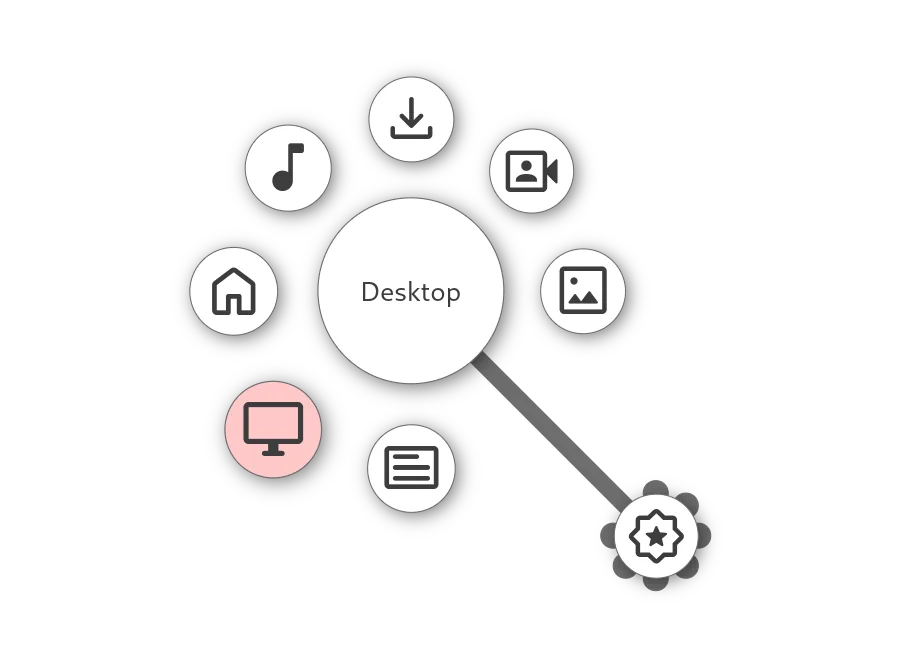
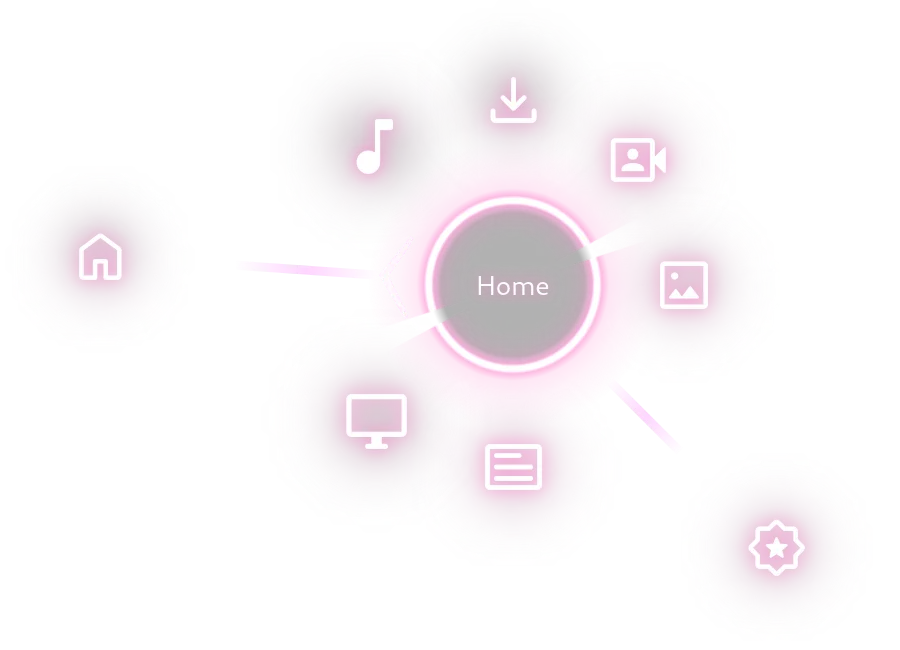
The real value of Kando isn’t just that buttons are circular—it’s that menu positions and directions gradually become muscle memory. Initially, you can select by looking at the icons; after familiarization, just summon the menu and move toward the target direction for noticeably faster operation. It supports mouse, stylus, touch screen, and game controller input, suiting various desktop environments.
The software has no accounts, cloud sync, or data tracking, minimizing privacy concerns. However, too many customization layers can reduce efficiency; it’s recommended to place 6–8 most frequent actions on the first level and gradually add submenus based on actual needs.
Design & Creative:Centralize brushes, tool switching, and export commands near the cursor.Development:Quickly open terminals, project directories, and common commands.Office Work:Integrate screenshots, clipboard, folders, and frequently used apps.Large & Multi-Screen:Reduce the distance needed to move the cursor to screen edges.Stylus Users:Select functions using natural directional movements.
Kando is completely free and open-source; the official statement promises no telemetry, tracking, or cloud services. Settings are saved locally, and no account registration is required. Users can get official builds from the website or GitHub Releases.
Kando is suitable for efficiency-minded users willing to invest time in building a personal workflow. The default menu already lets you experience the core interaction, but the real advantage comes from designing directions and layers according to your own habits. It doesn’t replace all launchers: those who prefer keyboard-driven search may prefer PowerToys Run or Alfred; if you mainly rely on a mouse, stylus, or controller, Kando’s radial menu is more intuitive.